
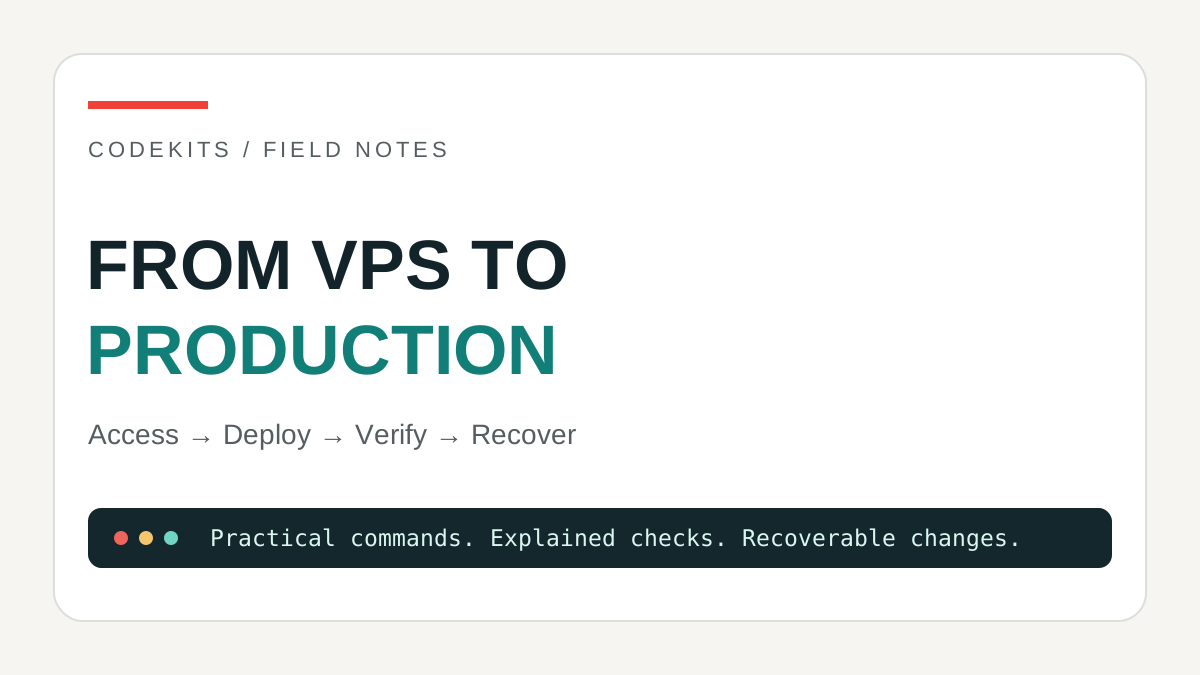
Renting a server is easy. Knowing which process answers a request, where its data lives and how to recover a failed release is the useful part. This learning path connects practical deployment command sheets with the Linux, networking and security foundations in my study notes.
The aim is not to paste one enormous installer. You will create an operating record: what runs, under which account, on which port, with which backup and recovery procedure. Use a disposable server and synthetic data first. Examples are generic, not a map of a customer's infrastructure.
Before renting: decide what you must operate
Choose a currently supported Ubuntu LTS release compatible with your application. Check the provider's recovery console, SSH-key setup, IPv4/IPv6 availability, backup retention, region, disk expansion and bandwidth charges. Compare the full monthly cost including snapshots and off-server backups, not only the advertised VM price. Provider snapshots and application-consistent database backups solve different problems.
There is no universal minimum RAM figure for a Next.js frontend, Node API and MySQL. A build can consume more memory than normal traffic. Estimate the application working set, database buffer pool, connection budgets, upload growth and build workspace. Measure a representative staging workload before promising capacity. Running a website, API and MySQL on one VPS covers those boundaries.
Protect the provider account with MFA and store recovery codes safely. Record how to reach the console before changing SSH or firewall rules. Read the Ubuntu Server documentation alongside distribution-specific instructions.
Know where each command runs
Local terminal means your laptop. Server terminal means a shell on the VPS. MySQL prompt accepts SQL, not shell commands. The same username does not mean the same machine.
ssh -i /path/to/your/private-key [email protected]Replace the documentation-only address with your server. Verify the server's host-key fingerprint using the provider's console or another trusted channel before accepting it. Do not disable host-key checking to silence a warning.
hostname
whoami
pwd
cat /etc/os-release
df -h
free -h
Read the results. If the hostname or account is unexpected, stop. The terminal command sheet explains paths, quoting, pipes and safe inspection.
Stage 1: recoverable access
Follow Ubuntu VPS first setup. Create an administrative account, test key-based login in a second terminal and keep the original session and provider console available. Allow the intended SSH port before enabling a firewall. Only disable password access after confirming a working independent route back in.
Learn application file permissions. The person uploading a release and the account executing it need not have identical write access. A compromised runtime should not be able to rewrite every release or read another application's configuration.
Checkpoint: a fresh login works, recovery is documented and only intended inbound services are permitted.
Stage 2: understand the request path
browser
└── HTTPS :443 / reverse proxy
    ├── frontend :3000 / loopback
    └── API :3400 / loopback
        ├── MySQL :3306 / private or loopback
        └── uploads / private application storage
These ports form an example contract, not mandatory defaults. A hostname is resolved by DNS; the proxy then chooses a virtual host and route. It does not automatically know where the API runs.
Use DNS diagnostics, Linux network state and ports, processes and services. Test A and AAAA records if publishing IPv6. A forgotten AAAA record can explain why one device reaches the wrong server.
Checkpoint: identify the listener and owner for each port, and explain which listeners are reachable from outside.
Stage 3: run the applications independently
Deploy the frontend using Next.js, Nginx and systemd. For a separate API, choose a normal systemd unit or PM2 under a named account. Do not independently supervise the same application with both.
If a service works in an interactive shell but fails at boot, use the systemd environment diagnostic. A login shell's PATH and version-manager configuration are not automatically the service environment. Keep production configuration out of browser bundles.
Continue with frontend, backend and database integration and Nginx route configuration. Give the API a database account restricted to its own schema. Apply migrations through a controlled identity rather than granting every runtime administrative privileges.
Checkpoint: a planned restart works, the browser reaches the intended HTTPS API, and database credentials remain server-side.
Stage 4: prove a release works
Use the curl command sheet for statuses, timeouts and failure cases. Add liveness and readiness checks, but do not mistake a health response for proof of working authentication, uploads or payments.
Practise verified rsync transfers and staged promotion with rollback. Keep private uploads and configuration outside replaceable releases. Check memory-limited builds before building on a small production machine.
Checkpoint: the previous release is recoverable, a failed build leaves the current site serving, and the candidate passes both public and private checks.
Stage 5: operate and recover
Set up health alerts and certificate-expiry checks. Decide who receives alerts and what they should do. Limit log retention, check disk space and inodes, and do not log tokens or private request bodies.
Practise the MySQL, uploads and key migration sheet with an empty destination. A backup that has never been restored is not evidence of recoverability. Plan patching and reboots, exposed-service reviews and an incident first-hour checklist.
Checkpoint: a clean destination can read an old record, decrypt what it should, serve an existing upload and accept a synthetic write without enabling two competing writers.
Keep a production handover sheet
| Item | Record privately |
|---|---|
| Access | SSH fingerprint, account and recovery-console procedure |
| Runtime | OS/runtime versions, service owner and exact process name |
| Network | DNS records, HTTPS routes and private ports |
| Releases | Current/previous version, promotion and rollback steps |
| Data | Schema, uploads path, key backup owner and restore-test date |
| Operations | Alerts, maintenance window, retention and incident contact |
Do not embed passwords in this document. Each linked tutorial states its own testing scope. This route through them is a planning and acceptance guide, not a claim that one checklist makes every app production-ready. Your own workload, recovery exercise and threat model decide readiness. For help adapting it, see CodeKits development services.