
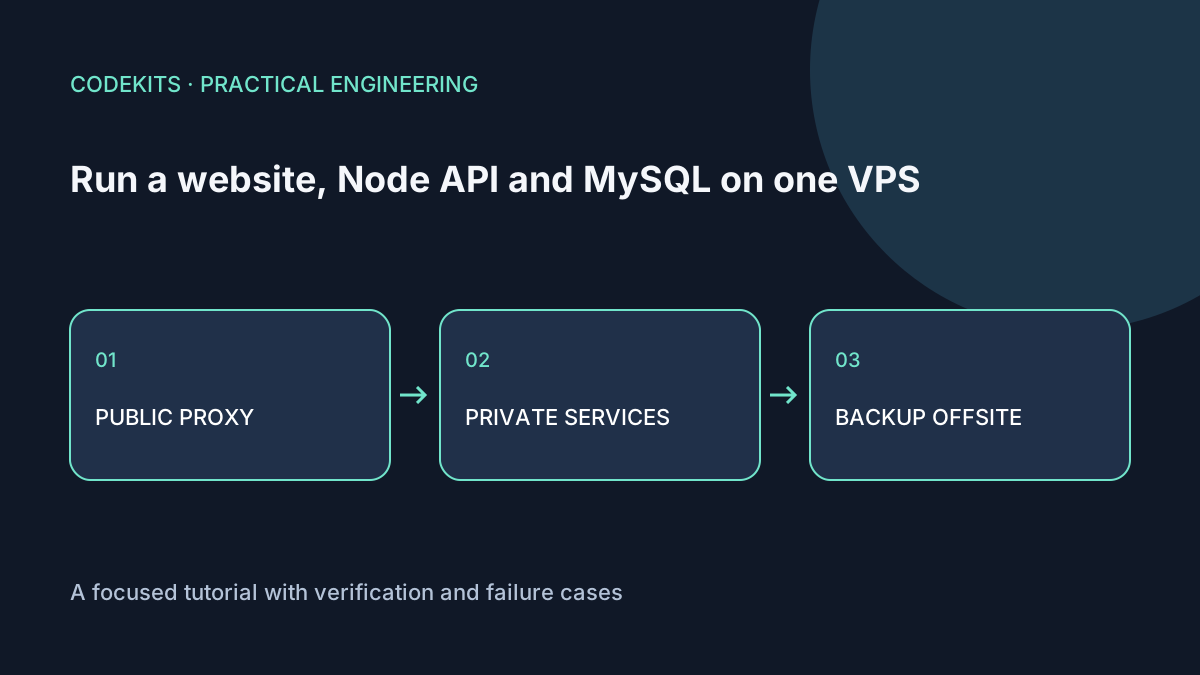
A website, Node API and MySQL can share a VPS when their workload and recovery requirements fit one machine. The important question is not whether all three processes start. It is whether they remain usable during a build, a slow query, a backup and a restart.
This article is a capacity and operations checklist for Ubuntu 24.04, Node applications and MySQL 8.x. It uses a demonstration topology rather than production measurements. No particular RAM size or request rate is guaranteed.
Draw the boundaries first
Internet
└── Nginx :443
    ├── website → 127.0.0.1:3000
    └── /api/  → 127.0.0.1:3001
                    └── MySQL → loopback or Unix socket
Nginx handles public TLS and routes requests. Each application has its own service account, working directory and systemd unit. MySQL is not a browser-facing service. An application user receives only the database permissions its runtime needs.
Use loopback bindings as well as firewall rules. A later firewall change should not accidentally expose an API or database designed only for local use. A local-only port is not authorization: the API must still enforce permissions for requests arriving through Nginx.
For concrete proxy and service files, use the Next.js deployment tutorial. The Nginx beginner guide explains the proxy's role.
Budget measured peaks, not idle screenshots
Collect a baseline and then exercise representative work: concurrent page requests, database writes, image processing and scheduled jobs.
free -h
df -h /
df -i /
ps -eo pid,user,comm,rss,%cpu --sort=-rss
sudo systemctl show demo-web demo-api mysql   -p Id -p MemoryCurrent -p TasksCurrent
rss is resident memory in KiB in this process listing. Shared pages mean adding RSS values is not a precise machine total. Compare process observations with host-level available memory and swap activity.
Leave headroom for the kernel, page cache and short-lived work. A build can consume much more memory than serving the finished site. Prefer building elsewhere or in a controlled staging window when its peak competes with MySQL.
Measure disk growth too: database files, binary logs, application logs, uploads and backup staging all consume space. Inode exhaustion can prevent file creation even when byte capacity remains.
Bound database connections
A pool is not an unlimited queue. Choose a pool limit per application process and account for all processes that can exist during a deployment.
2 API processes × 8 connections       = 16
1 website process × 4 connections     =  4
backup, migrations, monitoring reserve = 10
planned upper envelope                = 30
These numbers illustrate arithmetic, not a recommendation. Set MySQL's limit and the application's queue/timeout behaviour using observed demand. Reject or time out overload cleanly instead of opening unbounded connections. MySQL's connection-limit documentation explains what happens when the server limit is reached.
Long transactions can hold locks and connections while the CPU looks quiet. Include query latency, pool wait time and error rate in monitoring; "process is active" is an incomplete health signal.
Keep state outside application releases
Use a dedicated directory such as /var/lib/demo-app/uploads for durable files, with ownership limited to the process that needs them. Keep database credentials in restricted configuration, not the source tree or a public bundle.
Back up the database and any linked uploads as a recoverable set. If a record points to a file, restoring only one side can produce broken content. Keep an encrypted off-server copy and test restoring to a separate database or machine. A snapshot on the same VPS does not protect against losing the VPS.
Use the MySQL backup and restore walkthrough to practise recovery before there is an incident.
Test the failure envelope
In a disposable environment, stop the API and confirm the website shows a useful failure instead of hanging. Simulate a database timeout, fill only a dedicated test filesystem, and test application restarts during traffic. Do not fill or stop real production services to follow a tutorial.
Measure restore time and acceptable data loss. If the business cannot tolerate one host failing, this architecture does not meet that requirement merely because systemd restarts processes. Managed databases, separate workers or multiple hosts may be justified before traffic becomes large.
These commands and boundaries were documentation-reviewed; no load test on a specified VPS was performed for this article. Next.js web application development can help turn the checklist into measured deployment requirements.