
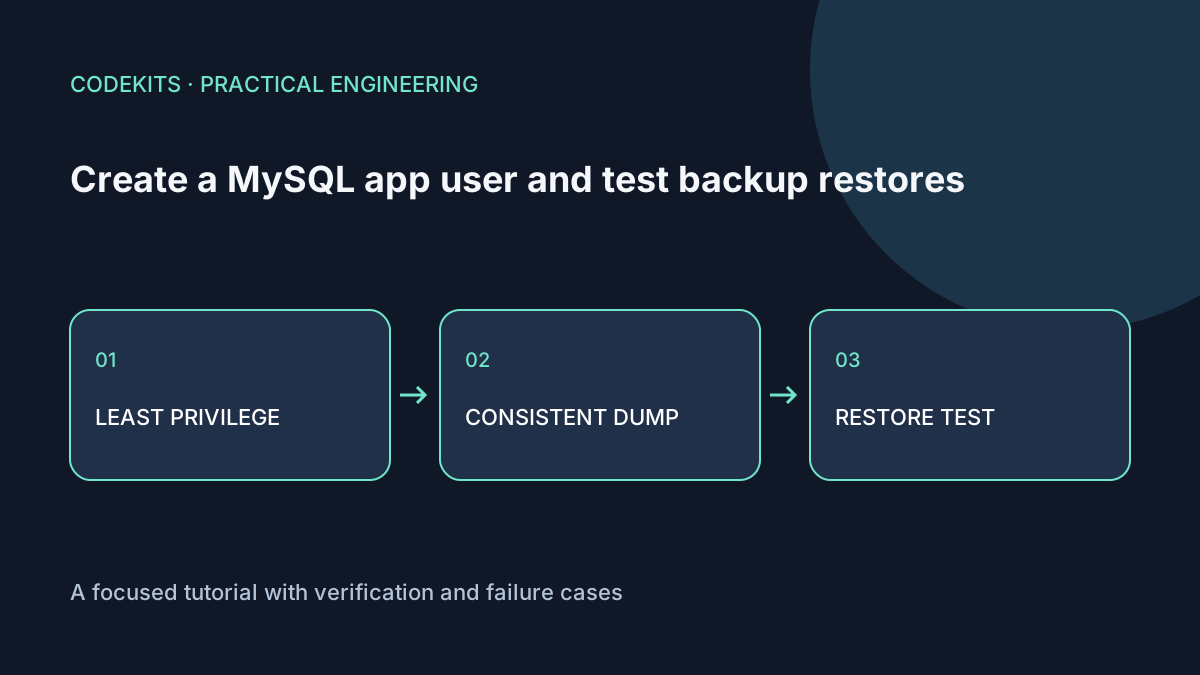
A database backup is useful only if you can restore the required data and run the application against it. This tutorial creates separate runtime and backup identities, dumps a small InnoDB-only schema, and restores it into a new database without touching the original.
The SQL targets MySQL 8.0.18 or later, including 8.4. Confirm the installed server and client versions; Ubuntu's packaged version depends on the release and repository. These commands were documentation-reviewed, not executed against a running MySQL server for this article.
Create a small disposable schema
Connect through your approved administrative method, such as Ubuntu's local sudo mysql. Use a test instance, not an existing production schema.
CREATE DATABASE demo_app CHARACTER SET utf8mb4;
CREATE TABLE demo_app.tasks (
  id BIGINT UNSIGNED AUTO_INCREMENT PRIMARY KEY,
  title VARCHAR(200) NOT NULL,
  done BOOLEAN NOT NULL DEFAULT FALSE
) ENGINE=InnoDB;
INSERT INTO demo_app.tasks (title) VALUES ('Restore this demo task');

CREATE USER 'demo_runtime'@'localhost' IDENTIFIED BY RANDOM PASSWORD;
GRANT SELECT, INSERT, UPDATE, DELETE ON demo_app.* TO 'demo_runtime'@'localhost';

CREATE USER 'demo_backup'@'localhost' IDENTIFIED BY RANDOM PASSWORD;
GRANT SELECT, SHOW VIEW ON demo_app.* TO 'demo_backup'@'localhost';
The generated passwords appear in the administrative output. Store them in a password manager or restricted secret configuration, not a screenshot, repository or shell argument. The runtime account cannot create tables or grant itself privileges.
These accounts are intended for local socket connections. If your application uses TCP or a remote database, deliberately configure and test the matching account host, transport and TLS policy. Do not replace localhost with % just to silence an access error. See MySQL account names and CREATE USER.
Verify runtime permissions
mysql --protocol=SOCKET -u demo_runtime -p demo_appInside that session, run a SELECT and an INSERT, then attempt CREATE TABLE permission_test (id INT). The first two should succeed and the DDL should be denied. Review SHOW GRANTS FOR CURRENT_USER to confirm the intended boundary.
Do not give the application administrative credentials because its migration tool needs them. Run migrations separately with a deliberately scoped deployment identity.
Take a consistent, restricted backup
The demonstration contains tables only: no triggers, stored routines or scheduled events. Its backup deliberately skips triggers. If your real schema uses those objects, include them and grant the corresponding documented privileges; otherwise the backup is incomplete.
umask 077
backup_dir="$(mktemp -d)"
mysqldump --protocol=SOCKET -u demo_backup -p   --single-transaction --no-tablespaces --set-gtid-purged=OFF   --skip-triggers demo_app > "$backup_dir/demo_app.sql"
test -s "$backup_dir/demo_app.sql"
gzip "$backup_dir/demo_app.sql"
gzip -t "$backup_dir/demo_app.sql.gz"
Check the dump command's exit status before treating the file as valid. In an automated script use set -euo pipefail and write to a temporary filename before publishing a completed backup.
--single-transaction gives a consistent InnoDB snapshot, but avoid concurrent schema changes during the dump. It does not make nontransactional tables consistent or include external uploads. The mysqldump reference details these limitations and privileges.
Compression and a nonempty file check detect some failures; neither proves recoverability. Encrypt off-server copies, restrict access and define retention because the dump contains application data.
Restore somewhere separate
Create a new empty database through the administrator session:
CREATE DATABASE demo_restore_check CHARACTER SET utf8mb4;Restore with an authorized account into that exact new database. This example uses Ubuntu's local administrative socket authentication:
set -o pipefail
gzip -dc "$backup_dir/demo_app.sql.gz" | sudo mysql demo_restore_check
sudo mysql demo_restore_check   -e "SELECT COUNT(*) AS rows_restored FROM tasks; SELECT * FROM tasks;"
The dump omitted --databases, so it does not intentionally switch back to the original schema. Inspect unfamiliar dumps before importing them; SQL backups are executable instructions, not inert data.
Compare expected rows and application invariants, then run a staging application with credentials for the restore target. Record the backup timestamp, restore duration and test result. A daily dump alone implies a potential day's data loss; point-in-time recovery needs a separate binary-log strategy.
Operational follow-through
Schedule backups, alert on failure and age, and rehearse restoration periodically. Do not delete the original database as a test. Remove rehearsal data only after verifying the exact disposable target under your retention policy.
Continue with frontend/backend deployment boundaries. Next.js application development can include database permissions and recovery acceptance criteria.