
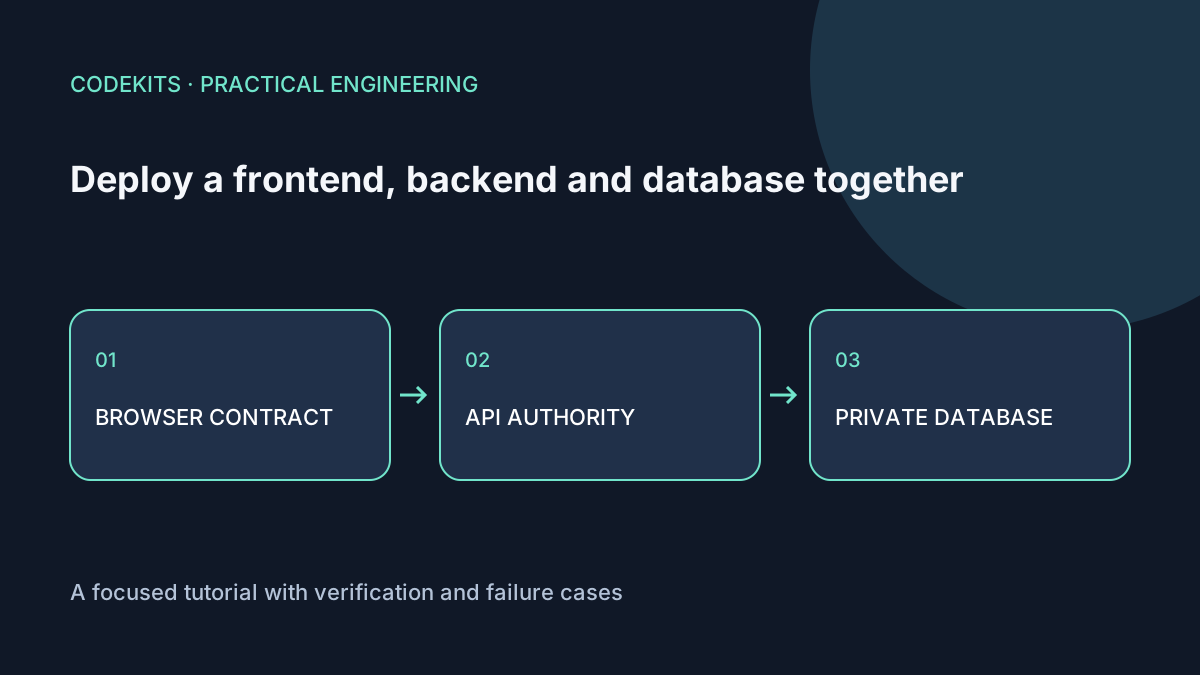
A frontend, backend and database do not need three public servers. They need clear responsibilities. The browser renders the interface, the API validates and authorizes operations, and MySQL stores records behind server-side credentials.
This walkthrough focuses on the integration contract and deployment order. It assumes an existing frontend, a Node backend and MySQL 8.x on a private or loopback connection. It is distinct from single-VPS capacity planning: here the question is how the parts agree during a release.
Define one small request end to end
Use a synthetic task list as the example. The browser requests GET /api/tasks; the API returns a bounded list of records with IDs, titles and status. The browser never receives database credentials or SQL.
{
  "items": [
    { "id": 1, "title": "Review the demo", "done": false }
  ]
}
Write the response contract down before building the UI. Decide how empty lists, validation failures, unauthenticated requests and temporary dependency failures are represented. Do not make the client parse a database driver's raw error message.
Keep configuration on the correct side
frontend/
├── public assets and browser code
└── calls same-origin /api/tasks

backend/
├── validates session and request
├── queries MySQL with a bounded pool
└── owns database credentials

database/
├── schema and records
└── accepts only approved server-side clients
For a same-origin deployment, a relative browser URL avoids embedding a server IP into the build:
export async function loadTasks(signal) {
  const response = await fetch("/api/tasks", {
    credentials: "same-origin",
    signal,
    headers: { Accept: "application/json" }
  });
  if (!response.ok) throw new Error("Tasks are unavailable.");
  const data = await response.json();
  if (!data || !Array.isArray(data.items)) {
    throw new Error("Unexpected tasks response.");
  }
  return data.items;
}
Validate individual records with a schema in a real client; an array check alone is intentionally minimal. Cancellation should not be presented as a server failure when the user simply navigates away.
If the API is on another origin, configure an explicit CORS allowlist and cookie policy. CORS is a browser access rule, not API authorization. Every protected operation still needs a server-side permission check.
Enforce the API boundary
Use a database account restricted to the application's schema and runtime operations. Parameterize values in SQL, limit result sizes and bound connection wait time. Keep schema migrations under a separate administrative identity.
SELECT id, title, done
FROM tasks
WHERE owner_id = ?
ORDER BY id DESC
LIMIT 50;
The authenticated session supplies owner_id; do not trust a browser-provided owner ID as proof of identity. Use a driver with prepared execution, such as the MySQL2 prepared-statement API. Add pagination when the first 50 records are not enough.
Bind the API locally if Nginx is its only ingress. Follow prefix routing so /api/tasks reaches the path the backend actually implements. Test the public route, not just the API's private port.
Deploy compatible pieces in order
First take a verified backup and apply a backward-compatible schema migration. Then deploy an API that can serve both the old and new frontend contracts. Finally deploy the frontend. Remove obsolete fields or routes only after old browser sessions and rollback requirements have been considered.
An API process being alive does not mean the schema is ready. Use a bounded readiness check that verifies the required dependency without leaking connection strings. Keep public health responses minimal; detailed diagnostics belong in protected logs.
A database restart is not automatically required for an application release. Nor should every application process run migrations concurrently at startup. Use a single controlled migration step.
Verify failure and recovery
Test through HTTPS: successful load, empty data, expired session, forbidden record access, malformed response, database timeout and client cancellation. Confirm browser bundles and network responses contain no server credentials.
In staging, run the previous frontend against the new API and the previous API against the expanded schema. If either fails, your rollback story needs work. MySQL backup/restore practice covers the data side.
The snippets were reviewed as integration patterns; no complete three-service deployment was executed for this article. For implementation and release ownership across those boundaries, see Next.js web application development.