
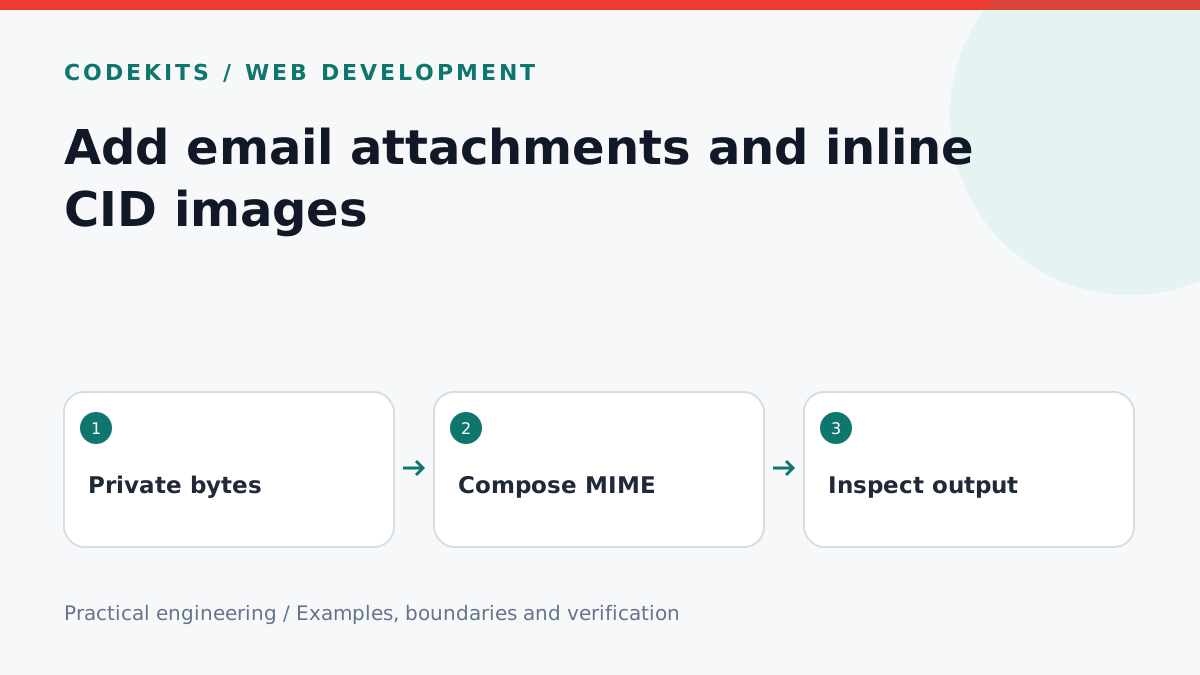
An email attachment does not need a public download URL. The mail worker can read a private file and include its bytes in the message. Inline images use the same mechanism, with a Content-ID referenced by the HTML body. This tutorial shows that composition boundary without uploading a file to a public directory.
Use a supported Node.js runtime and Nodemailer. The example is a bounded integration excerpt: an authorised upload service must already have validated and stored the files. A local stream transport is used for testing, so no message is sent and no mailbox credentials are needed.
Resolve an attachment by identity
Let the browser submit an attachment ID, not a path or remote URL. On the server, look up its owner, size, detected media type, storage key and scan status. Check that the current sender may attach it to this message. Resolve the storage key within a private storage adapter rather than accepting arbitrary filesystem paths.
Reject oversized uploads while streaming them into storage, not after reading the entire file into memory. Set a per-file limit, total raw-byte limit, file count and email body limit. Account for MIME encoding overhead: base64 typically expands binary content by roughly a third, before headers and boundaries. Keep headroom below the provider's complete-message limit.
Build the message from validated bytes
For a deliberately small attachment, a Buffer is simple and avoids URL fetching entirely. Larger files should use fresh streams created for each attempt. Never reuse a consumed stream on a retry.
import nodemailer from "nodemailer";

export async function composeDemo(pdfBytes, logoBytes) {
  if (!Buffer.isBuffer(pdfBytes) || !Buffer.isBuffer(logoBytes))
    throw new Error("Files must be Buffers");
  const total = pdfBytes.length + logoBytes.length;
  if (total > 2 * 1024 * 1024) throw new Error("Oversized files");

  const transport = nodemailer.createTransport({
    streamTransport: true,
    buffer: true,
    newline: "windows",
  });
  return transport.sendMail({
    from: "Demo <[email protected]>",
    to: "[email protected]",
    subject: "Attachment demonstration",
    text: "The demonstration document is attached.",
    html: '<p>The demonstration document is attached.</p><img src="cid:brand.demo" alt="Demo brand">',
    disableFileAccess: true,
    disableUrlAccess: true,
    attachments: [
      { filename: "document.pdf", content: pdfBytes, contentType: "application/pdf" },
      { filename: "brand.png", content: logoBytes, contentType: "image/png", cid: "brand.demo" },
    ],
  });
}
The function assumes the bytes have already passed file-type inspection; a declared contentType does not prove that a PDF or PNG is genuine. Use known test fixtures. File and URL access are disabled because this function accepts bytes, and there is no reason for message fields to trigger network or filesystem reads.
The cid value must match the HTML reference exactly and be unique within the message. Nodemailer documents attachments and embedded images. Rendering still varies by email client, so provide meaningful alt text and a plain-text alternative.
Inspect locally before using SMTP
Call the function with tiny synthetic fixtures and inspect info.message, a Buffer containing MIME output. Assert that it contains a multipart structure, an attachment filename, the expected Content-ID and the HTML cid: reference. Do not log real attachment contents into application logs.
The stream transport tests composition only. It does not establish SMTP acceptance, spam filtering or how Outlook, Apple Mail and webmail render the result. Use controlled test accounts for that separate acceptance pass, never a real customer list.
Test a missing file, rejected scan status, unauthorised attachment ID and a body plus files exceeding the aggregate limit. Then retry the same queued message with a new stream and verify the second attempt is not an empty attachment.
Troubleshooting and privacy limits
If the image appears as a broken icon, compare the CID spelling and inspect the raw MIME headers. If an attachment is empty only on retry, inspect stream reuse. If a provider rejects a message that seems below its size limit, measure encoded MIME size rather than just uploaded bytes.
Private storage prevents unauthorised web access before sending. It does not prevent recipients from saving, forwarding or copying attachments after delivery. Apply retention limits to stored uploads and ensure deleting a draft cannot remove files needed by an active send attempt.
For a compose screen with private uploads, inline imagery and delivery history, see CodeKits branded email systems.