
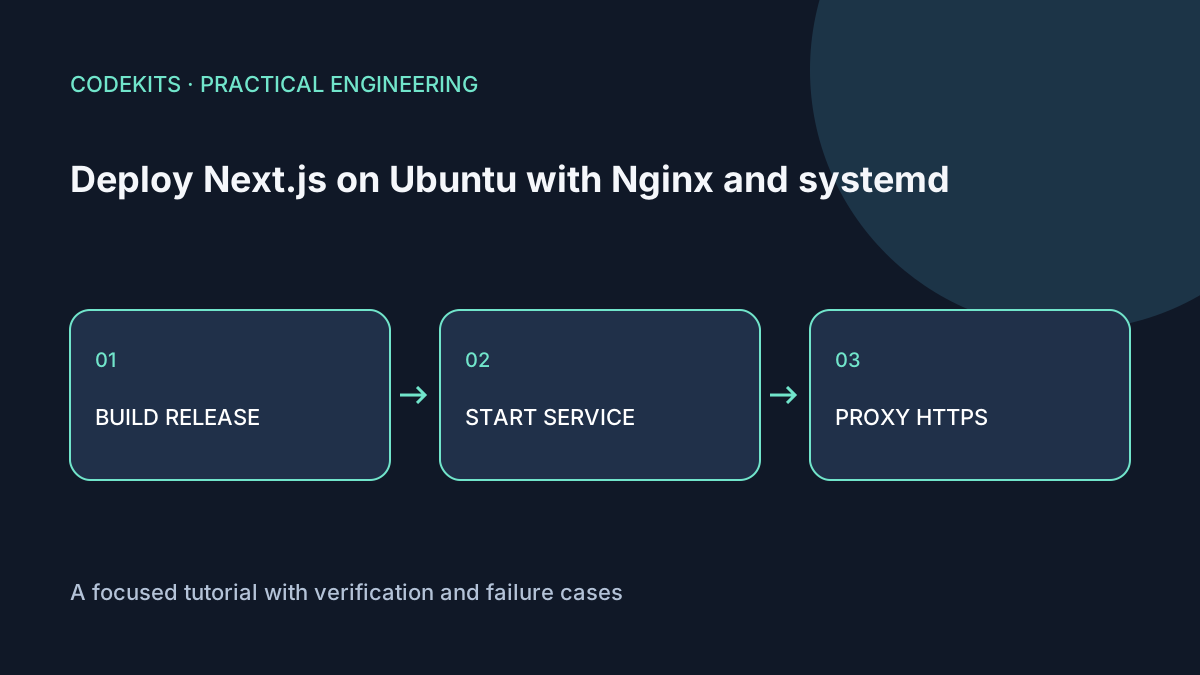
This deployment puts Nginx on public HTTP/HTTPS ports and a Next.js server on 127.0.0.1:3000. systemd owns the application process, so it can start after a reboot and report failures through the journal. It is a single-instance setup, not a zero-downtime or highly available cluster.
The commands target Ubuntu 24.04 LTS, an existing Next.js App Router project and a supported Node.js LTS release installed at a known absolute path. Check the Node release table and your application's requirements. These Linux instructions were documentation-reviewed, not executed against a disposable VPS for this article.
Prepare the release
First complete safe VPS setup. Use a domain you control in place of example.com, point its DNS to the server, and confirm provider-firewall rules as well as UFW.
sudo apt update
sudo apt install nginx certbot python3-certbot-nginx
sudo adduser --system --group --home /srv/demo demo-web
sudo install -d -o "$USER" -g demo-web -m 0750 /srv/demo/releases/release-001
command -v node
node --version
Copy your reviewed source and lockfile into that release directory, excluding local secrets, dependencies and old build output. Build as the deployment account, not root:
npm ci
npm run build
test -f .next/BUILD_ID
sudo chown -R demo-web:demo-web /srv/demo/releases/release-001/.next
sudo ln -s /srv/demo/releases/release-001 /srv/demo/current
Ensure the runtime user can traverse the release directories and read the application and dependencies. Next.js caching may write under .next; the ownership shown permits this but is broader than an immutable-release design. For stricter isolation, configure and test a dedicated cache strategy. Keep uploads and other durable business data outside release folders.
Public environment variables are embedded during the build; secrets must remain server-side. Do not put passwords into NEXT_PUBLIC_ variables. Next.js self-hosting guidance covers these environment and cache boundaries.
Add an explicit service
Create a root-owned configuration file at /etc/demo-web.conf with mode 0600 for runtime variables. systemd reads it before switching to the service account. Its syntax is environment assignments, not an arbitrary shell script.
[Unit]
Description=Demo Next.js application
After=network.target

[Service]
Type=simple
User=demo-web
Group=demo-web
WorkingDirectory=/srv/demo/current
Environment=NODE_ENV=production
EnvironmentFile=/etc/demo-web.conf
ExecStart=/usr/bin/node node_modules/next/dist/bin/next start --hostname 127.0.0.1 --port 3000
Restart=on-failure
RestartSec=5
TimeoutStopSec=30
NoNewPrivileges=true
PrivateTmp=true
ProtectHome=true

[Install]
WantedBy=multi-user.target
Replace /usr/bin/node with the verified system-wide binary path. Do not assume an interactive shell's version manager is loaded by systemd. The systemd service reference explains supervision and restart behaviour.
sudo systemd-analyze verify /etc/systemd/system/demo-web.service
sudo systemctl daemon-reload
sudo systemctl enable --now demo-web
curl --fail --max-time 10 http://127.0.0.1:3000/
sudo journalctl -u demo-web -n 50 --no-pager
Add the reverse proxy and HTTPS
server {
    listen 80;
    server_name example.com;
    location / {
        proxy_pass http://127.0.0.1:3000;
        proxy_http_version 1.1;
        proxy_set_header Host $host;
        proxy_set_header X-Forwarded-Proto $scheme;
        proxy_set_header X-Forwarded-For $proxy_add_x_forwarded_for;
        proxy_buffering off;
    }
}
Enable this site only after checking for an existing matching server name. Keep database and application ports closed publicly. Then:
sudo ln -s /etc/nginx/sites-available/demo /etc/nginx/sites-enabled/demo
sudo nginx -t
sudo systemctl reload nginx
sudo certbot --nginx -d example.com
sudo certbot renew --dry-run
curl --fail --max-time 10 https://example.com/
Certbot needs reachable validation paths and correct DNS. Review its changes and redirect choice. Do not treat a successful local curl as proof the public certificate works.
Verify recovery before calling it deployed
Inspect the listening address with sudo ss -ltnp. Port 3000 should be loopback-only. Test a normal page, static asset, dynamic route and authenticated workflow. Reboot a disposable server and confirm the enabled service returns.
If Nginx returns 502, follow the layer-by-layer diagnostic. Before subsequent releases, implement staging and rollback. Next.js application development can include the deployment and recovery workflow, not only the visible interface.