
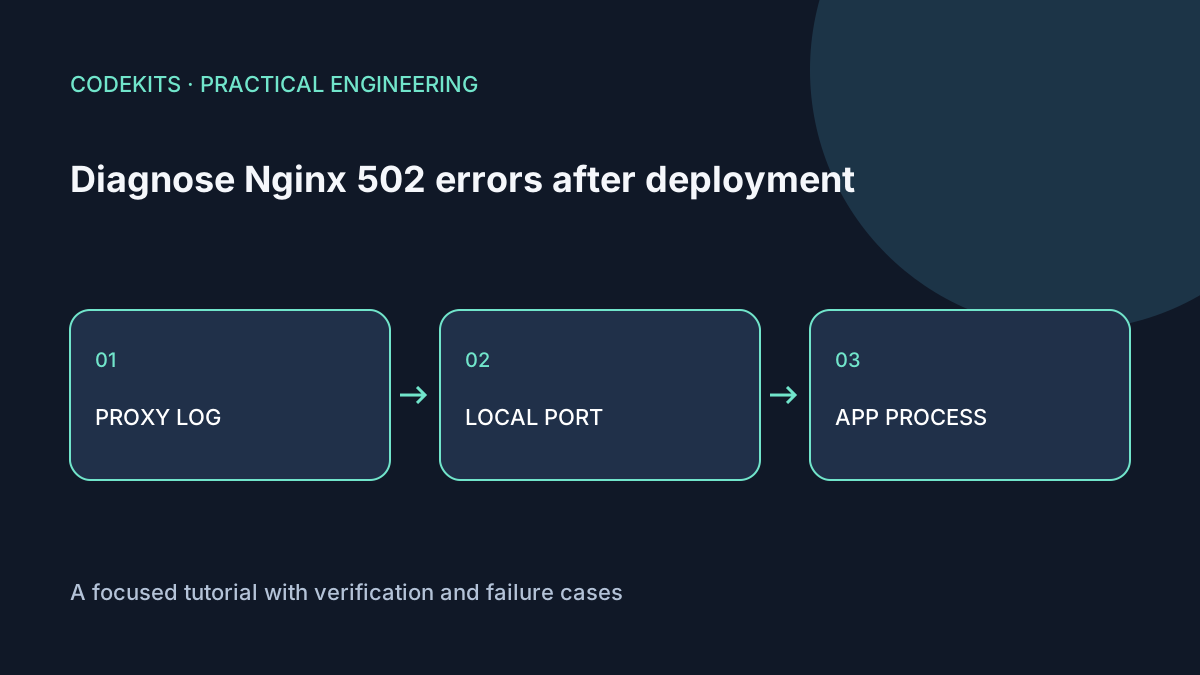
A 502 from Nginx usually means it could not obtain a usable response from its upstream. It does not, by itself, prove that DNS, TLS or the database is broken. Follow the request inward and stop at the first layer where the evidence changes.
This is a read-only diagnostic workflow for an Ubuntu server with Nginx proxying a local Node application. Replace demo-web, port 3000 and example.com with your documented configuration. Do not paste complete configuration or logs into public support posts without reviewing them for secrets.
Confirm which response you are seeing
curl -sS -D - -o /dev/null --max-time 10 https://example.com/
sudo nginx -t
sudo journalctl -u nginx --since "15 minutes ago" --no-pager
sudo tail -n 60 /var/log/nginx/error.log
A CDN can generate its own error before the request reaches your Nginx. Compare timestamps with the server's access/error logs and inspect the response headers. Avoid assuming every branded error page comes from the same layer.
The log often contains the upstream address and a concrete failure such as connection refusal or premature close. Write down that address. It is more useful than guessing which process ought to be listening.
Test the upstream directly
sudo ss -ltnp 'sport = :3000'
curl -v --max-time 10 http://127.0.0.1:3000/
sudo systemctl status demo-web --no-pager
sudo journalctl -u demo-web --since "15 minutes ago" --no-pager
Interpret the combination:
- No listener and connection refused: inspect why the service exited or bound another port.
- Listener exists but local curl hangs: the process may be blocked or waiting for a dependency.
- Local curl succeeds while Nginx fails: compare the configured upstream, protocol and request headers.
- Local curl returns an application 500: investigate that application failure; changing the proxy timeout is unlikely to fix it.
A process listening only on IPv6 ::1 will not necessarily accept an IPv4 127.0.0.1 connection. Match the binding and upstream explicitly. With Unix sockets, inspect ownership and directory traversal permissions instead of applying world-writable permissions.
Compare service reality with your shell
sudo systemctl show demo-web   -p ExecStart -p WorkingDirectory -p User -p MainPID -p NRestarts
sudo systemctl cat demo-web
readlink -f /srv/demo/current
The interactive shell and systemd may use different Node binaries, working directories and environment files. Check absolute paths and the current release target. Do not print the entire environment: it may contain database passwords or API tokens.
Common post-deploy causes include a missing build, unsupported Node version, unreadable files, a changed port and startup failure after a schema migration. The systemd execution reference describes the service's execution context.
Read Nginx errors precisely
A connection refusal occurs before the application can answer. A read timeout means a connection was established but a response did not arrive in time. An invalid or oversized upstream header is another class of failure; inspect the relevant error rather than increasing all buffers and timeouts.
Check whether you configured https:// for an upstream that only speaks HTTP. Review the active configuration with nginx -T locally if necessary, but remember it can reveal internal paths and values. The Nginx proxy module reference defines the proxy directives.
Do not expose port 3000 publicly as a workaround. The local curl already tests it without changing the security boundary.
Reproduce safely and verify recovery
On a disposable demo server, point a dedicated test location at an unused local port and confirm a controlled refusal produces the expected evidence. Restore the test configuration, run nginx -t, then reload. Never break a live route solely to follow a tutorial.
After fixing the cause, test through the public hostname, load a static asset and exercise a dynamic route. Watch the logs for new errors. If a release cannot be corrected quickly, use the recorded rollback procedure.
These commands were documentation-reviewed; the article does not claim an Nginx failure was injected into a live server. Next.js web application development can include operational diagnostics so the next incident begins with evidence rather than guesswork.