
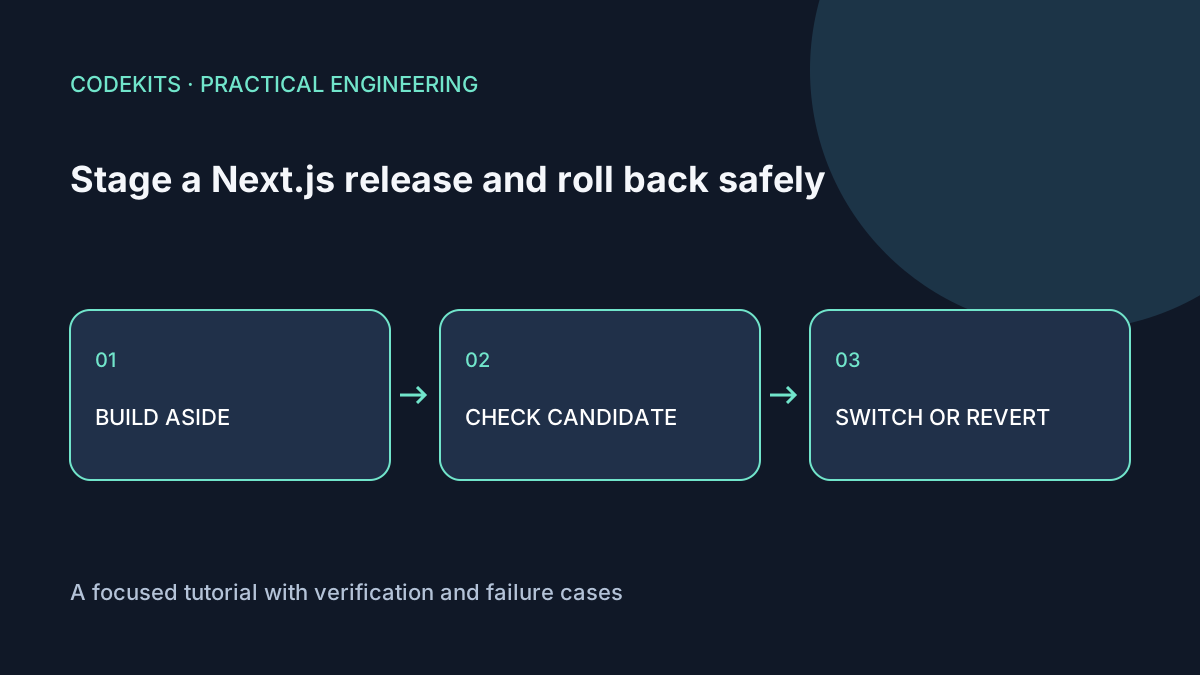
Do not run a production build into the directory the running server is using. A failed or partially written build can leave the process reading incompatible files. Stage a complete release elsewhere, test it, then make a deliberate switch.
This procedure targets a single systemd-managed Next.js server on Ubuntu. It uses a restart during promotion, so there is a short interruption. It is not blue-green deployment and does not claim zero downtime. Practise the commands on a disposable server before using them for a live application.
Give releases stable identities
demo/
├── current → releases/release-001
├── releases/
│   ├── release-001/
│   └── release-002/
└── shared/
    └── uploads/
Each release contains its own source snapshot, lockfile, dependencies and build output. Keep secrets and durable state outside that tree. Record a commit ID or artifact checksum with each release so "previous" means something verifiable.
Build release-002 as the deployment user using the same supported Node version and environment policy as production:
npm ci
npm run build
test -s .next/BUILD_ID
node node_modules/next/dist/bin/next start   --hostname 127.0.0.1 --port 3100
The final command stays in the foreground. In a second terminal, request its health route and representative pages. Use an isolated database and disabled outbound integrations for destructive smoke tests. Running a candidate against production data can send real email or change records even when no public traffic reaches it.
Define what must pass
A liveness endpoint says the process responds. A readiness check should verify the dependencies needed to serve requests, with bounded timeouts and no secrets in its response. Test static assets, a dynamic page, authentication and a read-only database query.
Check build-time browser variables separately from runtime server variables. A release cannot change already-inlined NEXT_PUBLIC_ values just by restarting with a different environment. The Next.js self-hosting guide documents that distinction.
Stop the temporary candidate after the smoke test. Do not leave a forgotten extra process competing for memory or holding a port.
Promote through one atomic pointer change
The following Linux commands assume both named release directories already exist, current is a symlink, and current.next does not exist. Inspect those conditions first.
readlink -f /srv/demo/current
test -d /srv/demo/releases/release-002
sudo ln -s /srv/demo/releases/release-002 /srv/demo/current.next
sudo mv -Tf /srv/demo/current.next /srv/demo/current
sudo systemctl restart demo-web
sudo systemctl is-active demo-web
curl --fail --max-time 10 https://example.com/health
The rename replaces the symlink atomically on the same filesystem. The old process does not magically adopt the new working directory; the restart is what starts the new release. A successful is-active check alone is insufficient because the process can be active but unhealthy.
Capture logs if the public smoke test fails. Do not repeatedly restart hoping the release will become correct.
Revert the application, not the database blindly
sudo ln -s /srv/demo/releases/release-001 /srv/demo/current.next
sudo mv -Tf /srv/demo/current.next /srv/demo/current
sudo systemctl restart demo-web
curl --fail --max-time 10 https://example.com/health
This reverses the code pointer. It does not undo database writes, file changes, messages already sent or a destructive schema migration. Use expand-and-contract migrations: add compatible structures first, deploy code that can tolerate the transition, and remove old structures only after the rollback window closes.
Keep old hashed assets available long enough for browsers with old pages, or use a tested version-skew strategy. A server rollback can otherwise strand a browser requesting an asset from the replaced release.
Rehearse and measure
On a test server, promote a release whose health endpoint intentionally fails, then restore the known-good release. Record the interruption and verify a browser session, not only curl. Repeat with a compatible schema change and confirm both releases work.
The shell sequence was reviewed for GNU/Linux semantics; no actual VPS switch was performed for this article. A symlink workflow also needs a deployment lock to prevent two operators promoting simultaneously, artifact retention and an audited cleanup policy.
Continue with Nginx 502 diagnosis. Next.js web application development can include release checks and a recovery rehearsal as part of delivery.