
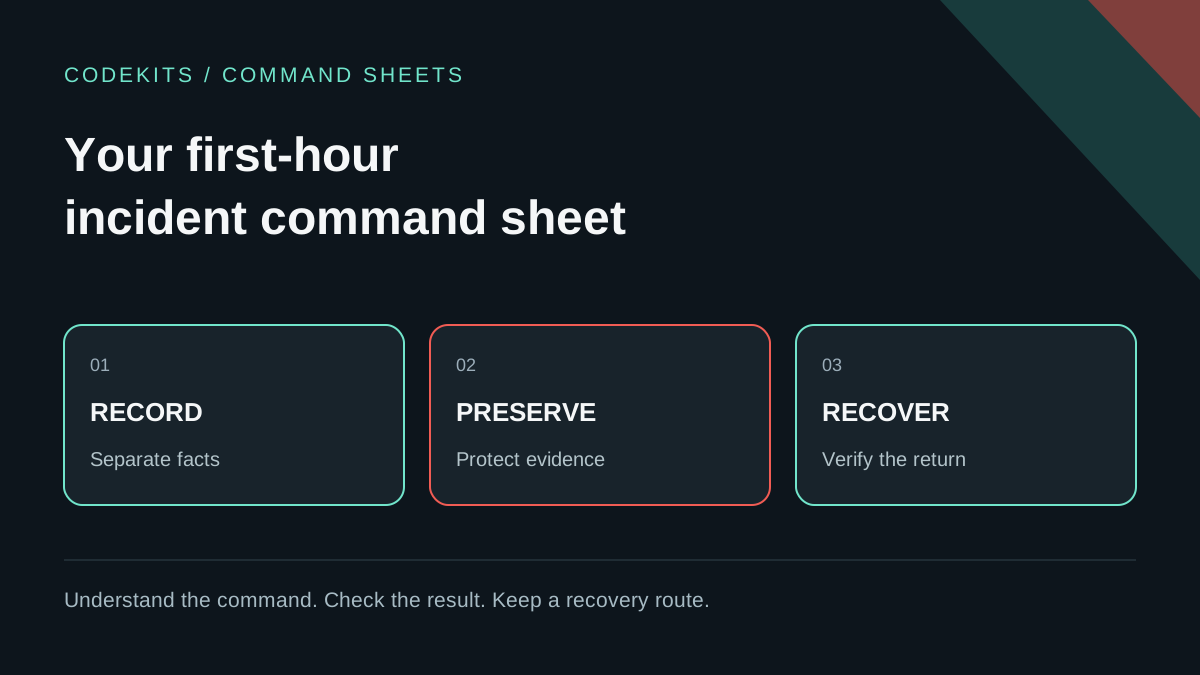
An unexpected process or login is a reason to investigate, not proof of compromise. The first useful outcome is a clear record of what happened, what you know and what you have changed. Random restarts and deleting suspicious files can remove the evidence needed to understand the incident.
This command sheet is for an Ubuntu server you administer. It is a bounded triage aid, not a forensic certification or a substitute for specialist help. If users, sensitive data or continuing damage are involved, bring in the responsible owner and an incident responder early.
Set priorities before typing
Decide who leads the response, which service is affected, and whether preventing ongoing harm takes priority over preserving volatile evidence. Keep a trusted communication channel outside the suspected host.
Do not automatically power off or reboot. Either action can destroy volatile information, but leaving a compromised host connected can also permit further damage. Choose containment deliberately with the service owner and responder. The modern NIST incident-response guidance treats preparation, response and recovery as parts of ongoing risk management rather than a universal command sequence.
Record observations separately from hypotheses. "Three unexpected outbound connections observed" is an observation; "an attacker stole the database" is a conclusion requiring evidence.
Open a private case record
On your trusted administrative workstation, create a restricted working directory. These commands create a new temporary folder; they do not alter the server:
umask 077
case_dir=$(mktemp -d /tmp/app-incident.XXXXXX)
printf '%s\n' "$case_dir"
date -u '+%Y-%m-%dT%H:%M:%SZ'
Save the initial alert, detection time, affected instance identifier, responsible people and the actions you authorise. Note which clock produced each timestamp. UTC helps comparisons, but converting a display timezone does not repair an inaccurate system clock.
Keep evidence outside public web roots and source repositories. Logs can contain IP addresses, session identifiers, private messages or credentials. Restrict originals; create separately labelled redacted copies when sharing.
Gather a small initial snapshot
On the affected VPS, use an existing authorised session. Every live command changes some system state and may itself appear in logs. Note what you ran and why.
date -u '+%Y-%m-%dT%H:%M:%SZ'
timedatectl status
uptime
systemctl --failed --no-pager
ps -eo pid,ppid,user,lstart,comm --sort=pid
sudo ss -lntup
The process view uses executable names rather than full command lines to reduce accidental secret exposure. Keep the output private regardless. A listener is not inherently malicious; compare it with your intended exposure inventory.
For a known application unit, replace example-api.service with the exact name:
systemctl show example-api.service \
  --property=ActiveState,SubState,MainPID,FragmentPath,UnitFileState
sudo journalctl --unit=example-api.service --since '-1 hour' \
  --utc --output=short-iso-precise --no-pager --lines=1000
This intentionally avoids dumping the service's environment. The journal query is a limited triage window, not a complete historical capture. If the relevant event is older or output was truncated, record that limit and arrange a properly scoped export. The journalctl manual documents time, unit and output filters.
Preserve useful context, not just screenshots
If you have approval to collect these limited outputs, save them into a restricted evidence directory using your established secure transfer process. Include the exact commands, UTC start/end times, source host and collector.
For example, after saving two named files locally:
cd "$case_dir"
sha256sum -- state.txt application-journal.txt > SHA256SUMS
sha256sum --check SHA256SUMS
Run this only after those files exist. On macOS, use shasum -a 256 and shasum -a 256 -c instead. A matching checksum detects later changes relative to your recorded copy. It does not prove the source host was truthful or the collection complete.
A provider disk snapshot can preserve a useful point in time, but it is not automatically an application-consistent database backup, a memory capture or a forensic image. Record its scope and identifier. Avoid installing unfamiliar investigation tools on the affected host merely to follow a checklist.
Contain with a route back
Use the least disruptive effective measure for the incident: restricting a specific public endpoint, removing an instance from a load balancer, or isolating an affected machine through provider controls may be appropriate. Preserve recovery-console access and document which users and dependencies will be interrupted.
Do not blanket-disable firewalls, erase logs, execute suspicious files or immediately delete accounts and scheduled tasks. Those actions can increase risk or destroy context. If immediate harm requires stopping a service, record the decision and time, then preserve what remains.
Rotate exposed credentials from a trusted device after identifying their scope. Changing passwords on a still-compromised host can expose the replacements. Consider sessions, API tokens, deployment keys and connected systems, not only the account that triggered the alert.
Recover and close the loop
Recovery may require rebuilding from a trusted image and restoring verified data rather than "cleaning" an untrusted machine. Fix the entry point, validate restored data and test sign-in, writes, background jobs and monitoring before returning traffic.
Keep a timeline of decisions and evidence locations. Document uncertainty and follow-up questions. An apparently clean process list does not prove eradication, especially if the host's own tools may be compromised.
These examples are syntax-reviewed triage commands, not an incident investigation performed on your server. Practise the workflow in a disposable VM using synthetic logs. Continue with the production learning path to prepare backups, health checks and recovery access before you need them.