
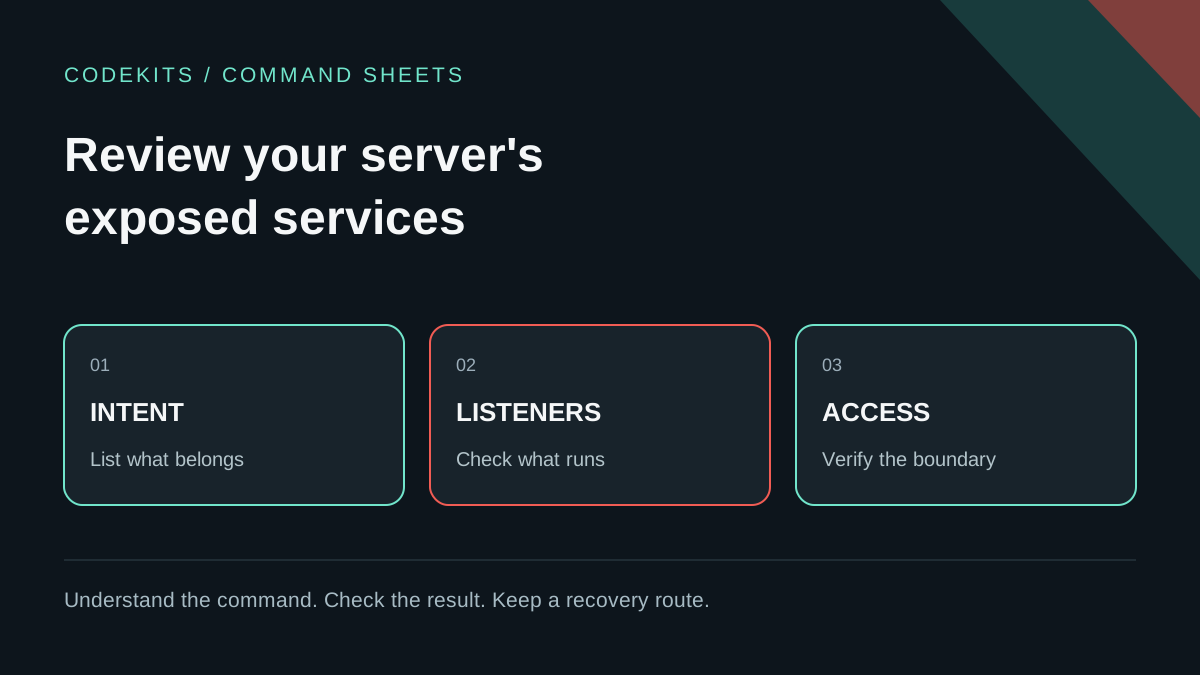
A service can be running correctly and still be exposed more widely than intended. Before changing firewall rules, write down which clients should reach each service. This guide turns that list into a repeatable review of an Ubuntu VPS you own or administer.
You need SSH access, access to the provider's recovery console, and the intended architecture. Do not perform active checks against other people's addresses. Nothing here proves a server is compromise-free; it establishes whether observed exposure matches your plan.
Begin with an exposure budget
For a small web application, your inventory might look like this:
| Service | Intended bind | Intended audience |
|---|---|---|
| HTTPS proxy | Public port 443 | Website visitors |
| HTTP redirect or certificate challenge | Public port 80 | Only if required by your design |
| SSH | Your configured management port | Administrators from approved sources |
| Node backend | 127.0.0.1:3000 | Same-host reverse proxy |
| MySQL | Loopback or protected private network | Named application hosts |
Adapt it for WebSockets, mail delivery, monitoring and other real requirements. Do not open a port merely because it appears in a generic tutorial. A private backend still needs application authentication where appropriate; "not public" is not an authorization model.
Compare the list with actual listeners
Run these read-only commands on the VPS:
sudo ss -lntp
sudo ss -lnup
systemctl --failed --no-pager
Match each expected service to its address, transport, port and owning process. A backend bound to 0.0.0.0 accepts connections on all IPv4 interfaces, subject to filtering. A listener on 127.0.0.1 does not accept connections to the server's public IPv4 address directly. IPv6 needs its own review.
Unexpected does not automatically mean malicious: a resolver, monitoring agent or provider service can be legitimate. Identify its owner, unit and package before changing anything. If there are signs of compromise, preserve evidence and use the incident-response command sheet, not a cleanup-by-guessing approach.
Inspect the host and provider firewalls
sudo ufw status verbose
sudo ufw status numbered
An inactive UFW status means UFW is not providing an active policy. It does not prove there are no nftables rules, container rules or provider controls. Similarly, an active UFW policy is not a complete view of every packet path. Ubuntu's firewall documentation explains UFW's role.
In the provider dashboard, inspect inbound and outbound rules for the actual instance or network. Check IPv4 and IPv6, source ranges and protocol. A broad source rule at one layer is not repaired merely by documenting a narrow rule elsewhere; both layers need to match the intended design.
Containers need extra attention. Published container ports can interact with firewall forwarding rules differently from ordinary host listeners. Check your container platform's documented firewall behaviour instead of assuming the UFW display is authoritative. The Docker firewall guide describes this important boundary.
Verify only the services you intended to publish
From your laptop, use the normal hostname and real application protocol:
curl --connect-timeout 5 --max-time 15 \
  --fail --show-error https://app.example.com/health
Replace the hostname with your own. A valid response confirms one path at one time, not every route or every client network. Test IPv4 and IPv6 separately when both are published.
For an owned server's backend port that should be private, a bounded connection check from an external machine is useful:
nc -vz -w 3 192.0.2.10 3000Replace the documentation address only with your authorised target. This is one connection attempt, not a range sweep. Netcat variants differ; check nc -h on the client. A successful connection means something accepted TCP on that path and deserves investigation. A timeout or refusal is not complete proof of isolation across all networks and address families.
Make a small change with a recovery route
If a backend is unintentionally public, first prefer binding it to the intended local/private interface, then verify the proxy can still reach it. Apply the application's documented configuration and restart only that named service during a planned window.
Firewall changes can disconnect you. Keep the provider console ready and a second tested SSH session open. Confirm the actual SSH port and your current source network before narrowing management access. Do not paste a generic default-deny script or delete numbered UFW rules from an old screenshot: rule numbers change when rules are removed.
After a change, repeat the listener inventory, external HTTPS test and a fresh SSH login. Test health, sign-in and any background workflow that depends on outbound access. If the application fails, revert the specific recorded change rather than disabling all protections.
Keep a baseline you can explain
Record the date, instance, intended services, observed listeners, firewall references and verification results in a private operations note. Never publish raw process arguments or logs without checking for secrets and user information.
Repeat after deployments that add services, after network changes and during periodic review. This article's commands are reviewed examples, not a completed assessment of your server. Continue with network-state diagnosis, secure VPS setup and the production learning path.