
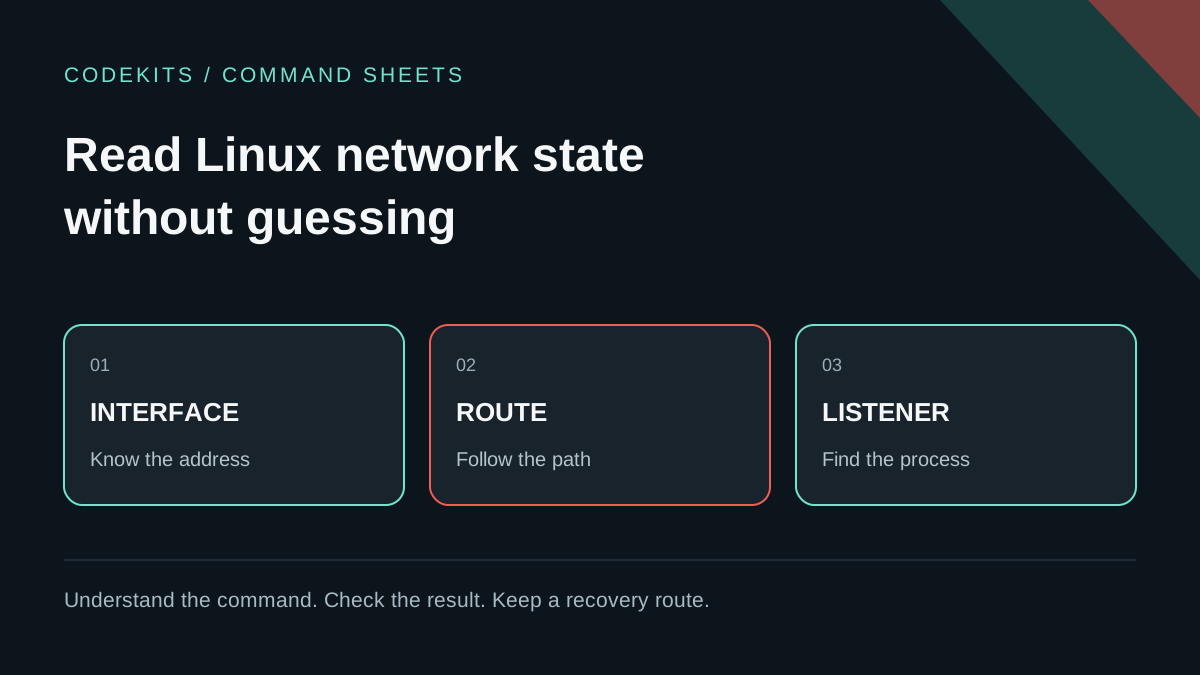
When a website fails, changing firewall rules at random makes the investigation harder. Start by finding out which address belongs to the server, which route it would use, and which process is listening.
This is a read-only command sheet for an Ubuntu machine you administer. It complements the ports and processes guide and the VPS learning path. It does not require scanning other people's networks or capturing their traffic.
Three questions, three different answers
An interface address, a route and a listening socket describe different things:
| Question | Tool | What it does not prove |
|---|---|---|
| Which addresses are assigned here? | ip address | Public reachability |
| How would traffic leave? | ip route | That the destination responds |
| Which application accepts connections? | ss | That a firewall permits them |
A private address may be reachable across a VPN or a routed private network. A public address is not automatically reachable if a firewall blocks it. NAT changes addressing; it is not a substitute for an explicit access policy.
Inspect interfaces without changing them
Run on the Ubuntu VPS:
ip -brief address show
ip -4 address show
ip -6 address show
Expect a loopback interface, commonly lo, and one or more provider interfaces. Names such as ens3 or enp1s0 are examples, not universal requirements. Container bridges and VPN interfaces may also appear.
127.0.0.1 is IPv4 loopback and ::1 is IPv6 loopback. They refer to the current network namespace, not every device in the same building. Inside a container, loopback normally refers to that container rather than its host.
The prefix after an address describes its network size. Do not copy a provider's address without its required prefix and gateway. This guide deliberately uses only inspection commands; the ip command manual also documents modifying commands, which are a separate change requiring a recovery plan.
Inspect the route that matters
ip -4 route show
ip -6 route show
ip route get 192.0.2.20
The last address is a documentation destination used to illustrate a routing lookup. ip route get asks the kernel how it would route a packet; it does not send an application request to prove connectivity. On a machine with a default route it may show a gateway, outgoing device and selected source address. On an isolated machine it may report that the network is unreachable.
For a real incident, repeat it with an address for a dependency you are authorised to contact. A VPN can change the selected route. Policy routing can add further decisions, so a single default route is not the whole story on complex hosts. The route manual explains the distinction between showing routes and resolving a route choice.
Do not delete routes to test a theory while connected over SSH. Use the provider's console and a planned rollback for any actual network configuration change.
Identify listeners separately for TCP and UDP
sudo ss -lntp
sudo ss -lnup
sudo ss -lntp 'sport = :3000'
These show listening TCP sockets, UDP sockets, and a specific local TCP port. Numeric output avoids translating ports into potentially confusing service names. Root privileges may be needed to show another user's process information. The ss manual documents the filters and process display.
Interpret the local address carefully:
127.0.0.1:3000: IPv4 loopback only.0.0.0.0:3000: all IPv4 interfaces in that namespace.[::1]:3000: IPv6 loopback only.[::]:3000: IPv6 wildcard; IPv4 acceptance depends on application and OS settings.
Do not conclude that [::] is IPv6-only without testing. Conversely, a listener on IPv4 loopback does not automatically accept IPv6 loopback requests.
TCP and UDP have separate port spaces. Different addresses and network namespaces also matter, so "one program per port number everywhere" is an oversimplification. Your practical question is which process owns the exact address, transport and port you intended.
Walk the application path from inside out
For a service intentionally listening on IPv4 loopback:
curl --noproxy '*' --connect-timeout 2 --max-time 5 \
  --fail --show-error http://127.0.0.1:3000/health
--noproxy '*' prevents a configured HTTP proxy from interfering with this local diagnostic. A refused connection points towards no accepting listener, an active rejection or the wrong namespace/address. A timeout suggests a different failure mode, but is not proof of a firewall by itself. An HTTP 500 means the connection reached an HTTP server and the application failed.
Next, test the public HTTPS hostname from a separate authorised client. If the loopback response works but the public route fails, investigate DNS, the reverse proxy, certificates and filtering in that order. See Nginx 502 diagnosis.
Record an answer, not a guess
A useful note says "the API responds on 127.0.0.1:3000, but the hostname resolves to the previous address", not simply "network broken". Record time, command, expected behaviour and actual output, redacting identifiers before sharing.
These commands were syntax-reviewed; they have not been run against your Ubuntu environment by this article. The successful outcome is a small, accurate network diagram and one justified next check, not a collection of unexplained configuration changes.