
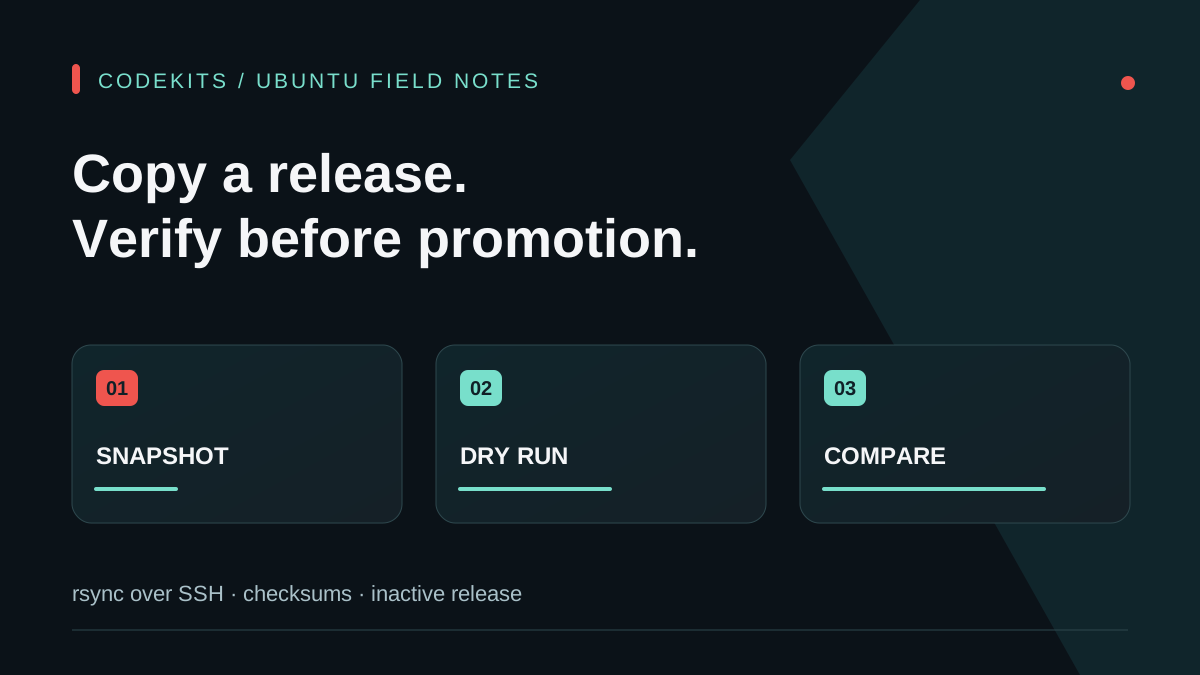
A successful file transfer is not the same as a safe deployment. You need to know which source revision was copied, which files were excluded, whether the destination is the intended release directory, and whether the transferred bytes match before anything goes live.
This guide copies reviewed source to a new inactive release on an Ubuntu VPS using rsync over SSH. It assumes Git, tar, rsync and a working key-based SSH login. Commands labelled local run on your workstation; server commands run on the VPS. The examples use example.com and fictional paths. Shell syntax was checked, but no live release was transferred for this article.
Use the VPS learning path for access setup and staged release promotion after transfer verification.
Freeze the source you intend to ship
Avoid copying an actively edited working tree halfway through a change. Start inside your reviewed Git repository:
git status --short
git rev-parse --verify HEAD
git ls-files
Review the status and tracked filenames. Git tracking does not guarantee safety: a committed credential is still a credential. Resolve accidental secret commits through your incident process and rotate exposed values; excluding a file from this upload does not erase its repository history.
Create a temporary snapshot of the chosen committed revision:
set -o pipefail
release_dir="$(mktemp -d)"
git archive --format=tar HEAD | tar -xf - -C "$release_dir"
printf 'Review this staging directory: %s\n' "$release_dir"
find "$release_dir" -type l -print
The archive excludes uncommitted and untracked changes. If those changes are required, review and commit them through your normal workflow first. This procedure does not export Git submodule contents automatically; separately pin and package them if your project uses submodules. Git archive documentation describes revision-based archives and archive attributes.
Inspect any symlink before transfer. A symlink can reference a path outside the snapshot. Preserving it is not proof that its target exists or is safe on the server.
Prepare one explicit destination
Connect with the verified SSH host key and confirm the account and host. Never disable host-key checking merely to make automation proceed.
hostname
whoami
ls -ld /srv/demo /srv/demo/releases
test ! -e /srv/demo/releases/release-002
mkdir /srv/demo/releases/release-002
ls -ld /srv/demo/releases/release-002
Run the commands individually and stop if the existence check fails. The directory must be writable by the intended deployment account, not made world-writable. Reuse neither a live release nor an unexplained existing destination. If a privileged administrator prepares the parent folder, they should apply a deliberate ownership plan.
Do not put uploads, database files or production configuration under the new release. Those belong to their existing private state locations. A release copy should not become a storage migration by accident.
Preview the exact transfer
Use one shared Bash array so the preview and actual copy have the same exclusions:
rsync_options=(
  -rlpt
  --itemize-changes
  --exclude=.git/
  --exclude=node_modules/
  --exclude=.next/
  --exclude=private/
  --exclude='.env*'
  --exclude='*.pem'
  --exclude='*.key'
)
rsync "${rsync_options[@]}" --dry-run \
  "$release_dir/" [email protected]:/srv/demo/releases/release-002/
The trailing slash on the source means its contents are copied into the destination. Without it, the source directory itself can become an extra level. Check the remote account and full path before continuing.
Here -r copies recursively, -l preserves symlinks, -p preserves permissions and -t modification times. We deliberately do not ask to preserve arbitrary source owners or groups. Exclusions are a secondary safeguard, not a secret scanner: credentials can have any filename, and this list may also exclude a public certificate or example file your app needs. Review the resulting package against the application's deployment contract. See the rsync reference.
No --delete is used. A fresh release needs no destructive mirroring, and deleting files from an incorrectly targeted live directory would be difficult to recover.
Transfer, then compare content
Only after the preview is correct:
rsync "${rsync_options[@]}" \
  "$release_dir/" [email protected]:/srv/demo/releases/release-002/
rsync "${rsync_options[@]}" --checksum --dry-run \
  "$release_dir/" [email protected]:/srv/demo/releases/release-002/
Check the first command's exit status before proceeding. An interrupted transfer or unreadable source is not success because some files arrived. The checksum comparison reads file contents rather than relying only on size and modification time. A clean itemized comparison should show no remaining differences for the selected source files.
This comparison does not prove that the destination contains no extra files, because we intentionally did not enable deletion. Verify its inventory separately. Rsync's transfer checks are also not a signed software-supply-chain guarantee: trust the source revision and the SSH endpoint independently.
On the server, confirm expected files before installing dependencies:
cd /srv/demo/releases/release-002 || exit 1
pwd
ls -lah
test -f package.json
test -f package-lock.json
node --version
npm --version
Do not run an installation automatically after an unexpected listing. Package lifecycle scripts execute code; use a reviewed lockfile and trusted project. Build with the runtime/version policy your application supports, and keep server secrets out of browser-facing build variables.
Promotion and recovery are separate operations
The active release has not changed during these steps. If validation fails, leave it running and investigate the candidate. Record the source revision, destination, transfer result and checksum comparison in deployment notes.
Then follow staging and rollback to build, smoke-test and promote deliberately. A code rollback does not reverse database writes or emails already sent. Keep the previous release and required hashed assets under a documented retention policy.
For help turning manual copying into a reviewable delivery workflow, CodeKits services can include release manifests, health checks and recovery instructions rather than an undocumented “upload and hope” process.