
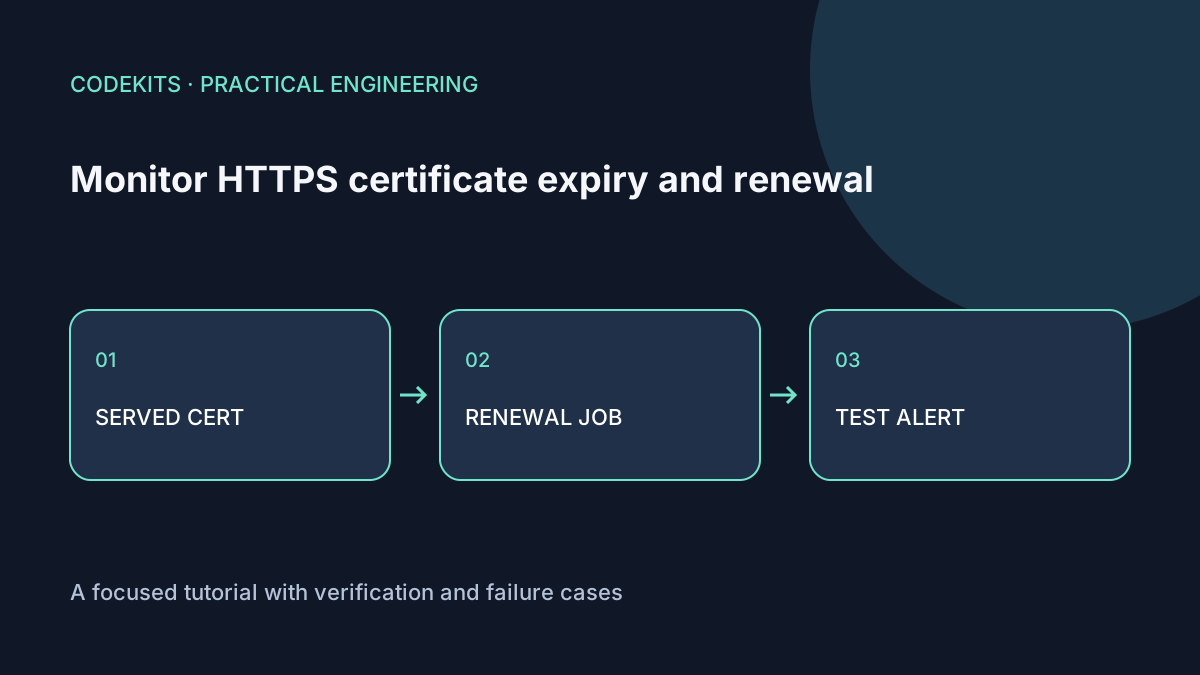
A certificate file on disk can be fresh while Nginx still serves an old certificate. A renewal timer can be enabled while every renewal attempt fails. Monitor both the external HTTPS result and the renewal process; neither proves the other is healthy.
This walkthrough targets Ubuntu, OpenSSL and Certbot. The shell example is for a disposable monitoring host and one hostname you control. It was syntax-reviewed, not executed against a live certificate-management setup.
Inspect the certificate being served
Use Server Name Indication so the server selects the certificate for the intended hostname. Verify the hostname and trust chain rather than merely extracting a date from any certificate that answers.
#!/usr/bin/env bash
set -euo pipefail
domain="${1:?Usage: check-certificate.sh example.com}"
case "$domain" in
  *[!a-zA-Z0-9.-]*|"") echo "Use a DNS hostname" >&2; exit 2 ;;
esac
work_dir="$(mktemp -d)"
trap 'rm -f "$work_dir/peer.txt"; rmdir "$work_dir"' EXIT

if ! timeout 20 openssl s_client   -connect "$domain:443" -servername "$domain"   -verify_hostname "$domain" -verify_return_error   </dev/null >"$work_dir/peer.txt" 2>"$work_dir/verify.txt"; then
  cat "$work_dir/verify.txt" >&2
  rm -f "$work_dir/verify.txt"
  echo "TLS connection or verification failed" >&2
  exit 1
fi
rm -f "$work_dir/verify.txt"
openssl x509 -in "$work_dir/peer.txt" -noout -subject -enddate
openssl x509 -in "$work_dir/peer.txt" -noout -checkend 1209600
The final command returns failure when the leaf certificate will expire within 14 days. The earlier command treats connection and verification failures as problems too. Use the OpenSSL s_client reference and x509 reference for your installed version.
The hostname validation is intentionally narrow; internationalized names should be converted to their ASCII form first. This script checks one resolved connection, not every load-balancer node or IPv4/IPv6 endpoint. A CDN may terminate TLS before your origin, so check the origin through an appropriate private operational path as well.
Inspect renewal independently
sudo certbot certificates
systemctl list-timers --all
sudo journalctl --since "7 days ago" -u certbot.service --no-pager
sudo certbot renew --dry-run
Installation methods differ. A snap installation may use differently named units; use the timer listing to find the real job rather than assuming certbot.service exists.
A dry-run exercises renewal using the ACME staging service. It does not prove the public site now serves a new certificate, and deploy hooks have specific dry-run behaviour. Read the Certbot renewal documentation before testing hooks.
Typical failures include incorrect DNS, unreachable challenge paths, expired DNS-provider credentials or a port occupied by another process when using standalone validation. Fix the identified cause instead of repeatedly forcing production renewals and risking rate limits.
Reload only after a successful renewal
Nginx needs to load the renewed certificate. If your installation does not already handle this, use a reviewed Certbot deploy hook:
#!/usr/bin/env bash
set -euo pipefail
/usr/sbin/nginx -t
/usr/bin/systemctl reload nginx
Keep the hook root-owned and executable. Check actual binary paths. A deploy hook runs after successful renewal, unlike a generic post hook that may run after an attempted renewal batch. Avoid restarting the entire application for a certificate change.
After testing the hook, rerun the external certificate check and compare dates. A successful Nginx configuration test does not itself reload the running workers.
Rehearse the alert
Connect a failed check to the deduplicated health-alert pattern. Test an alert by using a deliberately generous check horizon against a local test certificate or injecting a synthetic failure. Do not expire or revoke a production certificate to test notification.
Check the mailbox, failure logs and recovery notice. Use an external monitor so a dead server or broken outbound mail does not silence the only alerting path. A reminder before expiry should leave time for investigation, not merely report the final outage.
For a full hosted application workflow, see Next.js development. Certificates are one part of deployment reliability, alongside backups, release rollback and application health.