
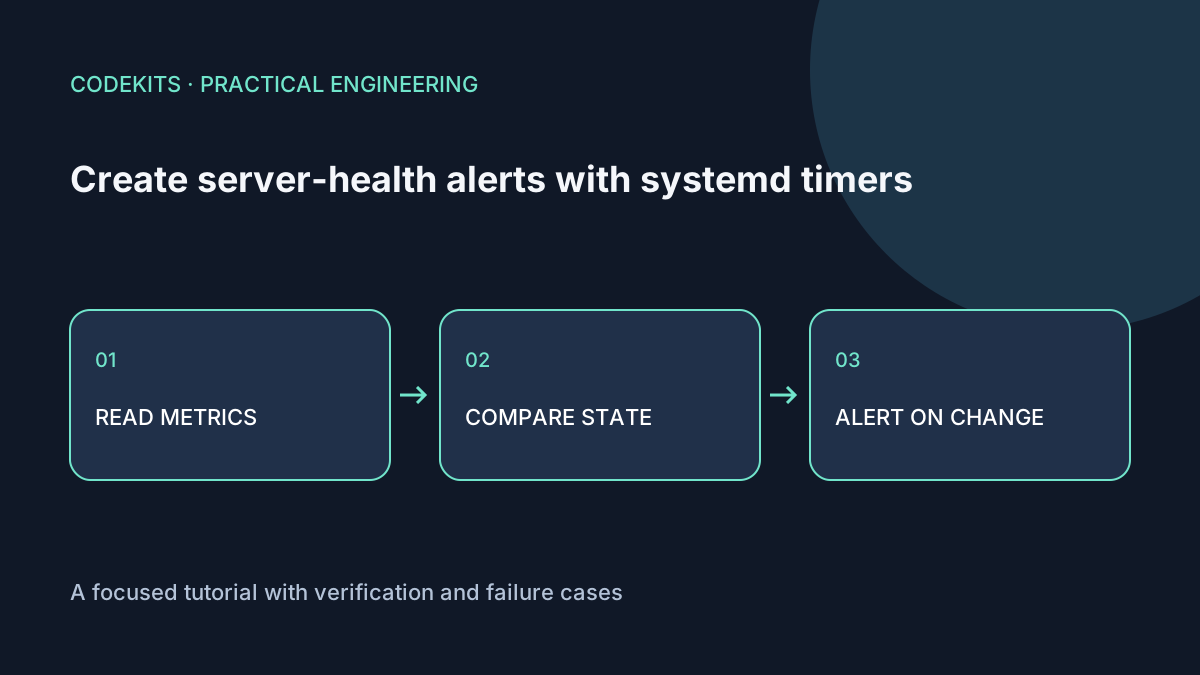
A useful health monitor sends a message when something becomes actionable, not every minute while the same condition persists. This example checks disk usage, available memory and one systemd service, then sends a recovery notice when the issue clears.
The download contains a dependency-free Node monitor for Linux, its state-decision tests and sample systemd units. It targets Node 20 or later APIs and Ubuntu-style /proc metrics. The decision tests ran locally; the Linux metric collection, timer and email delivery still require a disposable-server test.
Decide what each check means
The monitor uses filesystem blocks available to ordinary users, MemAvailable from /proc/meminfo, and systemctl is-active. These answer specific questions:
- Is the monitored filesystem approaching a configured capacity threshold?
- Is the kernel estimating little memory available without swapping?
- Does systemd consider the selected unit active?
An active service can still return errors. Add a bounded HTTP readiness check for application-level health. Also monitor inodes, database latency and backup age when relevant; do not claim three metrics cover every failure.
server-health-email-alerts-systemd/
├── monitor.mjs
├── policy.mjs
├── policy.test.mjs
├── demo-health.service
├── demo-health.timer
└── README.md
Separate observation from notification
The pure decision function compares the current issue signature with the last successfully submitted alert. It sends on a changed condition, on recovery, or after a six-hour reminder interval for an unresolved issue.
export function decide(issues, previous, now, repeatMs = 21600000) {
  const signature = [...issues].sort().join("\n");
  if (!previous) return signature ? "problem" : null;
  if (signature !== previous.signature) {
    return signature ? "problem" : "recovery";
  }
  if (signature && now - previous.sentAt >= repeatMs) return "reminder";
  return null;
}
The monitor writes state atomically only after the local mail command succeeds. If submission fails, the next run retries. If the machine crashes after submitting mail but before writing state, a duplicate is possible; this is not exactly-once email.
SMTP or local-MTA acceptance is also not inbox delivery. Check the mail queue and delivery logs, and send a real test message to the intended mailbox before relying on alerts.
Run with bounded privileges
Install the reviewed files under a root-owned directory such as /opt/demo-health. Create an unprivileged demo-monitor account. Configure a local mail transport that provides /usr/sbin/sendmail; do not put SMTP passwords in a public example or command-line argument.
[Unit]
Description=Demo server health check

[Service]
Type=oneshot
User=demo-monitor
ExecStart=/usr/bin/node /opt/demo-health/monitor.mjs
Environment=MONITOR_UNIT=demo-web.service
Environment=ALERT_TO[email protected]
Environment=STATE_FILE=/var/lib/demo-health/state.json
StateDirectory=demo-health
TimeoutStartSec=45
NoNewPrivileges=true
PrivateTmp=true
ProtectHome=true
ProtectSystem=strict
Use the verified Node path and your actual mailbox. StateDirectory gives this account a dedicated writable state location under the service's filesystem restrictions. Review systemd execution settings against your installed version.
[Unit]
Description=Check demo server health every five minutes

[Timer]
OnCalendar=*:0/5
Persistent=true
RandomizedDelaySec=30

[Install]
WantedBy=timers.target
A persistent calendar timer can catch a missed run after downtime. It cannot send an alert while the whole host or its network is down. Use an external uptime monitor for that independent failure domain. The systemd timer reference explains scheduling behaviour.
Test safely before enabling
Run node --test policy.test.mjs, then node monitor.mjs --dry-run on the Linux host. Dry-run prints the observed issues and never sends mail or changes state. The --test-alert option substitutes a synthetic issue and also requires explicit normal execution to submit it.
Enable the timer only after reviewing and adapting the units. Inspect systemctl list-timers and the service journal. Test unchanged problems, a changed problem, recovery and failed mail submission using fixtures; do not fill a production disk or stop a production database.
Threshold chatter can still produce alerts when values repeatedly cross a boundary. Add hysteresis or sustained-duration checks once you have real baseline data.
For an operational application rather than a standalone script, see Next.js development and certificate monitoring.