
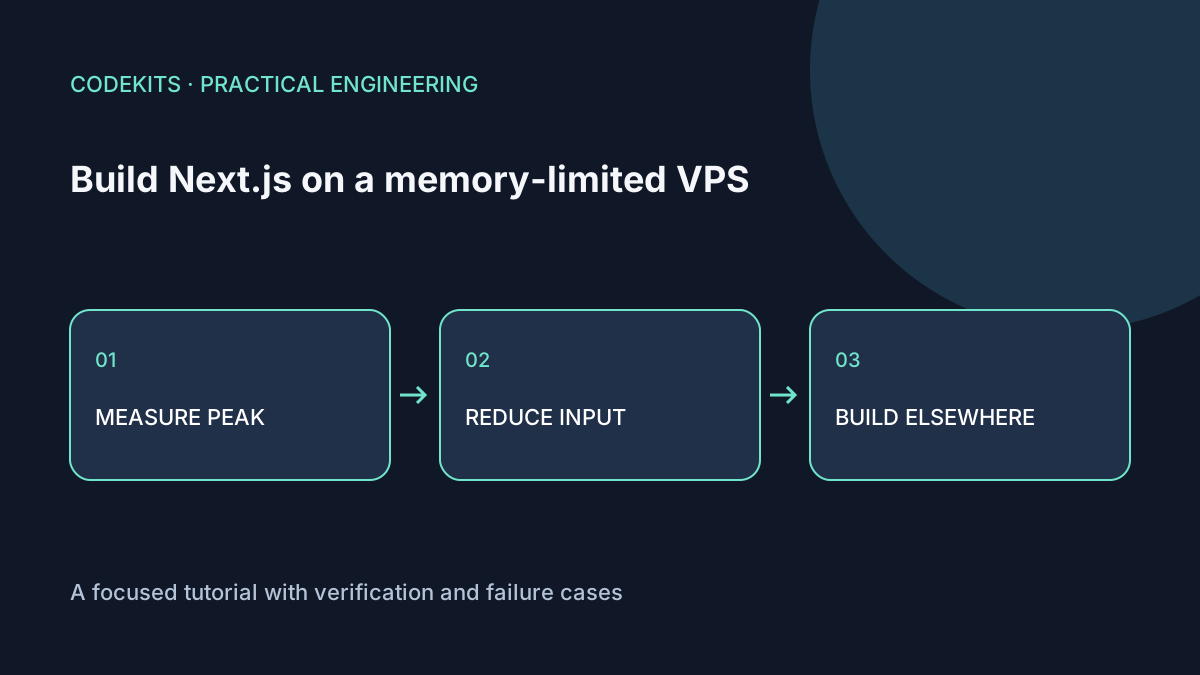
A Next.js app can serve comfortably on a small VPS yet fail during its production build. Compiling, checking types and prerendering are different workloads from serving an already-built release. Measure the failing phase before changing memory limits.
This guide targets Ubuntu with an existing Next.js project. Build flags are version-specific: inspect the installed CLI rather than copying an experimental setting from another release. The commands are diagnostic examples, not measurements from a particular VPS.
Identify what actually failed
node --version
npm ls next --depth=0
node node_modules/next/dist/bin/next build --help
free -h
df -h .
sudo journalctl -k --since "30 minutes ago" --no-pager
A JavaScript heap-limit message is different from the kernel killing a process because the host is out of memory. A bare "Killed" or exit 137 can suggest termination but is not proof by itself; correlate it with kernel and service logs. Check disk space too, because an incomplete build is not always a memory problem.
Install GNU time if necessary and measure a build in a separate release directory:
sudo apt install time
/usr/bin/time -v npm run build
Record elapsed time, maximum resident set size, Node/Next versions and the build phase that failed. The reported maximum is useful evidence, not a perfect sum of every simultaneously running child process. Compare it with host-level memory monitoring.
Remove accidental inputs
Do not keep archived releases under the source tree. A broad TypeScript or lint include can scan old source copies, generated output and large fixtures. Keep backups elsewhere and make include/exclude rules match the actual project.
{
  "compilerOptions": {
    "strict": true,
    "noEmit": true
  },
  "include": ["next-env.d.ts", "src/**/*.ts", "src/**/*.tsx", ".next/types/**/*.ts"],
  "exclude": ["node_modules", "archives", "coverage"]
}
Merge these fields into your existing configuration; do not discard Next.js-required options or an intentional root-level app directory. Exclusion does not prevent a file from being pulled in by an import. Find the import or generator responsible if an unwanted file still participates.
Also inspect build-time data fetching. Prerendering thousands of pages or loading an entire database into memory may be the dominant cost. Bound concurrency and page-generation scope in your application code instead of treating every problem as a compiler flag.
Use supported diagnostics
The Next.js memory guide describes memory instrumentation and Webpack worker considerations. Where your installed version supports it:
node node_modules/next/dist/bin/next build --experimental-debug-memory-usageThis mode can differ from the normal worker configuration. Do not compare its peak with a normal build as if the execution paths were identical. Heap snapshots can include application data and secrets; keep them private and delete them through your normal retention process after analysis.
Avoid undocumented worker-count settings. A framework update can change their meaning. If a documented concurrency setting exists for your installed version, change one value at a time and repeat the same test.
Treat the heap cap as a budget, not extra RAM
NODE_OPTIONS="--max-old-space-size=1536" npm run buildThis limits one part of V8's heap in MiB. It does not cap total RSS, native allocations, workers or MySQL. Raising it above available headroom can move the failure from a useful heap error to a host-level OOM kill.
Swap may absorb a short peak but can turn sustained pressure into severe latency. Plan it with your server's storage and operational policy rather than adding an unbounded emergency workaround.
Prefer a separate build environment when appropriate
Build on a compatible CI runner or build machine, then deploy a complete tested artifact. Match architecture, operating-system requirements and native dependencies; copying macOS-built dependencies to Linux is not a valid shortcut.
Run type checks and tests before promotion. Skipping validation to make a build fit can ship the defect that the check was supposed to catch. Use staged releases so a failed build never overwrites the live one.
No Next.js build was benchmarked on a memory-constrained VPS for this article. The useful output of this process is your measured peak and chosen budget. Next.js application development can include that deployment profiling.