
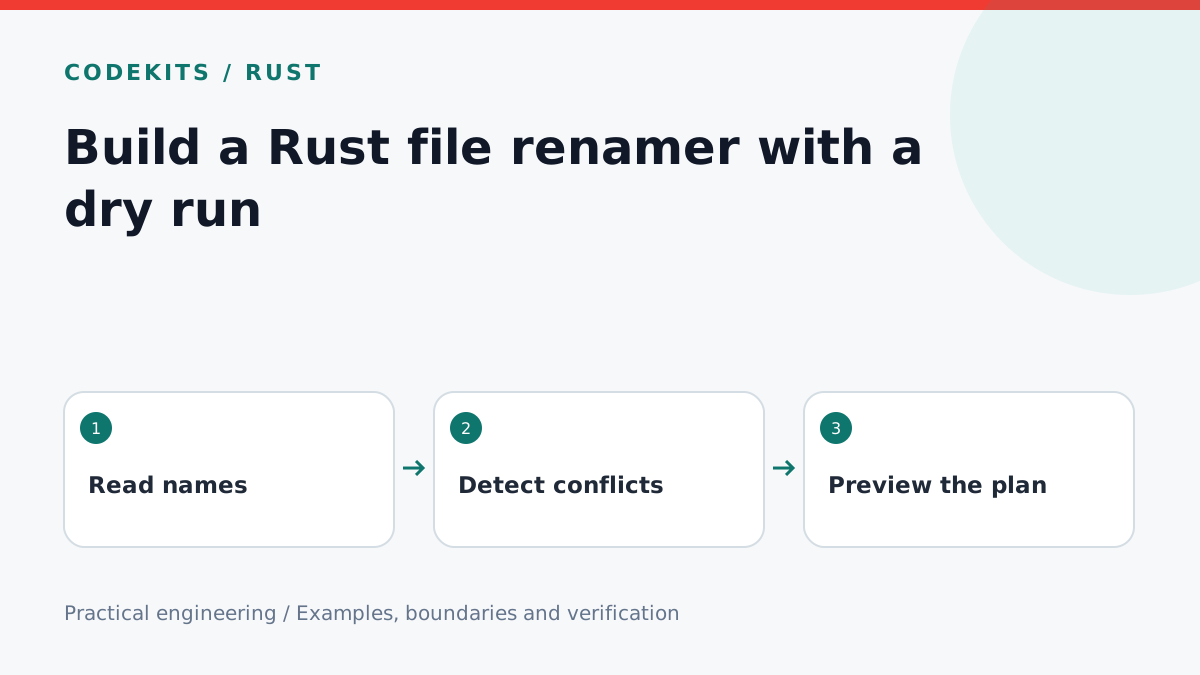
A batch rename tool should show exactly what it intends to change before touching a directory. Start with a pure planner: input names go in, proposed old/new pairs come out. This tutorial implements that dry-run core in Rust and explains the additional safeguards an apply operation needs.
The downloadable example deliberately does not rename files. That makes the first version useful for preview and safe to test against invented names.
Keep planning separate from filesystem changes
rename-preview/
├── planner.rs
└── README.md
This starter prefixes simple ASCII filenames with archived-. It rejects path separators and unfamiliar filename forms instead of pretending to support every platform immediately.
use std::collections::HashSet;

pub fn plan(
    names: &[&str],
    existing: &[&str],
) -> Result<Vec<(String, String)>, &'static str> {
    let occupied: HashSet<String> =
        existing.iter().map(|n| n.to_ascii_lowercase()).collect();
    let mut targets = HashSet::new();
    let mut result = Vec::new();
    for name in names {
        if name.is_empty() || name.len() > 120
            || *name == "." || *name == ".."
            || !name.bytes().all(|b|
                b.is_ascii_alphanumeric() || b"._-".contains(&b))
        {
            return Err("Unsupported filename.");
        }
        let target = format!("archived-{name}");
        let folded = target.to_ascii_lowercase();
        if occupied.contains(&folded) || !targets.insert(folded) {
            return Err("Target collision.");
        }
        result.push(((*name).to_owned(), target));
    }
    Ok(result)
}
Pass all directory entries as existing, including entries not selected for renaming. Otherwise the preview could miss a target that already exists. Case folding here deliberately errs on the side of refusing a collision; it is not a complete model of every filesystem's Unicode and case rules.
For a production picker, read actual directory entries, distinguish files from directories and reject symlinks unless their behaviour is explicitly supported. A string-only planner cannot establish that a source exists or that a directory is safe to modify.
Show a reviewable preview
Render old name, new name and any conflict in a table. Keep the apply button disabled while conflicts remain. Display the selected directory and item count, and require a deliberate confirmation for the final plan rather than applying automatically as the user types a pattern.
Do not implement rename patterns with arbitrary shell commands. Native filesystem operations avoid shell quoting problems, but still require correct path handling and permissions.
Why checking first is not enough
Another process can create a target between preview and apply. Rust's ordinary std::fs::rename can replace an existing destination, so an exists() check followed by rename does not provide no-overwrite safety.
A real apply layer needs platform-appropriate no-clobber operations or another carefully designed strategy. If it cannot guarantee the promised behaviour, stop and report the conflict rather than overwrite. Multi-file batches are not automatically transactional: keep a journal of completed changes and present partial failure honestly.
Test on disposable copies before valuable files. A rollback can also encounter new collisions, so describe it as an attempted recovery, not a guaranteed undo.
Test the planner
The supplied tests cover valid names, traversal-like input, duplicates, a pre-existing target and case-only collisions.
rustc --edition=2021 --test planner.rs -o planner-tests
./planner-tests
These tests validate planning only; no claim is made that a cross-platform apply engine has been tested. Next, connect the preview to a Tauri interface and use background cancellation for large directory scans.
Read the destination behaviour in Rust's rename documentation. For a tailored desktop utility with recovery safeguards, explore CodeKits services.