
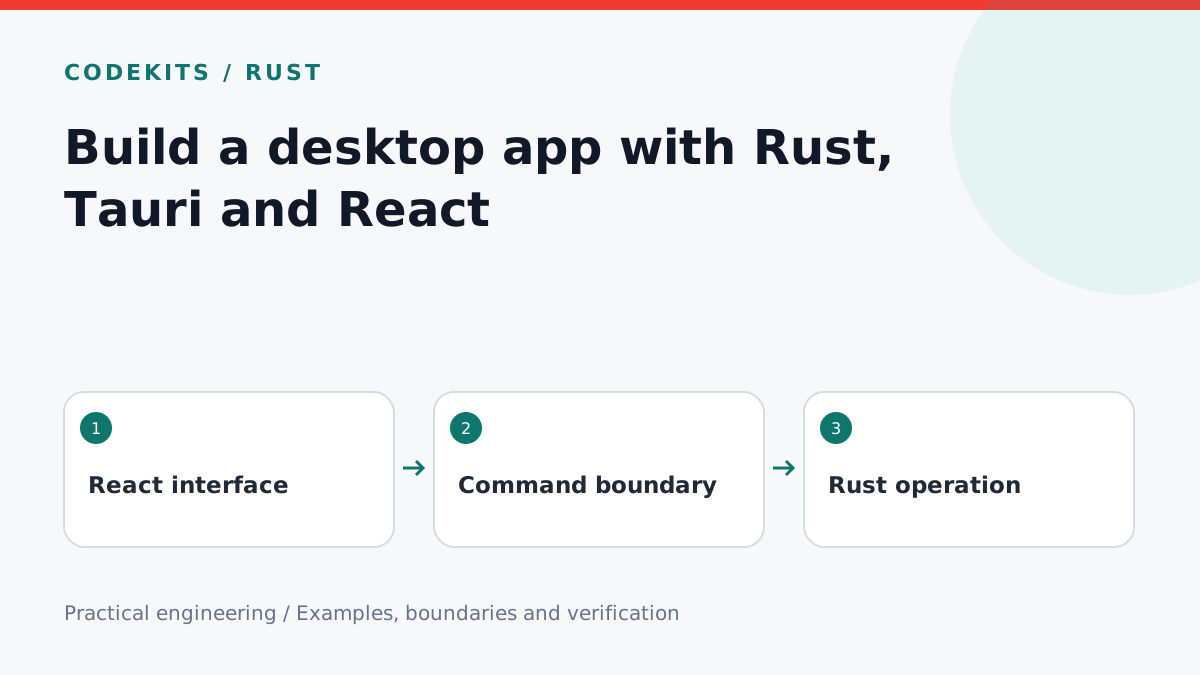
Rust and React can work together in a desktop application: React handles the interface, while Rust provides native operations behind a deliberately small command boundary. Tauri 2 connects them using the operating system's webview. This starter builds a greeting command before introducing filesystem or network permissions.
Prepare your development machine
Install a supported Node.js release, Rust through rustup and the platform prerequisites in the Tauri documentation. Linux needs webview development packages; Windows needs its supported build tools and WebView2 setup; macOS needs Apple developer tools. A successful web build alone does not prove that a desktop bundle will run.
npm create tauri-app@latestChoose a TypeScript frontend, npm and React in the prompts. Enter the generated directory, run npm install, then npm run tauri dev. Generator prompts and dependency versions can change: commit the generated lockfiles and read the prerequisites for the selected Tauri major version.
Understand the boundary
desktop-starter/
├── src/
│   ├── App.tsx
│   └── main.tsx
├── src-tauri/
│   ├── src/lib.rs
│   ├── capabilities/default.json
│   ├── Cargo.toml
│   └── tauri.conf.json
└── package.json
Keep React code in src and native implementation in src-tauri. Do not place database credentials or private API keys in frontend environment variables; bundled JavaScript is inspectable.
Replace the generated greeting implementation with a bounded command. Keep the builder and mobile entry-point attributes generated for your target, but register this function in its invoke handler.
#[tauri::command]
fn greet(name: String) -> Result<String, String> {
    let name = name.trim();
    if name.is_empty() || name.chars().count() > 80 {
        return Err("Enter a name between 1 and 80 characters.".into());
    }
    Ok(format!("Hello, {name}!"))
}

// In the generated Builder chain:
// .invoke_handler(tauri::generate_handler![greet])
This is an integration excerpt for the generated project, not a complete replacement for its entry point. Retain other command registrations if they are still used.
Call the command from React
import { useState } from "react";
import { invoke } from "@tauri-apps/api/core";

export default function App() {
  const [message, setMessage] = useState("Ready");
  const [busy, setBusy] = useState(false);
  async function greet() {
    setBusy(true);
    try {
      setMessage(await invoke<string>("greet", { name: "Reader" }));
    } catch {
      setMessage("Could not generate the greeting.");
    } finally {
      setBusy(false);
    }
  }
  return <main>
    <button disabled={busy} onClick={greet}>Say hello</button>
    <p role="status">{message}</p>
  </main>;
}
The invoke key must match the registered Rust command. Running the interface only in an ordinary browser will not supply the native bridge. If the call fails, inspect the desktop development console and Rust output before adding broad permissions.
Build toward a real product
Rust is useful for local processing, parsing and controlled native access, but it does not automatically make every application faster or secure. Tauri is a good candidate for utilities, offline workspaces and focused business tools; measure startup, memory and accessibility with your actual workload.
Test release builds on each operating system you support. Signing, notarisation, installers, updates and platform-specific paths are separate release tasks. This article explains the starter integration; it does not claim a signed three-platform application has been tested.
Review Tauri project creation and Rust commands. Next, add command validation before native file operations. CodeKits desktop services can help take a prototype through that release work.