
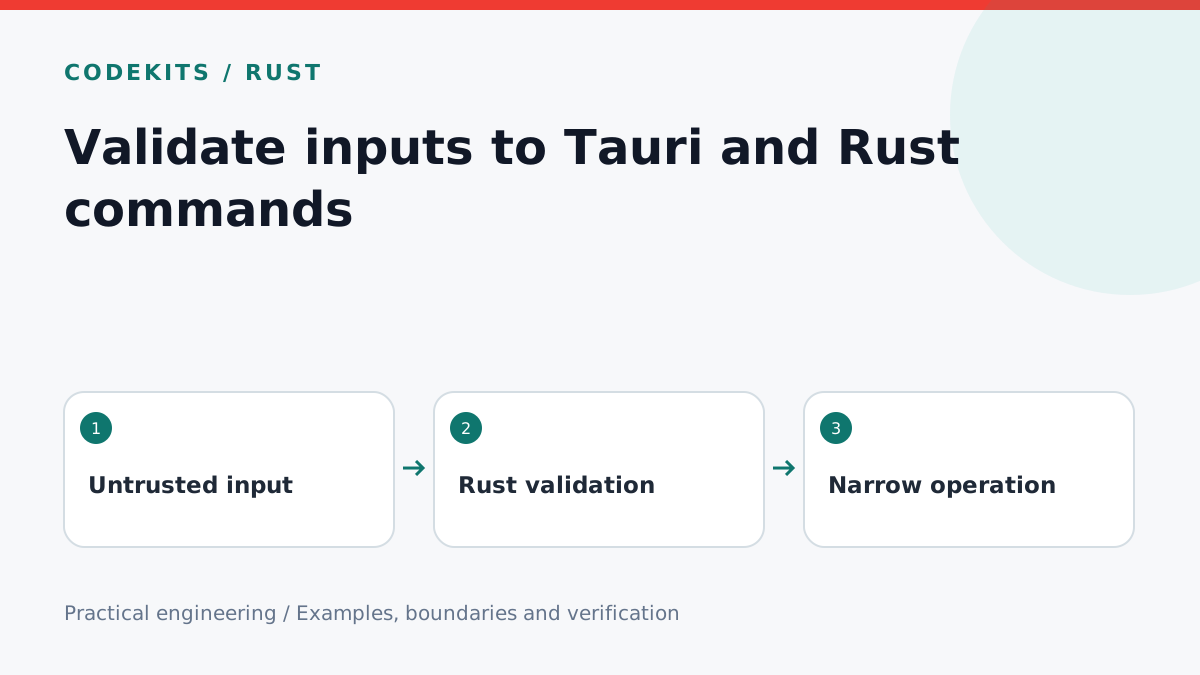
A desktop webview is not a trusted caller just because it is packaged with your application. Bugs, injected content or a compromised renderer may invoke native commands with unexpected values. Put validation in Rust, where the privileged operation runs, and keep the command surface small.
This tutorial builds a dependency-free note-title validator, then shows where it fits in a Tauri 2 command. It does not expose arbitrary shell execution or accept user-provided filesystem paths.
Separate logic from the desktop wrapper
command-validation/
├── validation.rs
└── README.md
The downloadable example contains the validator and unit tests. Because it uses only the Rust standard library, it can be tested without opening a webview.
pub fn note_title(input: &str) -> Result<String, &'static str> {
    let title = input.trim();
    if title.is_empty() {
        return Err("A title is required.");
    }
    if title.chars().count() > 80 {
        return Err("Use at most 80 characters.");
    }
    if title.chars().any(char::is_control) {
        return Err("Control characters are not allowed.");
    }
    Ok(title.to_owned())
}

#[cfg(test)]
mod tests {
    use super::*;
    #[test]
    fn trims_and_accepts_unicode() {
        assert_eq!(note_title("  Café  ").unwrap(), "Café");
    }
    #[test]
    fn rejects_bad_titles() {
        assert!(note_title(" ").is_err());
        assert!(note_title("one\ntwo").is_err());
        assert!(note_title(&"x".repeat(81)).is_err());
    }
}
Here “character” means a Unicode scalar value, as counted by Rust's chars(), not a user-perceived grapheme. If the product promises a visible-character limit, use a Unicode segmentation library and test combined accents and emoji. The transport should also cap the request size; validating after allocation is not a complete resource limit.
Wrap only the operation you intend
#[tauri::command]
fn validate_note_title(title: String) -> Result<String, String> {
    validation::note_title(&title).map_err(str::to_owned)
}
Declare the validation module, register this command with the generated builder and call it through invoke. Frontend validation can provide quick feedback, but Rust repeats the checks. Return user-facing errors without filesystem paths, database credentials or raw internal exceptions.
If you later save a note, accept a note ID and title, not an unrestricted path. Resolve IDs to application-owned records. Database parameters must still be bound; a valid title may contain apostrophes.
Permissions and validation solve different problems
Tauri capabilities decide which windows and webviews can use permitted functionality. They do not validate business rules inside a command. Review custom-command access and plugin permissions for your exact Tauri configuration; avoid assuming that an arbitrary capability file automatically restricts every custom command.
Do not grant broad filesystem or shell permissions to make an error disappear. Prefer narrowly scoped directories, specific commands and local application content. A command that concatenates user text into a shell string remains dangerous even when its button appears harmless.
Test failure paths deliberately
Compile and run the standalone tests:
rustc --edition=2021 --test validation.rs -o validation-tests
./validation-tests
Then test the desktop integration separately with empty input, oversized payloads and direct invoke calls that bypass the form. Verify the app handles rejected promises, preserves user input and does not expose debug detail.
The helper tests establish the validation behaviour, not full application security. Continue with offline SQLite notes, and review Tauri commands and capabilities. For a reviewed native boundary, explore CodeKits services.