
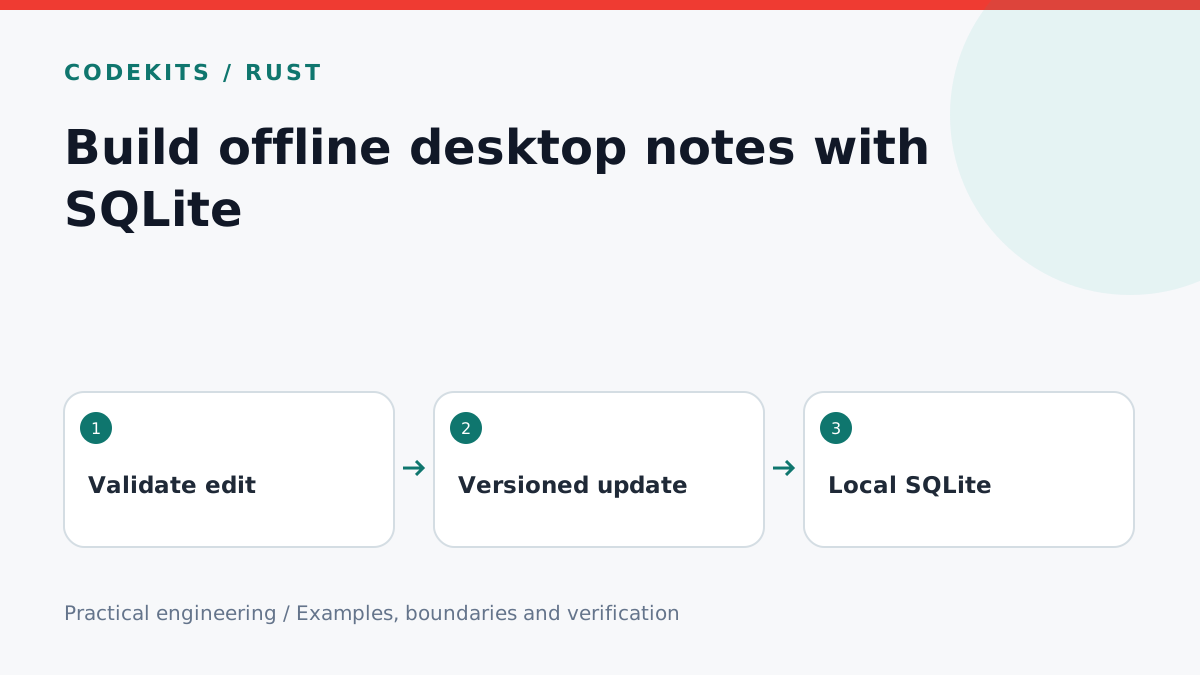
An offline notes app does not need a remote database to save useful work. SQLite keeps structured records in a local file, while a Rust command layer can expose narrow operations to a React interface. This tutorial builds and tests the storage contract before wiring it into a desktop window.
You need the SQLite command-line client for the downloadable schema test. A desktop integration additionally needs a maintained Rust SQLite binding and your platform's application-data directory.
Keep data outside the application bundle
offline-notes/
├── schema.sql
├── test.sql
└── README.md
Installed application files may be read-only or replaced by an update. Resolve the user's application-data directory using the desktop framework, create it with appropriate permissions and keep the database there. Avoid a fixed path tied to your development machine.
SQLite is not encrypted by default. “Offline” means no server is required, not that another local process or a stolen unencrypted disk cannot read notes. If confidentiality is a requirement, design key storage, backups and recovery explicitly.
Create a small schema
PRAGMA foreign_keys = ON;
CREATE TABLE IF NOT EXISTS notes (
  id TEXT PRIMARY KEY NOT NULL,
  title TEXT NOT NULL CHECK(length(title) BETWEEN 1 AND 80),
  body TEXT NOT NULL,
  version INTEGER NOT NULL DEFAULT 1 CHECK(version > 0),
  updated_at TEXT NOT NULL
);
PRAGMA user_version = 1;
Generate IDs in the trusted application layer and use a documented UTC timestamp format. Validate body size before saving. The title constraint protects one invariant but does not replace all input validation, and schema creation alone is not a migration engine.
On startup, read PRAGMA user_version. Apply known migrations in order inside a transaction, then update the version. If a database has a newer version than the app understands, stop with a useful message instead of trying to downgrade it silently.
Detect conflicting edits
UPDATE notes
SET title = ?1,
    body = ?2,
    version = version + 1,
    updated_at = ?3
WHERE id = ?4 AND version = ?5;
The interface sends the version it last loaded. One changed row means success. Zero changed rows means the note was deleted or changed elsewhere; fetch the current state and let the user resolve the conflict. Do not label zero rows a successful save.
Bind values through the database library rather than interpolating strings. Keep transactions short and avoid holding one open while waiting for a user dialog. SQLite permits multiple readers but only one writer at a time, so configure a bounded busy timeout and show a retryable error when necessary.
Connect the interface carefully
Expose operations such as list, load, create and update through the Rust command boundary. Return only the fields the screen needs. Move blocking database work away from the UI thread using the runtime's supported worker mechanism.
Debounced autosave should show distinct states: unsaved, saving, saved and failed. Cancel or flush pending saves deliberately when switching notes. A late response for the previous note must not overwrite the current editor. A version number also helps prevent stale saves from winning silently.
Test persistence and recovery
The downloadable SQL fixture runs against an in-memory database and checks an insert, a successful versioned update, a stale update and transaction rollback. It does not test a specific Rust binding or desktop packaging.
For the integrated app, save a note, close the process and reopen it. Test a read-only directory, a locked database, a failed migration and a restored backup. Use SQLite's backup facilities for a live database; copying only the main file while write-ahead logging is active can miss associated state.
Read SQLite transactions and online backup guidance. Pair this with Rust command validation, or discuss an offline desktop application.