
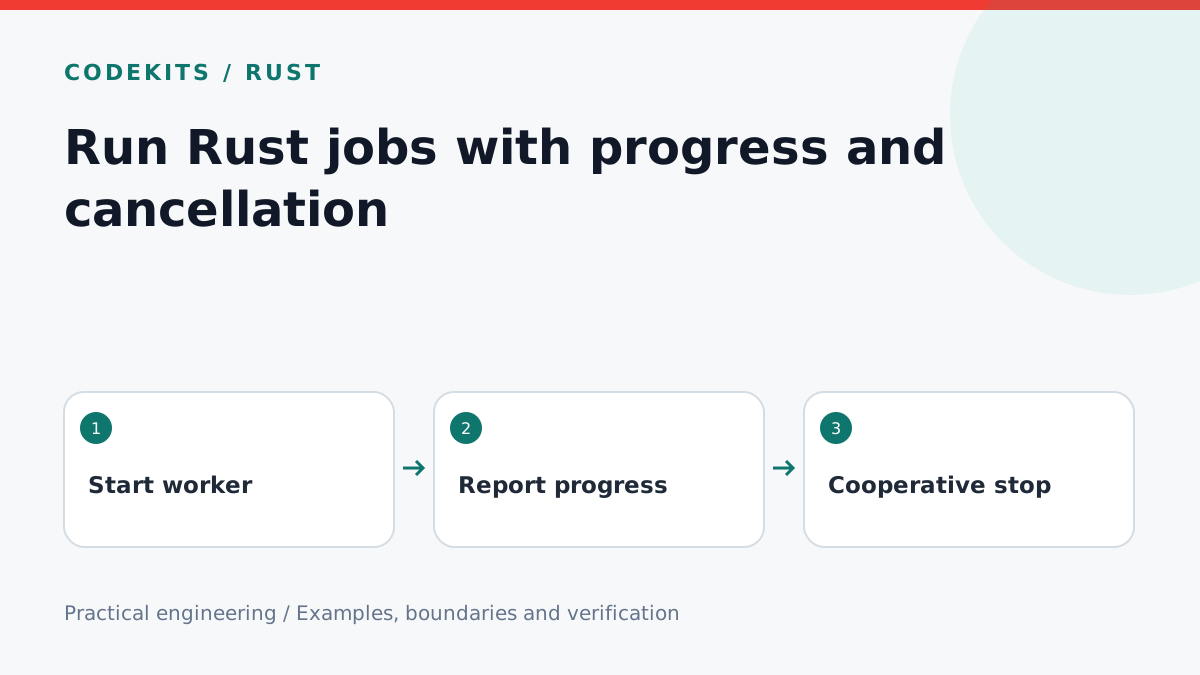
A file scan or export should not freeze a desktop window. Put the work on a worker, report progress and give the user a cancel action. Cancellation is usually cooperative: the worker checks a signal between safe units of work instead of being killed halfway through a write.
This tutorial uses a small standard-library worker so its behaviour can be tested independently of Tauri. The desktop adapter is a separate layer.
Define what cancellation means
background-job/
├── worker.rs
└── README.md
A cancellation request means “stop before the next unit when possible”. It cannot interrupt an arbitrary blocking operation. For network requests, configure timeouts; for large files, check between chunks. Write results to temporary files and only commit complete outputs.
use std::sync::atomic::{AtomicBool, Ordering};

#[derive(Debug, PartialEq)]
pub enum Outcome {
    Completed(usize),
    Cancelled(usize),
}

pub fn run<F>(
    total: usize,
    cancelled: &AtomicBool,
    mut step: F,
) -> Outcome
where
    F: FnMut(usize),
{
    for index in 0..total {
        if cancelled.load(Ordering::Relaxed) {
            return Outcome::Cancelled(index);
        }
        step(index);
    }
    Outcome::Completed(total)
}
The flag only communicates a stop request, so relaxed ordering is sufficient for this example. Do not use it to publish other mutable data without additional synchronisation. The function counts completed steps; a cancellation received after the final step may still produce Completed, which is a reasonable terminal state.
Add the desktop lifecycle
In a Tauri app, keep an Arc<AtomicBool> per job ID in managed state. A start command allocates the ID and launches the worker through a supported blocking-task facility. A cancel command looks up that ID and sets its flag. Bound the number of jobs so repeated clicks cannot create unlimited threads or memory use.
Subscribe to progress before starting the job, then include the job ID in every event. Remove the listener when the component unmounts. A final state should be recorded by the backend so a remounted screen can query it; events alone are not durable job history.
Do not send an event for every byte. Report at a bounded interval or after meaningful units, and include completed and total counts. Unknown totals need an indeterminate state rather than a fabricated percentage. Avoid putting file contents or private paths into broadly delivered events.
Keep failures separate from cancellation
The small helper's step callback cannot return an error. A real exporter should return a typed result that distinguishes a failed item, user cancellation and completion. Decide whether one failed item stops the batch or produces a partial-success report.
Cancellation does not undo previously committed work. If a job changes records, design compensation or transactional boundaries explicitly. Show the number of completed items when a partial result remains, and do not present Cancelled as “nothing happened”.
Verify predictable outcomes
The downloadable helper tests empty work, normal completion, cancellation before starting and cancellation triggered after the first unit. Run them with:
rustc --edition=2021 --test worker.rs -o worker-tests
./worker-tests
For the desktop adapter, separately test closing the window, starting twice, cancelling an unknown ID, a full progress queue and a worker error. Check that the interface stays responsive under realistic load; unit tests do not establish that.
Review Tauri frontend events and Rust atomic ordering. Continue with a bounded log reader, or explore Rust desktop development.