
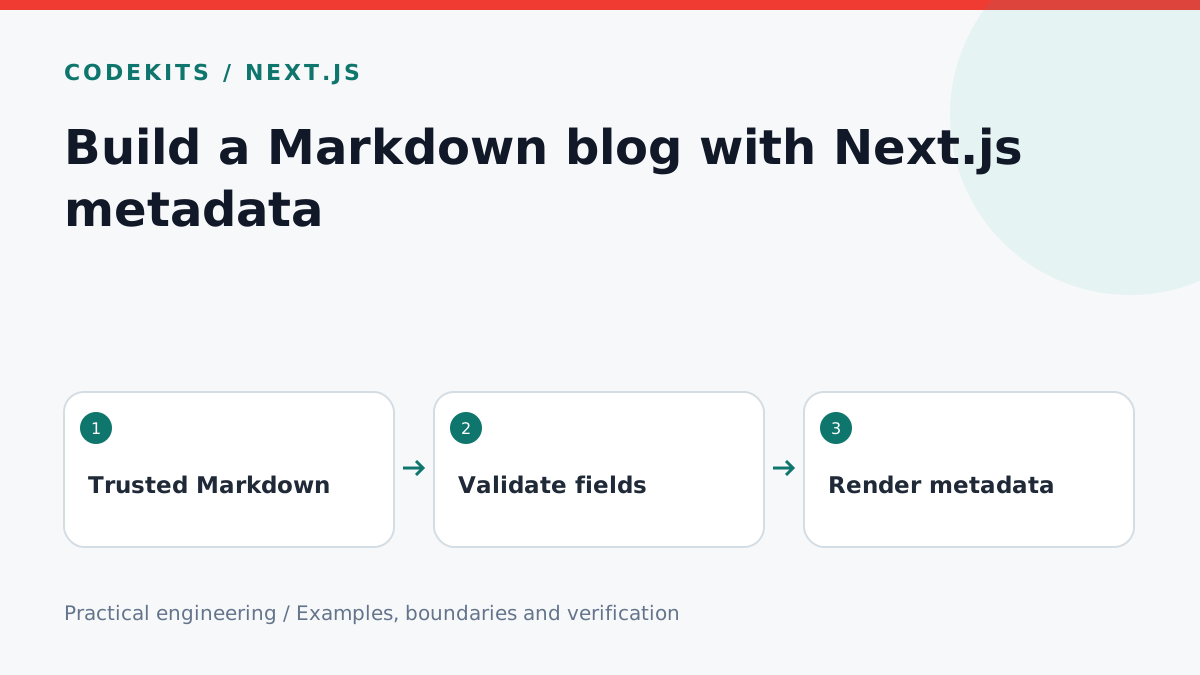
A useful development blog needs a predictable route from a source file to a readable page. This tutorial describes that route for a Next.js App Router project: parse trusted Markdown, validate its metadata, render it on the server and reuse the same publication record for search metadata.
The examples are integration pieces for an existing TypeScript application. They do not execute JSX inside articles. This keeps a coding tutorial from accidentally becoming executable application code.
Choose the content boundary
Use a supported Node.js runtime for your Next.js version. Install a Markdown parser such as remark-parse, remark-rehype and rehype-stringify, plus your chosen frontmatter parser. Commit the lockfile and record the versions you test. Do not enable raw HTML processing merely because a pasted article contains HTML.
site/
├── content/
│   └── first-tutorial.md
├── src/lib/posts.ts
└── src/app/blog/[slug]/page.tsx
Treat repository-authored Markdown as content reviewed during deployment. If strangers can submit content, add a separate moderation and sanitization boundary. Never concatenate a URL parameter into an unrestricted filesystem path.
Validate one publication record
The following type is the result of parsing and validation, not a substitute for runtime validation. Require a unique slug, a non-empty title and summary, a local image with meaningful alternative text, and an ISO timestamp containing an offset.
export type Post = {
  slug: string;
  title: string;
  summary: string;
  author: string;
  publishedAt: string;
  updatedAt?: string;
  image: string;
  imageAlt: string;
  html: string;
};

export function validSlug(value: string): boolean {
  return /^[a-z0-9]+(?:-[a-z0-9]+)*$/.test(value);
}
Load only a slug from a previously enumerated content inventory. Return null for an unknown slug. A malformed published post should fail validation before deployment, rather than silently outputting a broken date.
Render ordinary Markdown through the parser pipeline. Keep code blocks as escaped text; syntax highlighting must not execute the sample. The html field should contain only the output of your configured renderer, never arbitrary request input.
Build metadata from that record
In a Next.js 15-style App Router page, route parameters are awaited. The getPublishedPost function below represents your validated loader; it must apply the same draft and time filters used by the listing.
import { notFound } from 'next/navigation';
import { getPublishedPost } from '@/lib/posts';

export async function generateMetadata({ params }: {
  params: Promise<{ slug: string }>;
}) {
  const post = await getPublishedPost((await params).slug);
  if (!post) notFound();
  const url = new URL(`/blog/${post.slug}`, 'https://example.com');
  return {
    title: post.title,
    description: post.summary,
    alternates: { canonical: url.href },
    openGraph: {
      type: 'article', url: url.href,
      title: post.title, description: post.summary,
      publishedTime: post.publishedAt,
      modifiedTime: post.updatedAt || post.publishedAt,
      images: [new URL(post.image, url.origin).href],
    },
  };
}
Use the same record in your page component: one H1, the summary, author, cover and a <time dateTime={post.publishedAt}>. Format the visible text with an explicit timezone such as Europe/London. Do not replace the real modification date with the time of every build.
Check the complete path
Create a fixture with punctuation in the title, a missing image, an invalid date, a draft and an unknown URL. Verify the valid article loads and the others are rejected or hidden as intended. Inspect the rendered canonical and Open Graph fields, not only the TypeScript object.
A blank page often means the loader threw while parsing one file. A doubled domain in an image URL usually means two absolute URLs were concatenated. new URL avoids that mistake.
Next, add draft and scheduled publication rules and feeds and sitemaps. For a complete implementation tailored to your business, explore Next.js development.