
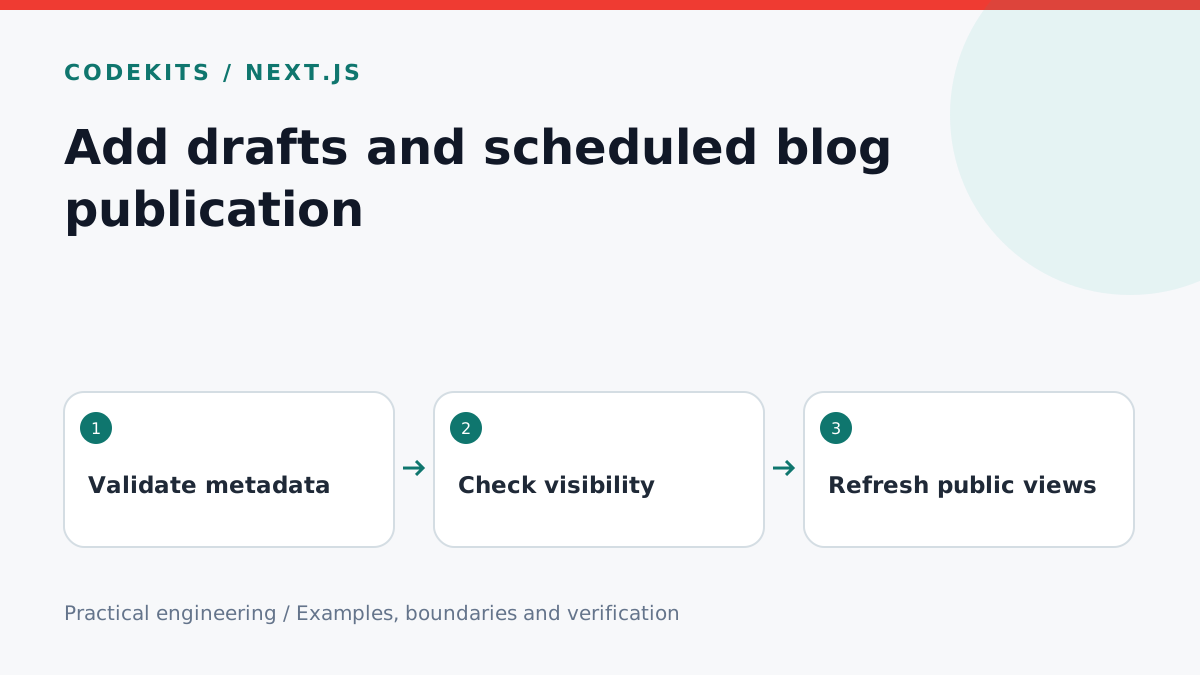
A scheduled article can leak before its intended time if the list hides it but its detail URL remains public. The fix starts with one publication rule shared by every public surface. This tutorial builds and tests that rule, then explains what caching means for scheduled content.
You need a Node.js project and article metadata containing draft, publishedAt and optionally updatedAt. The example is independent of a database or web framework, so it can be tested before you connect it to Next.js.
Keep scheduling explicit
publication/
├── visibility.mjs
└── visibility.test.mjs
Accept timestamps with an explicit offset. A date such as 2026-12-01T09:00:00+00:00 identifies an instant. A bare 09:00 does not say which country or day it belongs to. In a scheduling form, display the chosen timezone and convert the value deliberately before storage.
export function isPublished(post, now = Date.now()) {
  if (post.draft !== false) return false;
  if (typeof post.publishedAt !== 'string') return false;
  if (!/(Z|[+-]\d{2}:\d{2})$/.test(post.publishedAt)) return false;
  const at = Date.parse(post.publishedAt);
  return Number.isFinite(at) && at <= now;
}
Defaulting an absent draft flag to private is useful while writing. Validate the full ISO format at ingestion too: the function above is a visibility check, not a complete date parser or calendar validator.
Test the boundary rather than waiting
Inject the clock so you can test publication before, at and after its scheduled instant without sleeping or changing the computer's time.
import assert from 'node:assert/strict';
import { isPublished } from './visibility.mjs';
const at = Date.parse('2026-12-01T09:00:00Z');
const post = { draft: false, publishedAt: '2026-12-01T09:00:00Z' };
assert.equal(isPublished(post, at - 1), false);
assert.equal(isPublished(post, at), true);
assert.equal(isPublished({ ...post, draft: true }, at), false);
assert.equal(isPublished({ ...post, publishedAt: 'invalid' }, at), false);
console.log('Publication boundary checks passed');
Run node visibility.test.mjs. Add a second timestamp with an offset representing the same instant and confirm it behaves identically. Daylight saving is a display/input concern: compare UTC instants once the scheduling decision has been stored.
Apply it everywhere
Filter the source inventory through isPublished before generating cards, article routes, RSS entries, sitemaps and social previews. The direct article loader must search the filtered inventory too. A client-side conditional is insufficient because it can leave the body in the HTML or application data.
Protect any preview route with authentication and disable shared caching. Do not place unpublished confidential images in a public directory: hiding an article does not hide an independently accessible asset.
Account for caches and static builds
Passing the clock check does not force a cached page to regenerate. Choose a clear publication mechanism: a scheduled authenticated invalidation, periodic revalidation with a documented delay, or a deployment at publication time. A fully static export needs rebuilding. Server-rendered content still needs consideration of CDN caching.
For immediate editor updates, invalidate the article, listing, homepage previews, feed and sitemap together. For timed publication, test a real scheduled fixture through your deployed cache path. Do not promise publication to the exact second when the chosen mechanism only refreshes periodically.
Troubleshooting and verification
If a scheduled post appears early, check whether its detail route bypasses the visibility filter. If it appears late, compare the stored timestamp to UTC and inspect cache headers. If changing a draft to published does nothing, check whether a code-managed file is overriding a database copy with the same slug.
The logic test does not prove a deployment's cache behaviour. Verify that separately using harmless fixtures. Keep original publication dates stable and set updatedAt only for meaningful edits.
Continue with a Markdown publication record, or ask about a custom publishing dashboard.