
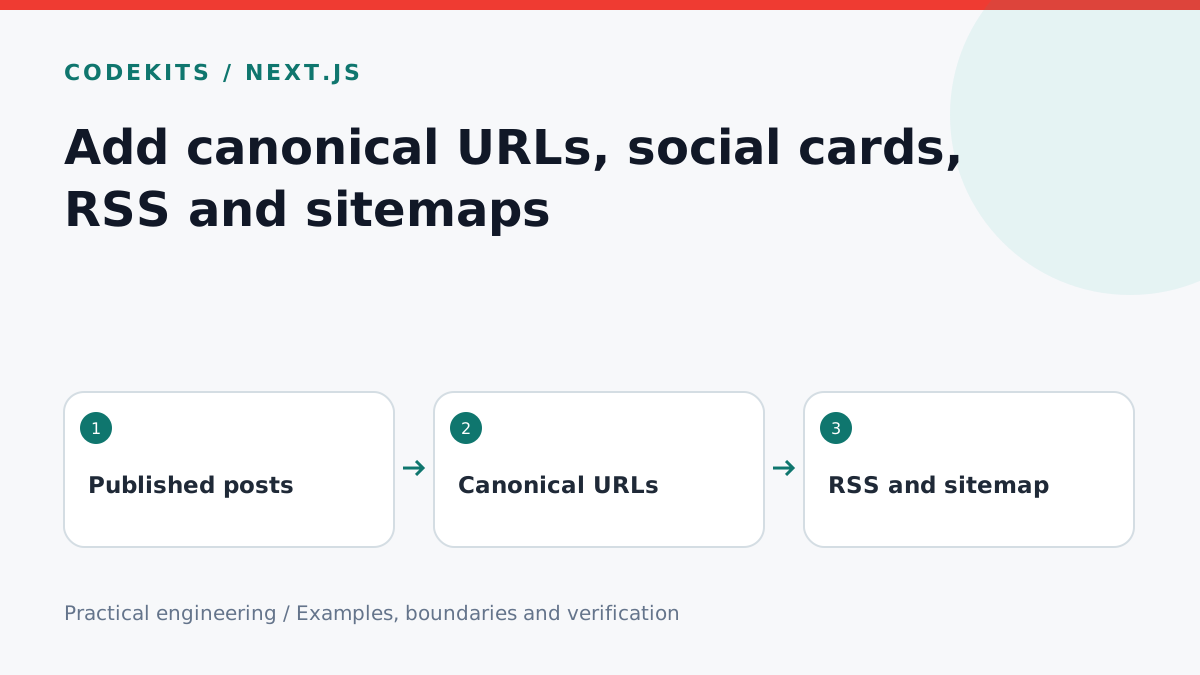
A blog can accidentally describe itself four different ways: one URL in the page, another in social previews, a draft in RSS and an outdated sitemap. This tutorial makes those outputs share one published-post collection. It targets the Next.js App Router; adapt imports to your existing content loader.
Start with one publication boundary
Your loader must reject malformed metadata and exclude drafts and future posts. Reuse it for the index, individual routes, feeds and sitemap. Fetching every file and filtering only in the page component can leak draft titles through another endpoint.
Use the real public origin from trusted configuration, never an unvalidated incoming Host header. In this example https://example.com is a placeholder.
src/
├── lib/
│   ├── published-posts.ts
│   └── blog-urls.ts
└── app/
    ├── blog/[slug]/page.tsx
    ├── blog/feed.xml/route.ts
    └── sitemap.ts
Keep the preferred URL stable
const origin = "https://example.com";

export function postUrl(slug: string) {
  if (!/^[a-z0-9]+(?:-[a-z0-9]+)*$/.test(slug)) {
    throw new Error("Invalid post slug");
  }
  return new URL("/blog/" + slug, origin).href;
}
Use this helper in alternates.canonical, Open Graph's url, the RSS item's link and its stable GUID. Query strings used for campaign tracking should not become new canonical article URLs. If you change a slug, add a permanent redirect from the old URL rather than silently abandoning it.
Social image URLs must be absolute, public and retrievable without a session. Test the actual image response, not only the local filename. Keep the title and description relevant to the article; a social preview is not evidence that a search engine has indexed it.
Produce sitemap entries from real content dates
import type { MetadataRoute } from "next";
import { getPublishedPosts } from "@/lib/published-posts";
import { postUrl } from "@/lib/blog-urls";

export default async function sitemap(): Promise<MetadataRoute.Sitemap> {
  const posts = await getPublishedPosts();
  return posts.map(post => ({
    url: postUrl(post.slug),
    lastModified: new Date(post.updatedAt ?? post.publishedAt),
  }));
}
The loader and page metadata are integration boundaries, not supplied implementations in this snippet. Ensure timestamps include an offset and represent valid dates. Do not set every modification date to build time: deployment is not necessarily an editorial update.
Add the sitemap location to robots.txt without blocking the blog. A sitemap is a discovery hint, not an indexing guarantee. When publishing scheduled content, ensure the sitemap's cache refreshes too.
Escape feed data as XML
RSS is XML, not HTML. The same safe rendering rules must cover titles, summaries and URLs.
export function xml(value) {
return String(value).replace(/[&<>"']/g, character => ({
"&": "&", "<": "<", ">": ">",
'"': """, "'": "'"
})[character]);
}Return application/rss+xml; charset=utf-8, use a stable item GUID and a UTC RFC-style date such as new Date(publishedAt).toUTCString(). Use an XML builder for a full feed, or test every hand-built field. Avoid untrusted raw HTML and malformed control characters.
Verify all four surfaces
Publish a fixture with an ampersand in its title. Check page source for one canonical, parse the RSS with an XML parser, and verify the sitemap contains the identical URL. A draft and a future-dated fixture must appear nowhere publicly. Check redirects and social-image HTTP status after deployment.
Use Next.js sitemap documentation, Google's canonical guidance and the RSS specification. Continue with scheduled publication, or explore CodeKits website services.