
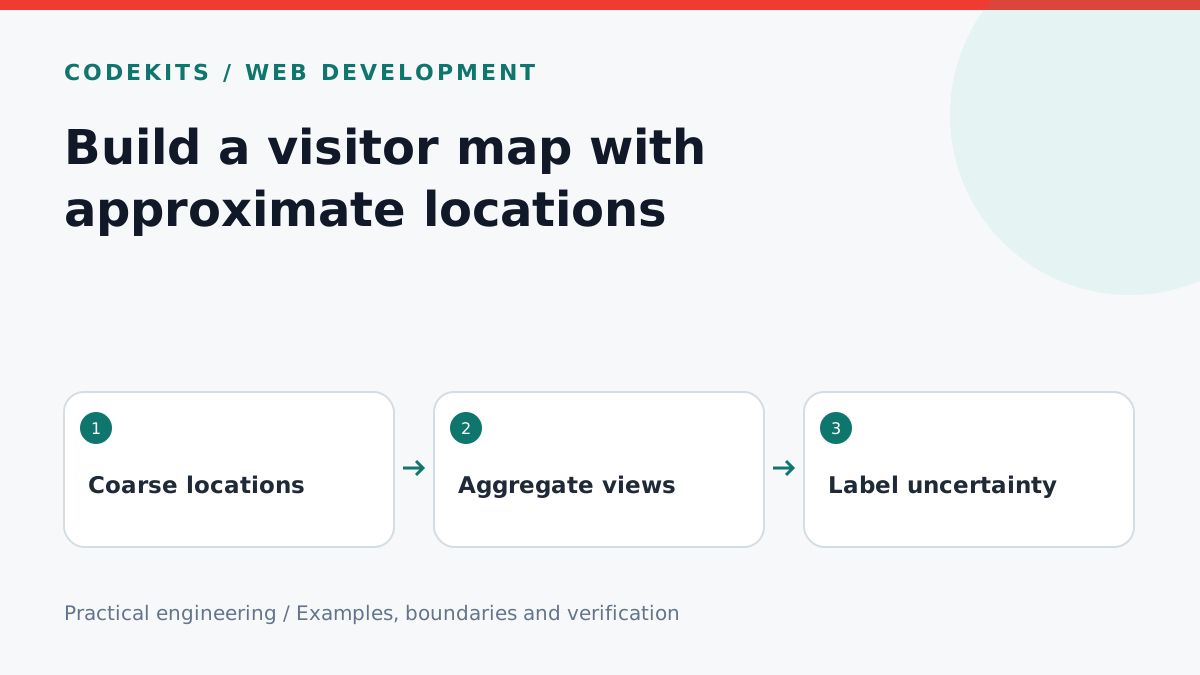
An analytics map can show where traffic appears to originate, but an IP address is not a person's identity or GPS position. Build a map from coarse aggregates and label it honestly. This tutorial covers the transformation between a server-side geolocation result and the dots shown in an admin interface.
Choose the data you actually need
Start with page-view counts by country or broad region. A VPN, shared mobile gateway, corporate proxy or privacy relay can place a visitor far from their physical location. Some lookups have no coordinates. MaxMind explicitly warns against interpreting IP-derived coordinates as a street address or household.
Keep the lookup provider on the server, respect its licence and rate limits, and cache results according to that provider's requirements. Do not ship raw IP addresses or provider credentials to the public map bundle. If you collect personal data, explain the collection in an appropriate privacy notice and define access and retention rules; encryption does not remove those responsibilities.
Project structure
traffic-map/
├── server/
│   ├── geolocation.ts
│   └── aggregates.ts
└── ui/
    ├── visitor-map.tsx
    └── visitor-table.tsx
The example below accepts synthetic, already-looked-up coordinates. The provider integration and authenticated analytics endpoint are separate work.
Aggregate before rendering
export function aggregateViews(views) {
  const cells = new Map();
  for (const view of views) {
    if (view.automated) continue;
    const { lat, lon } = view;
    if (!Number.isFinite(lat) || !Number.isFinite(lon)) continue;
    if (lat < -90 || lat > 90 || lon < -180 || lon > 180) continue;

    // Five-degree cells: intentionally coarse, not equal-area.
    const y = Math.min(35, Math.floor((lat + 90) / 5));
    const x = Math.min(71, Math.floor((lon + 180) / 5));
    const key = x + ":" + y;
    const cell = cells.get(key) ?? {
      lat: y * 5 - 87.5, lon: x * 5 - 177.5, count: 0
    };
    cell.count += 1;
    cells.set(key, cell);
  }
  return [...cells.values()];
}
Each input represents one page view, so the output measures views, not unique people. Do not label it “visitors” unless you have separately defined and implemented a visitor-counting method. Five-degree cells are a teaching simplification: their physical width varies with latitude, and they are not a formal anonymisation guarantee.
A map library can project each cell centre. Set a minimum visible dot size, then scale intensity using Math.log1p(count) relative to the largest cell in the selected range. Cap the radius so a busy region does not hide the whole map. Add a legend with the actual count ranges.
Make uncertainty visible
Put “Approximate network locations” above the map. Include an “Unknown location” count rather than dropping those views from the report entirely. Show automated traffic in a separate table if useful; bot classification is imperfect, so avoid claiming every remaining request is human.
Provide a keyboard-readable table of region labels and counts beside the visualisation. Colour must not be the only way to understand density. If coordinates are missing, render the table and a clear empty state instead of placing a dot at zero latitude and longitude.
Test the edges
Use fixtures for two views in the same cell, one in another cell, an automated request, missing coordinates, and invalid values. Confirm totals and exclusion rules. Test the north and south poles, longitude boundaries, a single-cell range and an empty range. A mocked VPN example should reinforce the label's uncertainty, not be “corrected” into an invented home location.
The downloadable example includes pure aggregation tests; it does not perform real-IP lookups or claim browser-map integration testing. For provider constraints, read MaxMind's database guide. Combine this with date-range pagination, or ask about an admin reporting interface.