
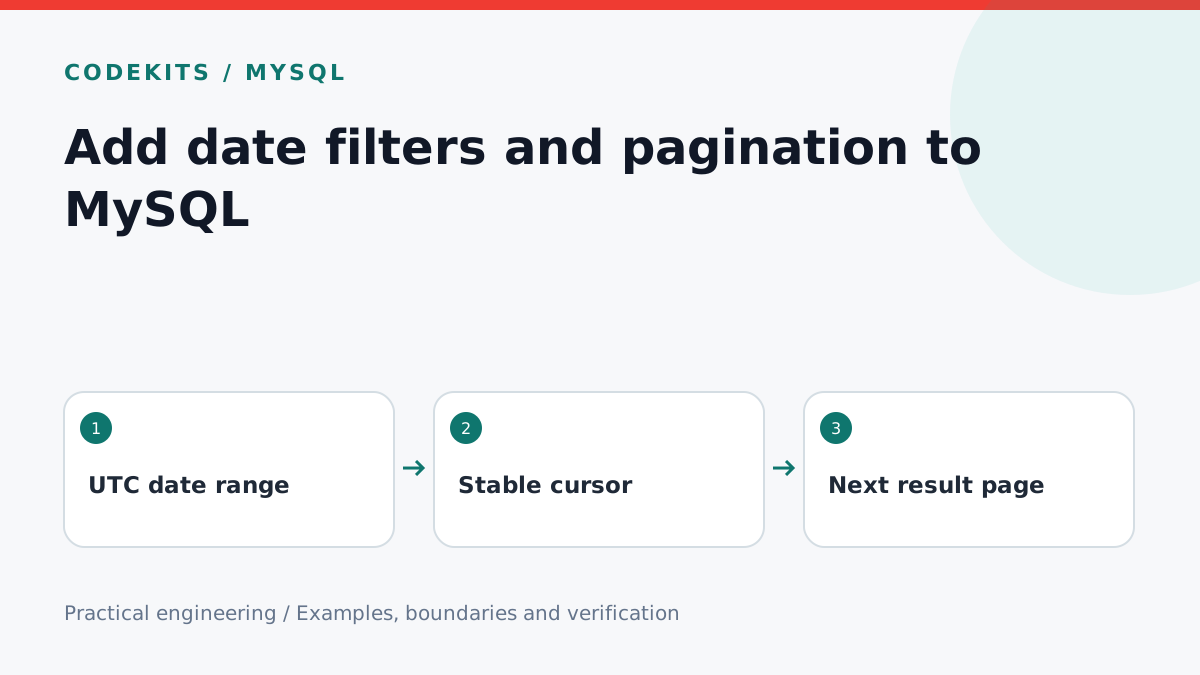
A dashboard needs more than a “last seven days” dropdown. It needs an agreed timezone, a stable ordering and a way to fetch the next page without repeating rows. This tutorial builds the query contract for an authenticated enquiry dashboard using MySQL 8 and a Node.js server.
Decide what a date range means
Use UTC instants in storage. Translate a calendar range in the user's chosen timezone to UTC on the server; a London day is not always 24 hours around daylight-saving changes. Use an inclusive start and an exclusive end: created_at >= start AND created_at < end. That includes fractional seconds without guessing the day's last millisecond.
For this example, timestamps enter the database as UTC DATETIME(3) values. That type does not carry a timezone, so every writer must follow the same convention. Set database connections to UTC as well. Validate real calendar dates and a bounded range before querying; do not pass arbitrary strings from search parameters straight to SQL.
Project structure
enquiries/
├── schema.sql
├── query.sql
└── server/
    ├── date-range.ts
    └── list-enquiries.ts
Give equal timestamps a tie-breaker
CREATE TABLE enquiries (
  id BIGINT UNSIGNED PRIMARY KEY AUTO_INCREMENT,
  title VARCHAR(160) NOT NULL,
  created_at DATETIME(3) NOT NULL,
  INDEX enquiries_created_id (created_at, id)
);
Sort by timestamp and ID together. A timestamp alone does not define which of two simultaneous submissions appears first. MySQL also documents that ordering among tied values is not deterministic unless the ordering distinguishes them.
The first page uses only the range predicates below. Subsequent pages add the cursor condition. Bind values through your MySQL driver's prepared-query API.
SELECT id, title, created_at
FROM enquiries
WHERE created_at >= ?
  AND created_at < ?
  AND (
    created_at < ?
    OR (created_at = ? AND id < ?)
  )
ORDER BY created_at DESC, id DESC
LIMIT 51;
The parameters are start, end, cursor timestamp twice, and cursor ID. Keep large IDs as decimal strings if your driver cannot represent them safely as JavaScript numbers. Preserve millisecond precision when constructing the cursor.
For a page size of 50, request 51 rows. Display the first 50 and use the extra row only to indicate that another page exists. Build the next cursor from the last displayed row, not the extra row, otherwise you skip an item.
Keep the cursor tied to the filter
A cursor can be a validated JSON object encoded as base64url. Encoding is not authorization or tamper protection: recheck permissions and range limits on every request. Include the selected filter in a signed cursor, or reject a cursor whose embedded range does not match the request.
Reset pagination whenever the filter changes. Disable duplicate load-more requests and discard stale responses when a newer filter request finishes first. For a multi-tenant app, add the authorized tenant constraint to every query and design the index around that access pattern.
Verify before using real data
Seed a disposable database with 120 rows, several identical timestamps, and rows exactly on both date boundaries. Fetch all three pages and assert that every expected ID occurs once. Insert a new row between page requests: keyset pagination avoids the offset shift, but it is not a historical snapshot. Updates and deletions can still change the result.
Run EXPLAIN with realistic data and compare examined rows. A suitable index is a starting point, not a guarantee that every filter is cheap. This article's SQL is an integration pattern; test it against your schema and driver rather than treating it as a supplied database service.
See MySQL LIMIT optimisation and continue with the dashboard filters tutorial. For help turning operational data into a usable interface, explore CodeKits services.