
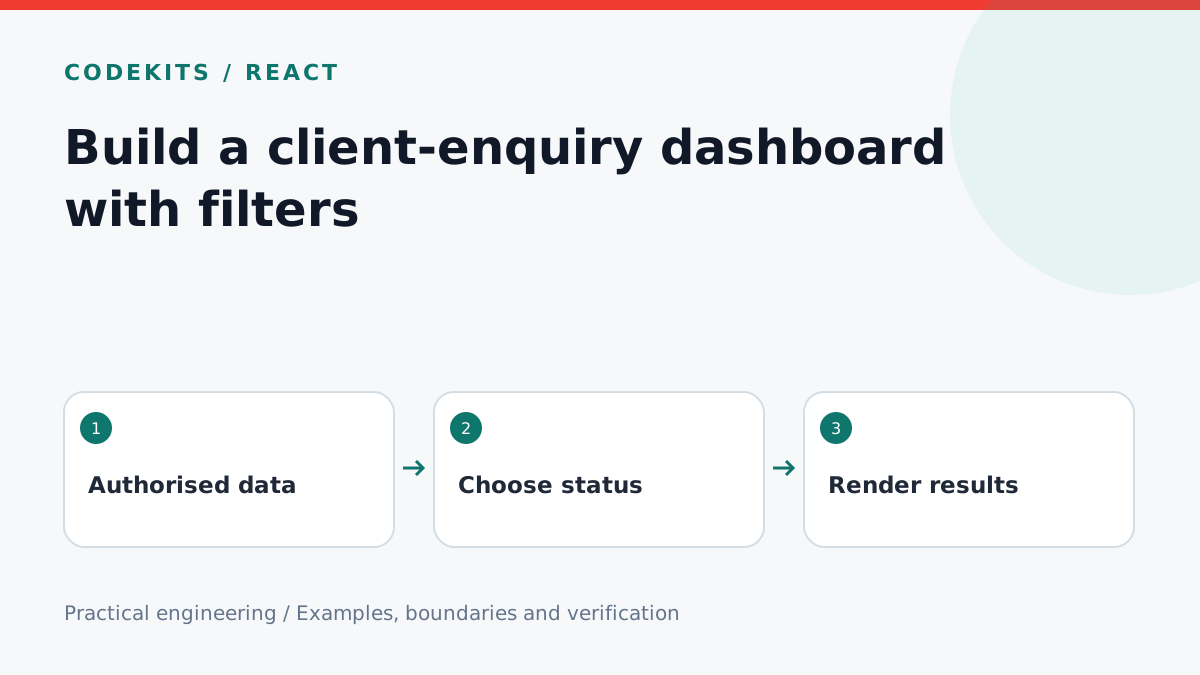
A client-enquiry dashboard should answer a practical question: what needs attention next? A collection of attractive cards is less useful if it cannot distinguish a new enquiry from one already handled. Start with a small state model, then build filtering and updates around it.
This tutorial creates a React presentation component for a list already authorized and loaded by your server. It intentionally does not fetch every customer's private records into a public page. Use synthetic records while building the interface.
Model the work queue
Use a fixed set of statuses with clear meanings. For a small studio, new, contacted and closed are enough initially. Avoid adding ten states before you know how they change the work.
export type Status = 'new' | 'contacted' | 'closed';
export type Enquiry = {
  id: string;
  project: string;
  status: Status;
  receivedAt: string;
};
Keep personal contact details out of this overview unless they are needed. A detail page can expose permitted information after its own authorization check. A TypeScript type improves editor feedback but does not validate an incoming API request.
src/
├── enquiries.ts
├── EnquiryQueue.tsx
└── server/enquiry-repository.ts
Add a filter with a real label
'use client';
import { useState } from 'react';
import type { Enquiry, Status } from './enquiries';

export function EnquiryQueue({ items }: { items: Enquiry[] }) {
  const [filter, setFilter] = useState<Status | 'all'>('new');
  const visible = items.filter(item =>
    filter === 'all' || item.status === filter);
  return <section>
    <label htmlFor="queue-status">Enquiry status</label>
    <select id="queue-status" value={filter}
      onChange={event => setFilter(event.target.value as Status | 'all')}>
      <option value="all">All enquiries</option>
      <option value="new">New</option>
      <option value="contacted">Contacted</option>
      <option value="closed">Closed</option>
    </select>
    <p role="status">{visible.length} matching enquiries</p>
    {visible.length ? <ul>{visible.map(item =>
      <li key={item.id}>
        <a href={`/workspace/enquiries/${encodeURIComponent(item.id)}`}>
          {item.project}
        </a> — {item.status}
      </li>
    )}</ul> : <p>No enquiries in this status.</p>}
  </section>;
}
Style the select with at least 16px text on mobile and make the row links easy to tap. The cast is acceptable here because the options are controlled by this component; server inputs still require an explicit allowlist.
Move updates to the server
When adding a status-change button, authorize the current user, validate the target ID and allowed transition, then write the update. Return the authoritative updated record. Disable repeated submissions while a request is pending and show a specific retry message if it fails.
For collaborative editing, include a version number or last-updated condition so one person does not silently overwrite another's change. Record who changed the status without storing the entire enquiry text in an audit log.
The component above filters a bounded list. Once the queue is large, filter and paginate in the database instead; loading thousands of private records just to hide most of them in JavaScript is unnecessary.
Test the workflow
Provide three fixture records, one per status. Check the default view, each filter, the empty state and navigation with a keyboard. Use a very long project title and a 320px viewport to find layout overflow. Separately test the server with an unauthorized user and an ID belonging to a different account.
A filter that resets after every keystroke often indicates the component is being remounted. A stale status after saving can indicate the UI kept its old fetched data. Fix ownership of state before adding more optimistic updates.
Continue with database date filters and pagination. CodeKits can also build React dashboards and client workspaces.