
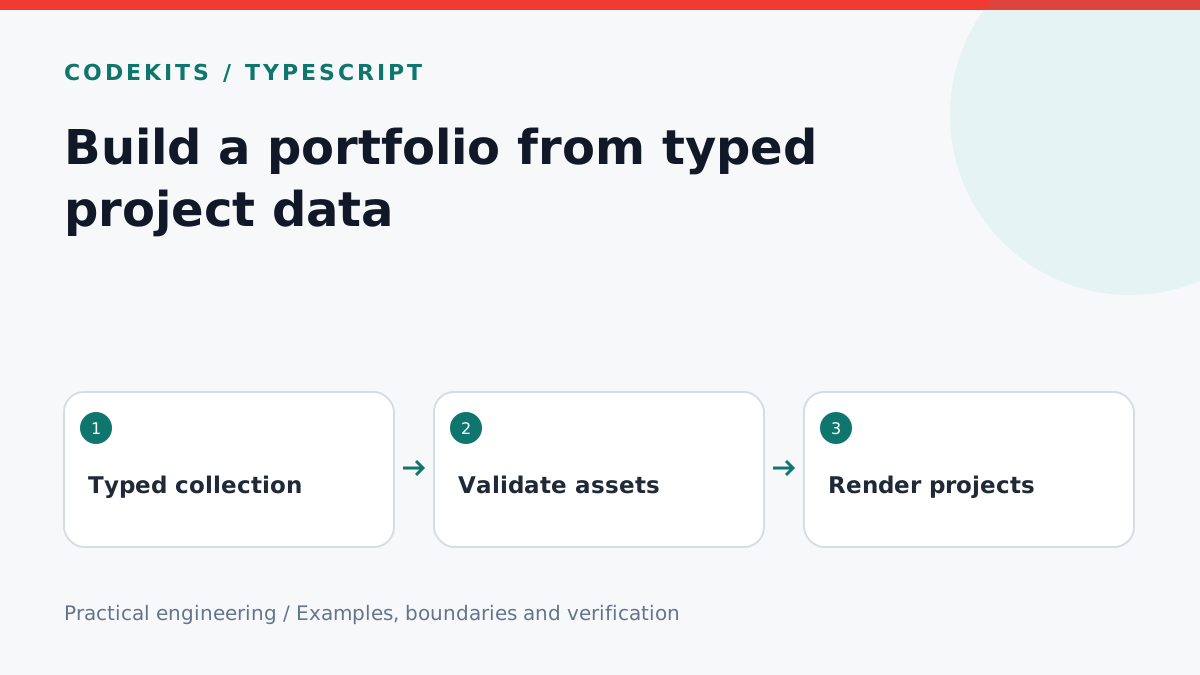
Portfolio pages become difficult to maintain when the same project is described independently in cards, timelines and detail pages. Move that information into a small typed collection, then render each view from the same source. This example uses TypeScript 4.9 or later and React.
Model the information honestly
A year is enough when you do not know an exact project date. Do not manufacture a month to make the timeline look more precise. Keep draft and public projects separate, and publish screenshots only after checking for personal data, tokens and private admin information.
src/
├── data/
│   └── projects.ts
├── components/
│   └── project-card.tsx
└── app/
    └── portfolio/page.tsx
Define a narrow contract
type Project = {
  slug: string;
  title: string;
  year: number;
  status: "prototype" | "released" | "archived";
  summary: string;
  technologies: readonly string[];
  image: { src: string; alt: string };
  href?: string;
};

export const projects = [
  {
    slug: "offline-notes",
    title: "Offline notes",
    year: 2026,
    status: "prototype",
    summary: "A local-first desktop notes prototype.",
    technologies: ["Rust", "React", "SQLite"],
    image: {
      src: "/portfolio/offline-notes.webp",
      alt: "Sample notes organised into a desktop sidebar"
    }
  }
] satisfies readonly Project[];

export const recentProjects = [...projects].sort(
  (a, b) => b.year - a.year || a.slug.localeCompare(b.slug)
);
The sample project is illustrative, not a claim about a real shipped client product. Replace it with evidence-backed work. The satisfies operator checks the collection against the contract without forcing all inferred values to become a broad Project[].
Copy before sorting so a component does not mutate shared data. The slug is a deterministic tie-breaker for projects in the same year. If editorial ordering matters more, store an explicit rank rather than relying on file order accidentally.
Render content without hidden interactions
A card should have one obvious primary link. Avoid nesting buttons inside that link, and do not rely on hover to reveal essential information on phones.
export function ProjectCard({ project }: {
  project: {
    slug: string; title: string; summary: string;
    year: number; technologies: readonly string[];
  }
}) {
  return (
    <article>
      <h2><a href={"/portfolio/" + project.slug}>
        {project.title}
      </a></h2>
      <p>{project.year} · {project.technologies.join(" / ")}</p>
      <p>{project.summary}</p>
    </article>
  );
}
Create the matching detail route before publishing a card that links to it. Add images with explicit dimensions or a stable aspect ratio to reduce layout shifts. Use meaningful alt text for informative screenshots; decorative duplicates can have empty alt text. On mobile, keep long technology labels wrapping rather than widening the page.
Check data that types cannot protect
TypeScript does not guarantee that an image exists, a slug is unique or an external URL is appropriate. Add a build-time validator that checks those conditions. If projects come from JSON or a CMS, validate them at runtime too; a type assertion does not validate incoming data.
Test duplicate slugs, missing image files, impossible years and a long title. Build a detail page for every published project and crawl those links. Run the TypeScript checker after intentionally misspelling a status to confirm the contract catches it.
For team workflows, review portfolio changes like code: a screenshot can expose more than a paragraph. Keep private source archives outside the public asset directory.
Read TypeScript's satisfies documentation. To make the collection discoverable, continue with canonical and sitemap metadata. Need a portfolio connected to real case studies? Explore CodeKits services.