
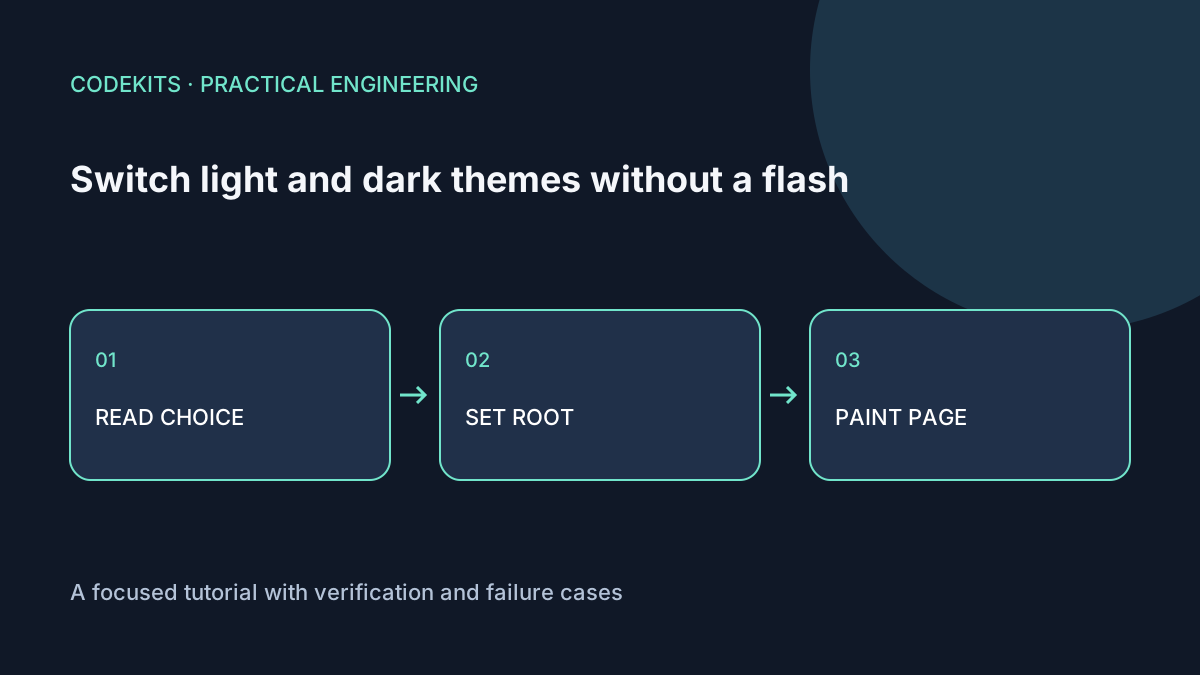
A theme flash occurs when the browser paints one palette and JavaScript later replaces it with another. The solution is to resolve the initial theme before the styled page appears, then keep the selector, document and browser controls consistent.
This example uses a small standalone HTML page with three choices: light, dark and system. It is not tied to a theme library. If your Next.js application already uses a provider, configure its supported pre-hydration script instead of installing a second competing theme controller.
Define both palettes
Put colour tokens on the root so components consume one resolved theme. color-scheme helps native form controls and browser surfaces use an appropriate palette; it does not recolour your custom CSS.
:root {
  color-scheme: light;
  --surface: #f7f9fc;
  --ink: #142033;
  --border: #758197;
}
:root[data-theme="dark"] {
  color-scheme: dark;
  --surface: #111827;
  --ink: #f1f5f9;
  --border: #8795ac;
}
body { background: var(--surface); color: var(--ink); }
.card { border: 1px solid var(--border); padding: 1.25rem; }
Check contrast for text, disabled controls, outlines and error states in both palettes. Inverting every image is not a theme strategy; photographs and brand artwork often need to remain unchanged.
Resolve preference before the page paints
Place the following small script in the head before the page's main styles or content. It only accepts known values and tolerates storage being unavailable.
(() => {
  let preference = "system";
  try {
    const saved = localStorage.getItem("theme");
    if (saved === "light" || saved === "dark") preference = saved;
  } catch {}
  const dark = preference === "dark" ||
    (preference === "system" &&
      matchMedia("(prefers-color-scheme: dark)").matches);
  document.documentElement.dataset.theme = dark ? "dark" : "light";
})();
A strict Content Security Policy needs an approved hash or per-response nonce for this script. Do not weaken the whole policy with unrestricted inline scripts just to fix a flash. Server-rendered cookie preferences are an alternative, but they change caching and do not directly reveal a first-time visitor's operating-system preference.
The MDN prefers-color-scheme reference covers the system signal. Treat it as the default, not something that overrides an explicit choice.
Keep subsequent changes consistent
A visible selector should store the preference, resolve it, and update the same root attribute. Listen for system changes only when the preference is system. Listen for the storage event if several tabs should stay aligned. Update a meta[name="theme-color"] element after resolution if you want supporting browsers' chrome to reflect the theme; browser support and appearance vary.
The download includes these event handlers and a reset-to-system option. It uses a native select with a persistent label, so the currently selected preference is exposed without relying on an icon.
In server-rendered React, avoid reading window during the server render. The server and first client render must agree on component markup. If an early script changes only the HTML attribute, handle that specific expected mismatch through your framework's established theme integration. Blanket hydration suppression can hide unrelated defects.
Make animation optional
Do not animate the initial correction. If you add transitions for later user choices, restrict them to the intended colour properties and disable them for reduced motion:
.theme-ready body { transition: color 160ms, background-color 160ms; }
@media (prefers-reduced-motion: reduce) {
  .theme-ready body { transition: none; }
}
Add theme-ready after initial paint, not in the early resolver. Avoid transition: all, which can unexpectedly animate layout or controls.
Test cold starts and failures
Reload with each saved preference under network throttling. Then remove the saved value, change the operating-system theme and reload. Block storage, disable JavaScript, and confirm the fallback remains readable. Test a second tab and check form controls, selection colours and focus indicators.
The standalone fixture has automated resolver tests for saved choices, system fallback and invalid storage. Browser first-paint and hydration behaviour still need testing in the actual application; a passing pure-function test cannot establish that no flash occurs.
For an integrated implementation, see Next.js web application development. Related: readable mobile forms.