
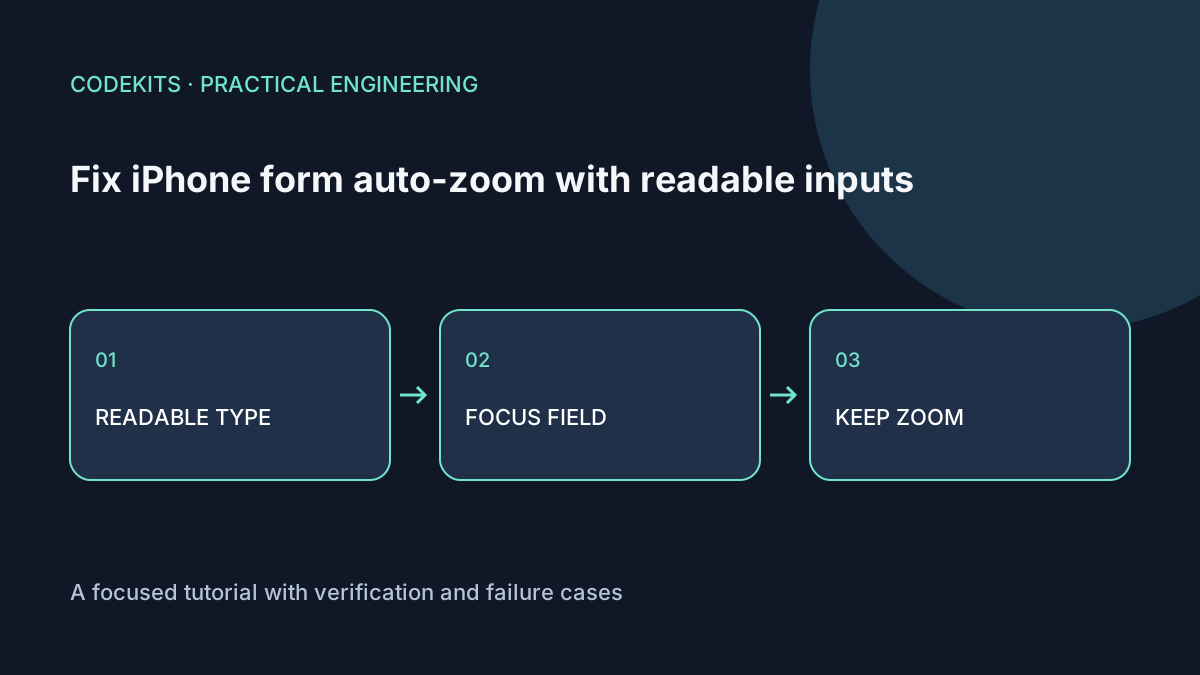
When focusing a small input makes an iPhone page suddenly enlarge, first inspect the input's rendered typography. Increasing legibility is usually a better starting point than constraining the viewport. Focus enlargement and the person's own pinch zoom are different behaviours; a fix for the first should not remove the second.
This walkthrough applies to ordinary HTML forms, including React and Next.js forms. It uses a practical 16 CSS-pixel minimum for controls, not a promise that every Safari version or accessibility setting follows the same threshold. Real-device verification remains necessary.
Check the computed styles
Inspect the affected control, not only the surrounding paragraph. A design system may set body text to 16 pixels but apply a smaller utility class to inputs. Browser defaults can also give buttons and selects their own font.
Start with a normal viewport and inherited typography:
<meta name="viewport" content="width=device-width, initial-scale=1">
<label for="email">Email address</label>
<input id="email" name="email" type="email"
       autocomplete="email" inputmode="email">
<p id="email-help">We will use this to reply to your enquiry.</p>html { font-size: 100%; }
body { font-family: system-ui, sans-serif; line-height: 1.5; }
input, select, textarea, button { font: inherit; }
input, select, textarea {
font-size: max(1rem, 16px);
min-height: 2.75rem;
padding: .65rem .8rem;
width: 100%;
box-sizing: border-box;
}
label { display: block; margin-block-end: .35rem; }
form { width: min(100%, 32rem); margin-inline: auto; }
:focus-visible { outline: 3px solid #1769aa; outline-offset: 3px; }Connect explanatory text with aria-describedby="email-help" if it is needed to understand the field. A placeholder is not a replacement for a persistent label.
The max() expression provides a floor while letting a larger root font size win. Do not use a transform to make the control visually tiny again: that preserves the number in DevTools while undoing the usability benefit. Check that a parent transform or unusual browser zoom is not changing the apparent size.
Keep the viewport honest
Avoid user-scalable=no and a restrictive maximum-scale. These are not typography fixes. People may need to enlarge text even when a form never triggers focus zoom. The MDN viewport reference explains the viewport directives and the accessibility concerns around disabling scaling.
In Next.js, keep viewport configuration in the framework's viewport export rather than emitting competing tags in several components:
import type { Viewport } from "next";

export const viewport: Viewport = {
  width: "device-width",
  initialScale: 1
};
This is an addition to an existing root layout, not a complete layout file. Use the Next.js viewport API for the version installed in your application.
The software keyboard reduces the usable visual space. A full-screen form should therefore allow document scrolling, avoid a fixed-height clipped container, and keep its submit button reachable. 100dvh can improve dynamic viewport layouts, but it is not a guarantee about every keyboard mode. Avoid calculating a universal keyboard height.
Test at the uncomfortable sizes
On an actual iPhone, test input, select and textarea controls in portrait and landscape. Focus a field near the bottom of the page, type a long value, move to the next field and submit with a validation error. Check whether the label, error and submit action remain visible or reachable.
Also pinch zoom, enlarge system text, and test a narrow desktop viewport at 200% zoom. Compare the focused control's computed font size before and after any component variants are applied. The examples were reviewed as HTML/CSS patterns; no claim is made that a particular iOS release was device-tested for this article.
If the page still jumps
A jump without an apparent scale change may be focus scrolling rather than zoom. Look for autofocus, scrollIntoView(), body scroll locking, and validation code that repeatedly refocuses a field. Use the menu scroll-lock diagnostic if the form appears inside an overlay.
Readable forms are a combination of typography, layout and behaviour. React application development can help integrate those decisions across a component library rather than patching each field separately.