
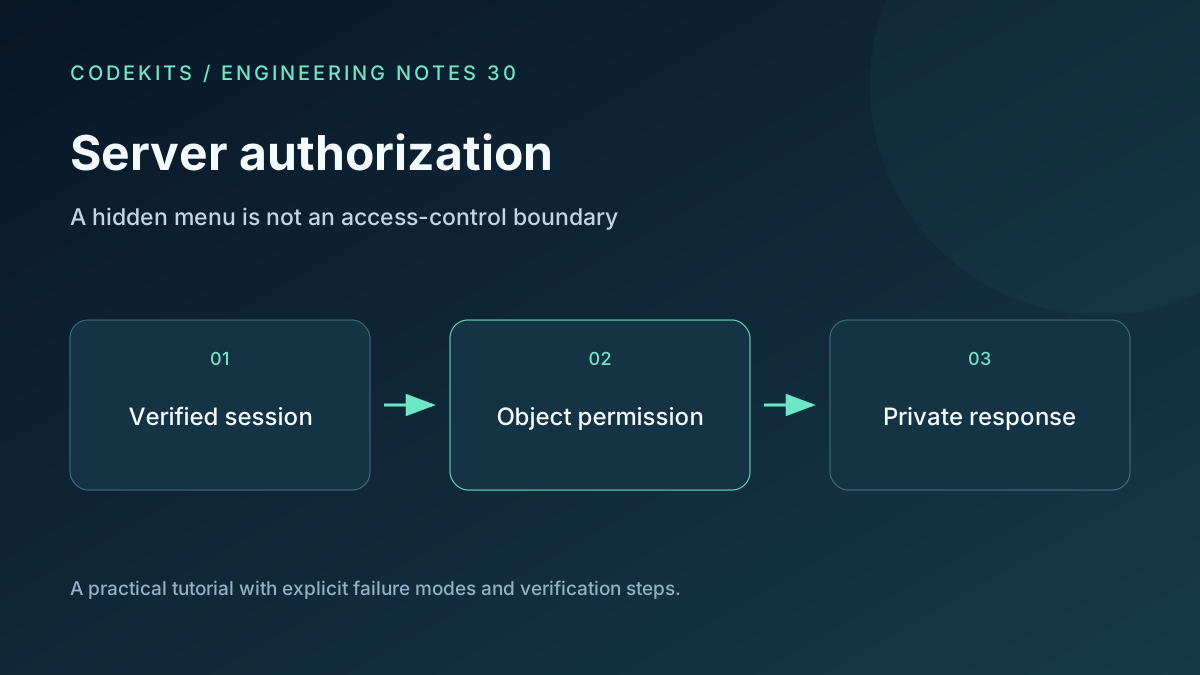
Hiding an admin button changes the interface, not the permissions. A user can call the endpoint directly, alter an object ID or reuse an old link. The access decision belongs on the server immediately before the protected action.
This tutorial defines a small authorization boundary for an existing Next.js App Router application. It does not implement a new session system. The snippets assume a reviewed session verifier and database access layer; no complete authenticated deployment was run here.
Separate identity from permission
Authentication establishes the current actor. Authorization asks whether that actor may perform this action on this object now.
Use a server-verified session from your authentication library. Never trust a user ID, role or tenant ID supplied in JSON, a query parameter or a custom browser header. Client-side state is useful for presenting buttons, but it is not evidence for granting access.
For sensitive operations, consider whether session claims can become stale after account suspension or role removal. An authoritative server-side account lookup or revocation-aware session policy may be necessary.
Scope the data query
A private download should resolve the requested object under the verified actor's tenant and permission rules. Do not load an arbitrary file first and hope a later UI check filters it.
export async function findDownload(db, actor, fileId) {
  if (!actor?.active) return null;
  if (!/^[1-9][0-9]{0,18}$/.test(fileId)) return null;
  const [rows] = await db.execute(
    "SELECT id, storage_key, download_name FROM private_files " +
    "WHERE id = ? AND tenant_id = ? AND owner_id = ? " +
    "AND state = 'ready' LIMIT 1",
    [fileId, actor.tenantId, actor.id]
  );
  return rows[0] ?? null;
}
This example deliberately grants only an active owner access to a ready file in their tenant. Shared files and administrators need explicit additional rules; do not add a blanket role exception without defining its scope.
The storage key must come from that authorized row. Keep private content outside public web directories and publicly readable buckets. Otherwise the API can be perfect while the storage URL bypasses it completely.
OWASP recommends denying by default and validating permissions on every request. Apply that principle to direct downloads, API routes, server actions and background jobs acting on a user's behalf. OWASP authorization guidance.
Protect state changes separately
For an administrative mutation, verify the session, load current permissions, validate the target scope, enforce CSRF protection when cookie-authenticated, validate the body and then execute the action.
Use prepared queries for values. Whitelist dynamic sort fields or column names rather than binding them as if they were values. Return a generic denied or not-found response where revealing object existence would be inappropriate.
A hidden route name is only obscurity. Rate limiting and unusual admin URLs may reduce noise, but neither establishes permission. Logs should record internal actor/object identifiers and outcomes without session cookies or request bodies.
Keep caching out of the boundary
Protected data should not leak through shared caches. Set appropriate private/no-store behaviour and verify the framework's data-fetching and response-cache configuration for the route.
Avoid caching authorization results without a defined invalidation policy. A cached “admin” decision can outlive role removal. If a private response is cached, the cache key and access checks must still distinguish users correctly; choosing no-store is often simpler for a small portal.
Make HEAD, range and thumbnail routes follow equivalent checks. Attackers and curious users do not have to use the same endpoint as the visible Download button.
Test denied paths directly
Create synthetic accounts: owner A, unrelated user B, user C in another tenant and an inactive account. For each protected operation, call the endpoint directly under each identity and without a session.
Change the object ID to another account's file. Change the submitted tenant ID. Remove a role while a session remains open. Try GET on a mutation endpoint, an expired link, a guessed storage path and any alternate preview endpoint. Assert both the response and the absence of unintended database changes.
These are required integration tests, not results claimed by the illustrative function. A good authorization suite contains more denied cases than happy paths.
If UI navigation is blocked but direct requests succeed, move the check to the shared server boundary. If only some file variants leak, inventory derived assets and alternate routes. For temporary access, see expiring download links. CodeKits can help implement a private Next.js client portal.