
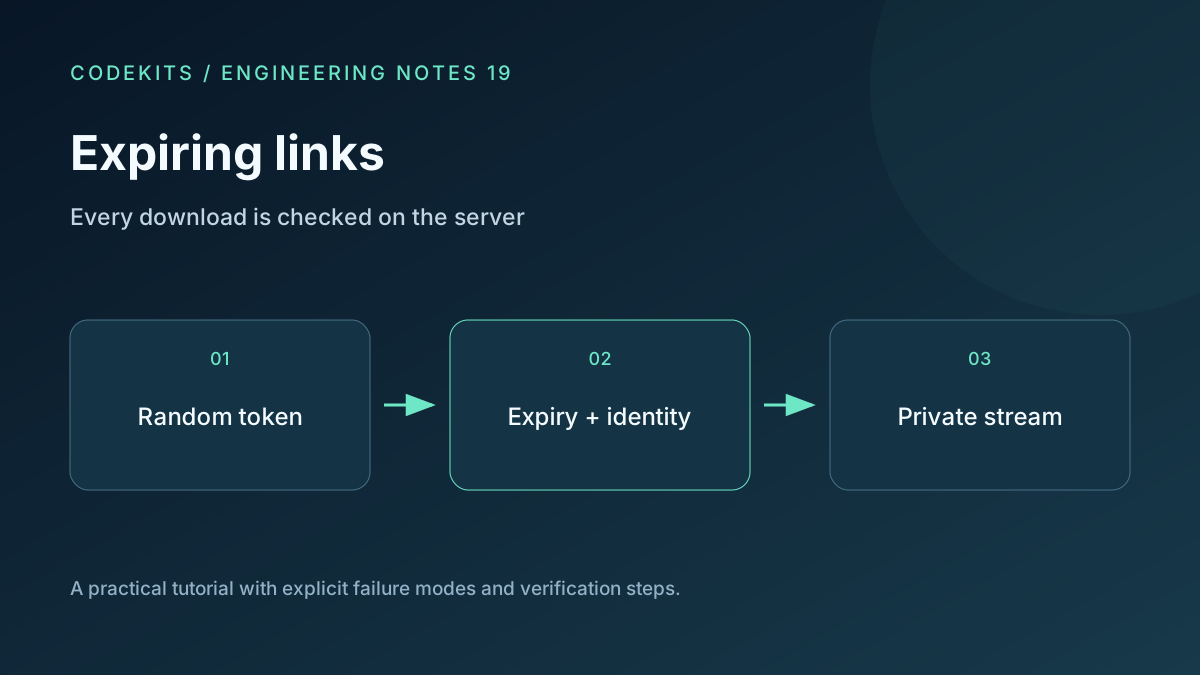
An expiring download link is a temporary access decision, not a special-looking filename. This integration walkthrough combines a random token, a database expiry and private storage. The file never becomes a permanent public URL just because a link has been issued.
The target is a Next.js App Router application using mysql2 prepared execution and MySQL 8.4 with InnoDB. You need an existing session system and a private file store. The SQL and handler boundaries are reference excerpts; no running MySQL or Next.js end-to-end environment was available for this tutorial, so the deployment tests below remain required.
Choose who may use the link
There are two different products. A bearer link grants access to anyone holding it. An account-bound link additionally requires a verified session for the intended account. Do not advertise the former as identity verification.
This example uses account-bound links. A link record identifies an immutable private file object and an intended account. The issuer must already have permission to share that file; otherwise a sharing endpoint becomes an authorization bypass.
CREATE TABLE download_links (
  id BIGINT UNSIGNED AUTO_INCREMENT PRIMARY KEY,
  token_hash BINARY(32) NOT NULL UNIQUE,
  file_id BIGINT UNSIGNED NOT NULL,
  account_id BIGINT UNSIGNED NOT NULL,
  expires_at DATETIME(6) NOT NULL,
  revoked_at DATETIME(6) NULL,
  created_at DATETIME(6) NOT NULL DEFAULT CURRENT_TIMESTAMP(6),
  INDEX expiry_scan (expires_at)
) ENGINE=InnoDB;
Store times consistently in UTC and configure database connections accordingly. The file and account columns should reference your application's existing records with appropriate foreign keys. Do not expose the internal numeric file ID as the access credential.
Issue a random token once
Generate a new token from cryptographic random bytes. Save only its SHA-256 digest in the link table and return the raw token to the authorized issuer. A high-entropy random token is different from a human password; it does not need a slow password hash for this lookup design.
import { randomBytes, createHash } from "node:crypto";

const token = randomBytes(32).toString("base64url");
const tokenHash = createHash("sha256").update(token, "ascii").digest();
// Execute a parameterized INSERT with tokenHash, fileId and accountId.
// The server calculates expiresAt from an allowed maximum lifetime.
const link = new URL("/download/" + token, "https://files.example");
Do not log the raw token, complete link, request path or query string at either the application or proxy. Hashing the database lookup does not help if access logs retain the original URL. Require HTTPS and avoid third-party analytics on the landing page.
Check at the point of delivery
Validate the token's base64url shape before hashing. Resolve the current session on the server, then run a prepared query using both the token digest and the verified account ID:
SELECT file_id
FROM download_links
WHERE token_hash = ?
  AND account_id = ?
  AND expires_at > UTC_TIMESTAMP(6)
  AND revoked_at IS NULL
LIMIT 1;
A missing result produces a generic unavailable response. Resolve the returned file ID to an authorized immutable storage object, never to a user-supplied path. Recheck file state so quarantined or deleted files are not served.
Return private content with Cache-Control: private, no-store, an attachment disposition and a safe filename. Avoid permanent object-store redirects: a separately issued presigned URL has its own lifetime and may outlive revocation. Cache-Control semantics.
Test the boundaries
Use synthetic accounts A and B. A valid link should work for its intended account, fail for B, fail after expiry and fail after revocation. Try an altered token, a missing file, a stale session and a direct storage URL. Ensure CDN and browser caches do not bypass the application on a repeated request.
Expiry is checked when the request is authorized; it does not necessarily stop a stream already in progress. If your product requires active interruption, design and test that separately. Avoid promising that an expiry recalls downloaded copies.
A valid link that always fails often indicates mismatched UTC handling or hashing a decoded value on one side but the encoded token on the other. Compare internal record IDs in restricted diagnostics, not tokens.
For limited-use links, continue with concurrent download allowances. CodeKits builds Next.js portals and private delivery workflows.