
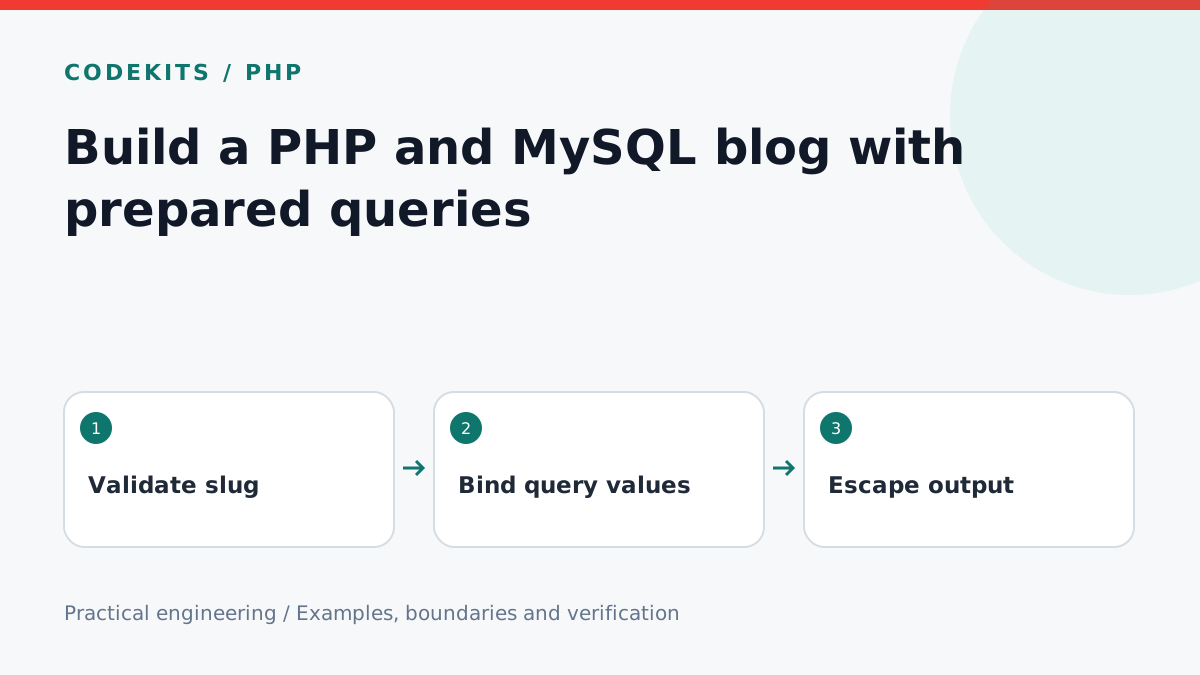
PHP and MySQL remain a practical pairing for a small server-rendered blog. The important boundary is between query data and SQL syntax, followed by a separate boundary between stored text and HTML. This tutorial shows a read-only article route using PDO; an admin editor needs additional authentication and request protections.
Use a supported PHP 8 release with PDO MySQL enabled, a MySQL database and a restricted application account. Keep credentials outside the public web directory.
Structure the project
php-blog/
├── public/
│   └── post.php
├── src/
│   └── database.php
└── schema.sql
Point the web server's document root at public, not the project root. Database configuration should be loaded from server-managed environment variables and never committed with real passwords.
Store publication state explicitly
CREATE TABLE posts (
  id BIGINT UNSIGNED PRIMARY KEY AUTO_INCREMENT,
  slug VARCHAR(160) NOT NULL UNIQUE,
  title VARCHAR(200) NOT NULL,
  body MEDIUMTEXT NOT NULL,
  published_at DATETIME NULL
);
In this example a null timestamp means unpublished. Writers use UTC, and the read query compares against UTC. A future timestamp schedules publication. Add an index and pagination when you build a listing; this tutorial handles one unique slug.
Bind the slug as data
<?php
declare(strict_types=1);

$pdo = new PDO(
    getenv('BLOG_DB_DSN'),
    getenv('BLOG_DB_USER'),
    getenv('BLOG_DB_PASSWORD'),
    [
        PDO::ATTR_ERRMODE => PDO::ERRMODE_EXCEPTION,
        PDO::ATTR_EMULATE_PREPARES => false,
        PDO::ATTR_DEFAULT_FETCH_MODE => PDO::FETCH_ASSOC,
    ]
);
Use a DSN configured for your database with charset=utf8mb4. Validate that required configuration exists during startup. In production, report a generic unavailable page on connection failure and send redacted diagnostics to a private log; do not enable public exception traces.
<?php
declare(strict_types=1);
require dirname(__DIR__) . '/src/database.php';

$slug = $_GET['slug'] ?? '';
if (!is_string($slug) ||
    !preg_match('/\A[a-z0-9]+(?:-[a-z0-9]+)*\z/', $slug) ||
    strlen($slug) > 160) {
    http_response_code(404);
    exit('Not found');
}
$query = $pdo->prepare(
    'SELECT title, body FROM posts
     WHERE slug = :slug
       AND published_at IS NOT NULL
       AND published_at <= UTC_TIMESTAMP()
     LIMIT 1'
);
$query->execute(['slug' => $slug]);
$post = $query->fetch();
if (!$post) {
    http_response_code(404);
    exit('Not found');
}
function escape(string $value): string {
    return htmlspecialchars($value, ENT_QUOTES | ENT_SUBSTITUTE, 'UTF-8');
}
header('Content-Type: text/html; charset=utf-8');
echo '<h1>' . escape($post['title']) . '</h1>';
echo '<div style="white-space:pre-wrap">' . escape($post['body']) . '</div>';
This renders plain text, not arbitrary stored HTML. If you later support Markdown, use a maintained parser with unsafe HTML disabled or a suitable sanitiser. Prepared statements protect the query boundary; they do not prevent cross-site scripting in output.
Know what placeholders cannot do
Parameters represent values, not table names or arbitrary ORDER BY expressions. If a listing supports sorting, choose SQL fragments from a server-owned allowlist. Never concatenate a requested sort expression directly into a query.
Keep the public reader's database permissions minimal. The editing route needs authenticated sessions, CSRF protection, length validation and audit behaviour; adding a hidden admin link is not access control.
Verify before deployment
Run PHP's syntax checker on both files and test against a disposable MySQL schema. Use a normal slug, an unknown slug, an array query parameter, quotes in titles, a draft and a future post. Confirm output escapes markup and every unpublished result returns 404.
These are integration excerpts rather than a packaged PHP/MySQL application; database and web-server setup must be verified in your environment. Read PDO prepared statements and HTML escaping. When modernising an existing site, preserve links with the PHP-to-Next.js migration guide. CodeKits services cover both maintenance and migration.