
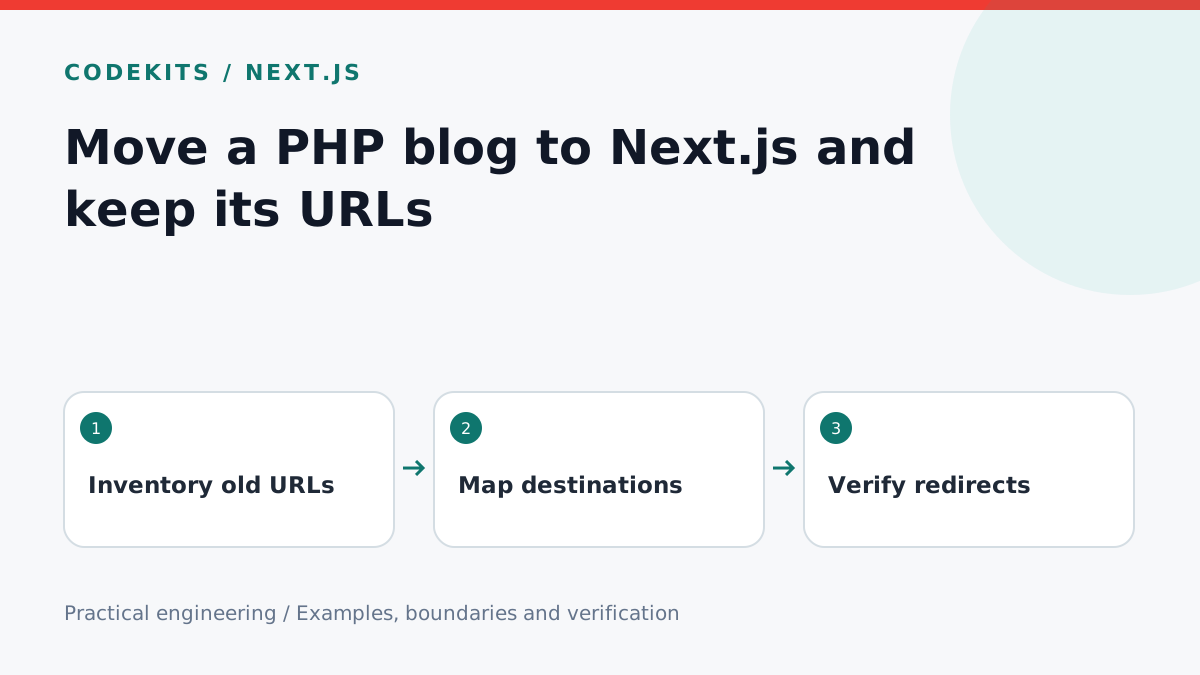
A framework migration should not discard the links that already point to your writing. Before replacing a PHP blog with Next.js, map the old URLs, preserve the content's identity and test redirects against that inventory. This tutorial focuses on a read-only blog migration; accounts, payments and uploads require their own migration plans.
Inventory before exporting
Collect old URLs from your database, sitemap, internal links and server logs where appropriate. Record the article ID, slug, publication date, updated date and image paths. Exclude secrets and unnecessary personal data from the working export.
blog-migration/
├── migration/
│   ├── url-map.json
│   └── verify.mjs
├── content/
│   └── first-post.mdx
└── next.config.mjs
Choose one permanent destination for each old article. Do not redirect every missing page to the homepage: an unrelated destination is not a replacement for the original article. If content is intentionally removed, use an appropriate not-found or gone response.
Preserve editorial facts
Convert content in a staging environment and keep a reversible copy of the original export. Preserve genuine publication dates. Do not give every migrated article today's date simply because its renderer changed.
Review HTML-to-Markdown conversion manually for code blocks, tables, image captions and embedded content. Remove unsafe scripts and private media. Check that relative images still resolve and that copied code retains characters such as angle brackets and ampersands.
Map a legacy query URL
Suppose the old article was /post.php?id=42 and the destination is /blog/first-post. Next.js redirects can match a query condition.
const nextConfig = {
  async redirects() {
    return [{
      source: "/post.php",
      has: [{ type: "query", key: "id", value: "42" }],
      destination: "/blog/first-post",
      permanent: true,
    }];
  },
};
export default nextConfig;
Next.js uses 308 for this permanent redirect configuration. The old query may remain on the destination URL; publish the clean article URL as canonical. If you need to remove legacy parameters, implement and test that explicitly instead of assuming the redirect drops them.
For hundreds of articles, generate rules from a reviewed mapping or use a bounded lookup in the request layer. Check deployment limits and avoid loading a database unnecessarily for every unrelated request. Keep existing configuration and redirects when adding the migration rules.
Test the whole route, not just the mapping
Make the URL inventory executable. For each legacy URL, request it without automatically following redirects, verify the status and destination, then fetch the destination and assert a 200 response. Check that one redirect does not lead to another old URL or loop back to itself.
Test an unknown ID, an absent ID, encoded query values and the old image paths. Check a sample with punctuation and a long code block visually on mobile. Canonical metadata, RSS and the sitemap should all use the new preferred URL.
The configuration above is an integration example. Its correct behaviour depends on your existing redirects, proxy and Next.js version, so verify it in staging and again after deployment.
Cut over with a rollback path
Keep the old site and database backup available while testing the new deployment. Freeze editing briefly or perform a final incremental export so changes made during migration are not lost. After switching traffic, monitor not-found responses and fix genuine omissions using the reviewed map.
Do not delete the old backups immediately after the homepage loads. Verify article counts, media counts and representative content. Keep permanent redirects maintained for old links rather than treating them as temporary launch scaffolding.
Read Next.js redirect semantics and Google's site-move guidance. Pair this with canonical, RSS and sitemap setup, or discuss a site migration with CodeKits.