
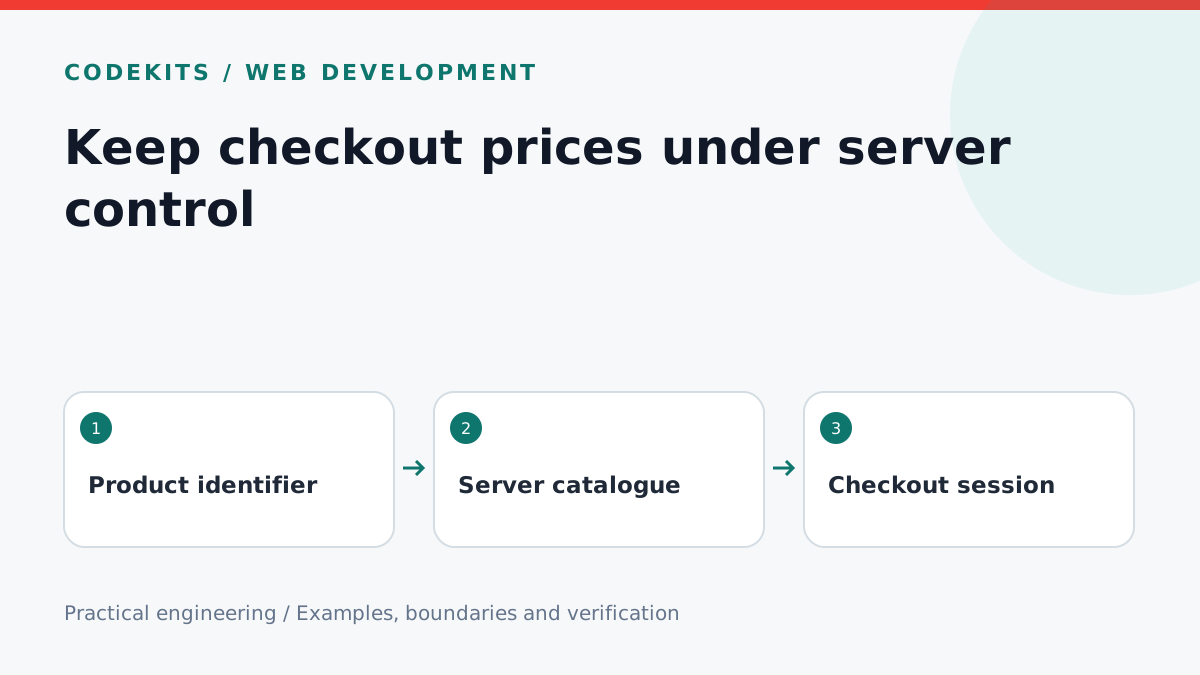
A checkout button may display £29, but the browser is not a pricing authority. Anyone can edit a request. Accept a product identifier and quantity, then resolve the actual Stripe Price on the server. The browser chooses what to buy; your catalogue decides what that choice costs.
This tutorial builds a small cart validator and shows the narrow Stripe integration around it. It assumes a Node.js server and a one-off catalogue, not subscriptions, tax calculation or a complete basket interface. The validator can run without a Stripe account. Use sandbox prices for integration tests and keep secret keys server-side.
Define the accepted input
Choose a deliberately small contract: an array of { sku, quantity } objects. Do not accept amount, currency, a success URL or an arbitrary Stripe Price ID. Reject unknown keys so a misleading client implementation fails visibly instead of quietly appearing supported.
const catalogue = new Map([
  ["starter", { price: "price_TEST_REPLACE", max: 5 }],
  ["icons", { price: "price_TEST_ICONS", max: 1 }],
]);

export function lineItems(cart) {
  if (!Array.isArray(cart) || cart.length < 1 || cart.length > 10)
    throw new Error("Choose between one and ten products");
  const seen = new Set();
  return cart.map(item => {
    if (!item || typeof item !== "object" || Array.isArray(item))
      throw new Error("Invalid cart item");
    if (Object.keys(item).some(key => !["sku", "quantity"].includes(key)))
      throw new Error("Unexpected cart field");
    const product = catalogue.get(item.sku);
    if (!product || seen.has(item.sku)) throw new Error("Unknown or repeated SKU");
    if (!Number.isSafeInteger(item.quantity) || item.quantity < 1 ||
        item.quantity > product.max) throw new Error("Invalid quantity");
    seen.add(item.sku);
    return { price: product.price, quantity: item.quantity };
  });
}
The placeholder Price IDs are intentionally not usable. Replace them with active sandbox prices from your own Stripe catalogue. A Map avoids accidentally treating inherited object properties as product names. Rejecting duplicate SKUs also prevents a customer from bypassing a per-line cap by adding the same product twice.
The integer restriction is a business rule for licences. Another business might sell measured units, but that requires its own unit conversion and rounding rules. Avoid floating-point arithmetic for money; use server-owned prices or integer minor units with currency-specific rules.
Create a server-owned checkout attempt
Authenticate the buyer if purchases belong to an account. Enforce the request body limit before parsing, apply rate limits, and protect cookie-authenticated endpoints from cross-site requests. Persist a checkout-attempt ID with the validated cart and buyer before calling Stripe.
// Integration excerpt: stripe, attempt and cart come from server adapters.
const session = await stripe.checkout.sessions.create({
  mode: "payment",
  line_items: lineItems(cart),
  client_reference_id: attempt.id,
  success_url: "https://store.example/checkout/result?session_id={CHECKOUT_SESSION_ID}",
  cancel_url: "https://store.example/cart",
}, { idempotencyKey: `checkout:${attempt.id}` });
The URLs are fixed configuration, not values copied from the request. Reuse the same attempt ID when retrying the same checkout operation; create a new one after changing the cart. An idempotency key is not a permanent catalogue identifier. Store the returned session ID against the attempt, including recovery if the database write fails after Stripe succeeds. See the official Checkout Session parameters.
Test tampering before testing payments
Run the validator with a normal cart and verify the output contains only trusted price IDs and quantities. Test zero, negatives, fractions, strings, huge integers, unknown SKUs, repeated SKUs, empty carts and an added amount: 1 field. Each must fail before the Stripe adapter is called.
For integration, use a sandbox and inspect the Checkout Session's line items. Change the catalogue between opening the page and submitting: the server should apply its current policy, with the UI explaining any changed offer before payment. An inactive Stripe price should produce a controlled checkout error, not a fallback to a client amount.
Limits and troubleshooting
This validator does not enforce stock reservation, customer-specific discounts, VAT or shipping eligibility. Those decisions also belong on the server. If several offers share a SKU, validate offer eligibility explicitly rather than exposing every Price ID as an allowed choice.
A successful checkout redirect does not grant a licence. Use idempotent webhook fulfilment to verify payment and create access. CodeKits custom Next.js stores combines these boundaries into a complete purchase flow.