
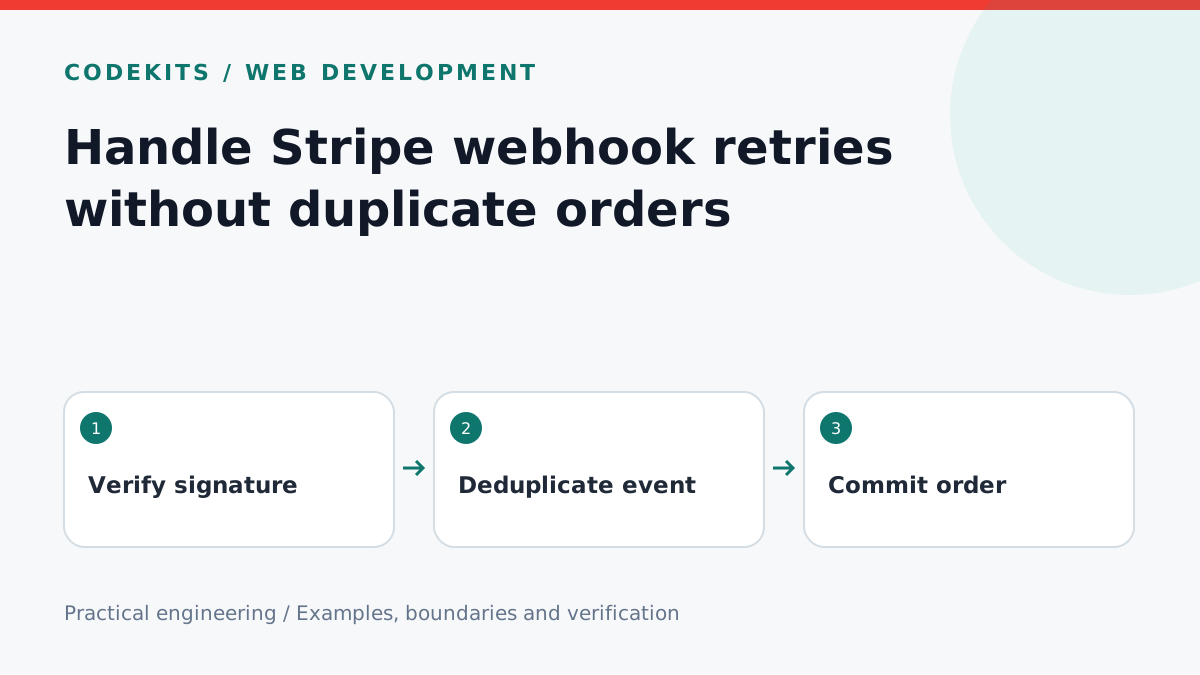
A payment can succeed while your webhook response disappears. Stripe then retries, and a handler that always inserts a new order creates duplicates. The useful guarantee is not “the handler runs once”; it is “repeated handling leaves one fulfilment record”. This tutorial designs that boundary for a one-off digital product.
Prerequisites and scope
Use a Node.js server, the official Stripe SDK, MySQL with InnoDB tables, and a Stripe sandbox. The snippets are integration excerpts, not a drop-in store: authentication, catalogue lookup and database connection management belong to the surrounding application. They were checked against Stripe's documentation; no payment was charged and no live Stripe endpoint was exercised here.
First create an internal checkout attempt containing the authenticated buyer, expected products, currency and Stripe session ID. Keep this record after checkout. Never reconstruct the purchased product from a browser success URL.
Authenticate before interpreting
For a Next.js App Router route, read the original bytes once. Parsing and re-serialising JSON changes the input used to verify the signature. Use the signing secret belonging to this endpoint, which differs from an API secret and another CLI listener's secret.
import Stripe from "stripe";

export const runtime = "nodejs";
const stripe = new Stripe(process.env.STRIPE_SECRET_KEY!);

export async function POST(request: Request) {
  const signature = request.headers.get("stripe-signature");
  if (!signature) return new Response("Missing signature", { status: 400 });
  let event: Stripe.Event;
  try {
    const raw = Buffer.from(await request.arrayBuffer());
    event = stripe.webhooks.constructEvent(
      raw, signature, process.env.STRIPE_WEBHOOK_SECRET!
    );
  } catch {
    return new Response("Invalid webhook", { status: 400 });
  }
  // Adapter: commit verified event to an inbox before acknowledging.
  // Existing event.id is success; database failure must return 5xx.
  return persistVerifiedEvent(event);
}
persistVerifiedEvent is your database adapter, not a Stripe method. Insert the event ID under a unique constraint with only the fields your worker needs. Do not acknowledge receipt before that transaction commits. An in-memory queue disappears during a restart. Stripe documents retries, duplicates and raw-body verification in its webhook guide.
Deduplicate the business operation too
An event ID prevents replay of the same event. A unique checkout session prevents different events about the same purchase from creating two orders. Use both boundaries.
CREATE TABLE fulfilments (
  checkout_session_id VARCHAR(255) CHARACTER SET ascii PRIMARY KEY,
  order_id CHAR(36) CHARACTER SET ascii NOT NULL UNIQUE,
  created_at TIMESTAMP(6) NOT NULL DEFAULT CURRENT_TIMESTAMP(6)
) ENGINE=InnoDB;

CREATE TABLE delivery_jobs (
  order_id CHAR(36) CHARACTER SET ascii PRIMARY KEY,
  state ENUM('queued', 'accepted', 'unconfirmed') NOT NULL DEFAULT 'queued',
  FOREIGN KEY (order_id) REFERENCES fulfilments(order_id)
) ENGINE=InnoDB;
The worker retrieves the Checkout Session from Stripe, checks the internal attempt, payment mode, expected currency and catalogue contents, then handles payment status. For this paid-only example, fulfil only paid; free purchases need an explicit no_payment_required policy. Handle completed sessions and later asynchronous payment success. A completed session can still be unpaid for delayed payment methods. See Stripe's fulfilment workflow.
In one database transaction, insert the fulfilment and its delivery job. If the fulfilment primary key already exists, read the existing order and stop. Roll back on every other failure. Avoid INSERT IGNORE as a blanket error handler: unrelated data problems should remain visible. Mark the inbox entry processed only when this work is durable.
Test the failure boundaries
Use synthetic events in unit tests, then Stripe's sandbox for signature integration. Replay one valid event ten times: expect one fulfilment and one job. Submit two event IDs with the same session: still one order. Race two workers: the unique constraint, not a preliminary SELECT, decides the winner.
Next terminate a worker before commit; retry must create the missing order. Terminate it after commit; retry must find the existing order. Send an altered payload with the old signature: expect 400 and zero inbox rows. Test an unpaid session followed by asynchronous success: the first must grant nothing.
Email cannot be made exactly-once merely by a SQL transaction. If SMTP accepts a message and the worker crashes before recording that fact, delivery becomes uncertain. Keep this separate from entitlement creation; use an idempotent provider API where available and expose uncertainty in operational history.
Troubleshooting and next steps
Signature failures usually mean the body was parsed early or the wrong endpoint secret was used. Missing deliveries often mean only the browser success page performs fulfilment. Duplicate orders usually mean deduplication happens in application memory instead of the database.
The digital-store overview covers the wider journey. For a production catalogue and entitlement workflow, explore CodeKits custom Next.js stores.