
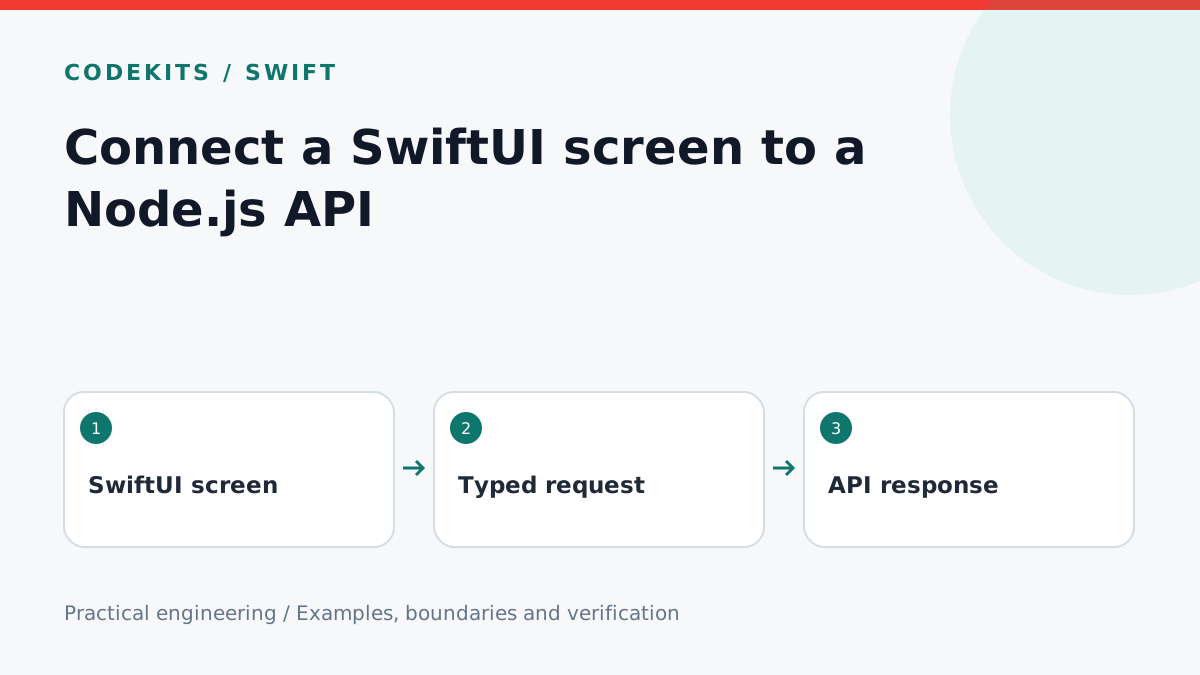
A networked screen needs more than an array and a spinner. It needs to distinguish a successful empty response from a failure, prevent cancelled work from overwriting newer state, and give the reader a way to retry. This example loads a small notes list from a Node.js JSON endpoint.
The Swift excerpt targets iOS 16 or later and uses Foundation and SwiftUI. The local authoring environment has Swift 6.3.1 and Xcode 26.4.1; compilation checks are not physical-device network tests. The Node fixture uses built-in modules and fictional notes. Add authentication before using the pattern with private data.
Define a predictable response
Keep the response small and explicit. A stable ID makes SwiftUI list identity reliable; using array indices would confuse identity when records move. This fixture intentionally exposes no mutation endpoint.
import { createServer } from "node:http";

createServer((request, response) => {
  if (request.method !== "GET" || request.url !== "/notes") {
    response.writeHead(404).end();
    return;
  }
  response.writeHead(200, {
    "Content-Type": "application/json; charset=utf-8",
    "Cache-Control": "no-store",
  });
  response.end(JSON.stringify([{ id: "demo-1", title: "Try the notes screen" }]));
}).listen(4040, "127.0.0.1");
Run it with node server.mjs, then request the endpoint locally. A physical iPhone's loopback address is the phone, not your Mac. For device integration, expose a development endpoint through your own HTTPS setup. Do not disable App Transport Security globally to make an example work.
Keep view state explicit
The view below receives its endpoint as configuration. It validates HTTP status and content type before decoding. URLSession.data(from:) buffers the response, so use a bounded API response and server-side pagination for larger datasets rather than treating this as a streaming client.
import SwiftUI
import Foundation

struct Note: Decodable, Identifiable {
    let id: String
    let title: String
}

struct NotesView: View {
    enum Phase { case loading, loaded([Note]), failed }
    let endpoint: URL
    @State private var phase: Phase = .loading
    @State private var revision = 0

    var body: some View {
        Group {
            switch phase {
            case .loading:
                ProgressView("Loading notes")
            case .loaded(let notes):
                if notes.isEmpty {
                    Text("No notes yet")
                } else {
                    List(notes) { Text($0.title) }
                }
            case .failed:
                VStack {
                    Text("Notes could not be loaded.")
                    Button("Try again") { revision += 1 }
                }
            }
        }
        .task(id: revision) { await load() }
    }

    @MainActor private func load() async {
        phase = .loading
        do {
            let (data, response) = try await URLSession.shared.data(from: endpoint)
            guard let http = response as? HTTPURLResponse,
                  (200..<300).contains(http.statusCode),
                  http.mimeType == "application/json",
                  data.count <= 1_000_000 else { throw URLError(.badServerResponse) }
            let notes = try JSONDecoder().decode([Note].self, from: data)
            guard Set(notes.map(\.id)).count == notes.count else {
                throw URLError(.cannotParseResponse)
            }
            try Task.checkCancellation()
            phase = .loaded(notes)
        } catch {
            guard !Task.isCancelled else { return }
            phase = .failed
        }
    }
}
The byte check is a post-download guard, not a hard network memory limit. SwiftUI's task lifetime and URLSession cancellation work together, but checking cancellation before applying results still makes the intent explicit. Foundation documents the asynchronous URLSession API.
Test every visible state
Return the fixture array and verify one row. Return [] and verify “No notes yet”, not an endless spinner. Return 500, HTML, invalid JSON, a missing ID and duplicate IDs; all should show the retry state. Then restore a valid response and press Try again.
Delay the fixture response, navigate away, and verify no obsolete result changes a later screen. Test offline mode and switching networks on a device. Authentication failures should lead to a session-expired flow in a real app, not an infinite generic retry loop.
For unit tests, inject an API client or a URLSession configured with a custom URLProtocol. Keep the response decoder separate when the screen grows. Test the same JSON contract from Node so a backend rename cannot silently break the app.
Troubleshooting and next steps
If the Mac can reach the API but the phone cannot, inspect the bind address, HTTPS certificate, network route and device configuration. If the server returns a login page, the content-type check should catch it. Do not log bearer tokens or private response bodies while debugging.
Store durable credentials using Keychain, not a plain preferences field. For a native interface and its server API, explore CodeKits Swift iOS development.