
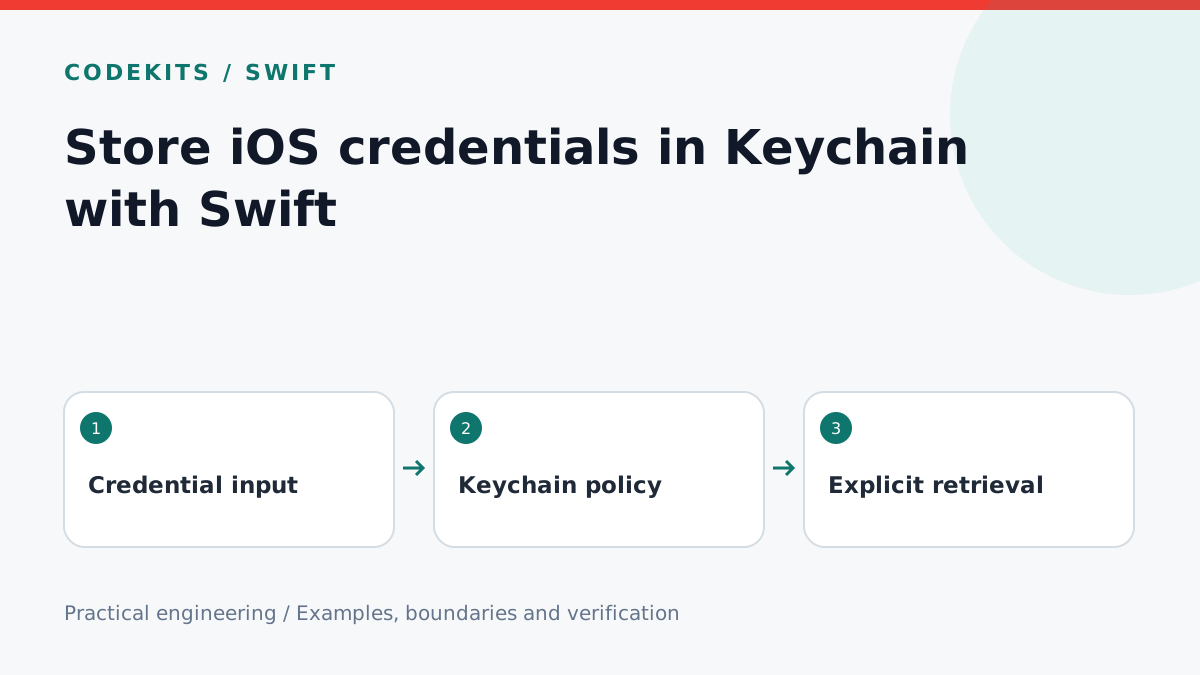
An access token is not an ordinary preference. Store it in Keychain and keep its lifetime separate from the rest of your settings. This tutorial provides a small actor-based wrapper for one generic-password credential, with save, replacement, read and deletion operations.
The sample targets iOS 16 or later, imports Apple's Security framework and needs no third-party package. It can be type-checked with Xcode 26.4.1 and Swift 6.3.1. Device lock behaviour, entitlements and backup migration still require tests in a signed application on an actual device; a successful compile does not establish them.
Choose an accessibility policy first
This foreground-only example uses kSecAttrAccessibleWhenUnlockedThisDeviceOnly. The item is available while unlocked and does not migrate to another device through backup restoration. It does not require biometric authentication on every read. Apple explains these distinctions in Keychain accessibility.
If a genuine background task needs a credential after the first unlock, evaluate a different accessibility class deliberately. Do not weaken every credential just because one workflow needs background access. Highly sensitive operations may also require a separate user-presence access-control policy.
Implement the four operations
Use a stable service identifier and account identifier to select exactly one item. The service is an application namespace, not a network address. Do not add access groups or synchronisation unless the application actually needs them and has the corresponding entitlements.
import Foundation
import Security

actor CredentialStore {
    struct Failure: Error { let status: OSStatus }
    private let service: String
    init(service: String) { self.service = service }

    private func query(_ account: String) -> [String: Any] {
        [kSecClass as String: kSecClassGenericPassword,
         kSecAttrService as String: service,
         kSecAttrAccount as String: account]
    }

    func save(_ data: Data, account: String) throws {
        let values: [String: Any] = [
            kSecValueData as String: data,
            kSecAttrAccessible as String: kSecAttrAccessibleWhenUnlockedThisDeviceOnly
        ]
        var status = SecItemUpdate(query(account) as CFDictionary, values as CFDictionary)
        if status == errSecItemNotFound {
            var item = query(account)
            item.merge(values) { _, new in new }
            status = SecItemAdd(item as CFDictionary, nil)
            if status == errSecDuplicateItem {
                status = SecItemUpdate(query(account) as CFDictionary, values as CFDictionary)
            }
        }
        guard status == errSecSuccess else { throw Failure(status: status) }
    }

    func read(account: String) throws -> Data? {
        var item = query(account)
        item[kSecReturnData as String] = true
        item[kSecMatchLimit as String] = kSecMatchLimitOne
        var result: CFTypeRef?
        let status = SecItemCopyMatching(item as CFDictionary, &result)
        if status == errSecItemNotFound { return nil }
        guard status == errSecSuccess else { throw Failure(status: status) }
        guard let data = result as? Data else { throw Failure(status: errSecDecode) }
        return data
    }

    func delete(account: String) throws {
        let status = SecItemDelete(query(account) as CFDictionary)
        guard status == errSecSuccess || status == errSecItemNotFound else {
            throw Failure(status: status)
        }
    }
}
Save updates first, then adds if missing. It handles a competing insertion by retrying the update. The actor serialises calls through this instance; it is not a cross-process transaction manager. Avoid multiple independent writers to the same item, and coordinate account switching in the application's session layer.
Apple's adding and updating/deleting guides describe the underlying Security functions. Preserve OSStatus in diagnostic metadata, but never log the credential bytes.
Verify behaviour with a disposable account
In a signed test app, create a store with a dedicated test service and a random account name. Read before saving: expect nil. Save Data("demo-one".utf8), read and compare. Save demo-two to the same account: expect replacement, not a second item. Delete twice: both calls should succeed, and the next read should be nil.
Then lock a physical device and exercise the foreground/background boundary appropriate to your application. Test a missing entitlement and verify the error is not misreported as “no saved login”. If the server revokes the token, clear it and require authentication even when Keychain still contains bytes.
Troubleshooting and limits
Unexpected duplicates often mean the service or account changed between reads and writes. An unavailable item while locked is a policy outcome, not necessarily corruption. Do not treat every failure as a reason to erase credentials.
Keychain does not secure a token after the app reads it into memory, and local deletion does not revoke it at the server. Logout should coordinate both according to the service's session policy. Keychain is also not a guarantee that uninstalling an app erases all credentials; provide explicit account removal where needed.
For secure session flows in a native app, explore CodeKits Swift iOS development.