
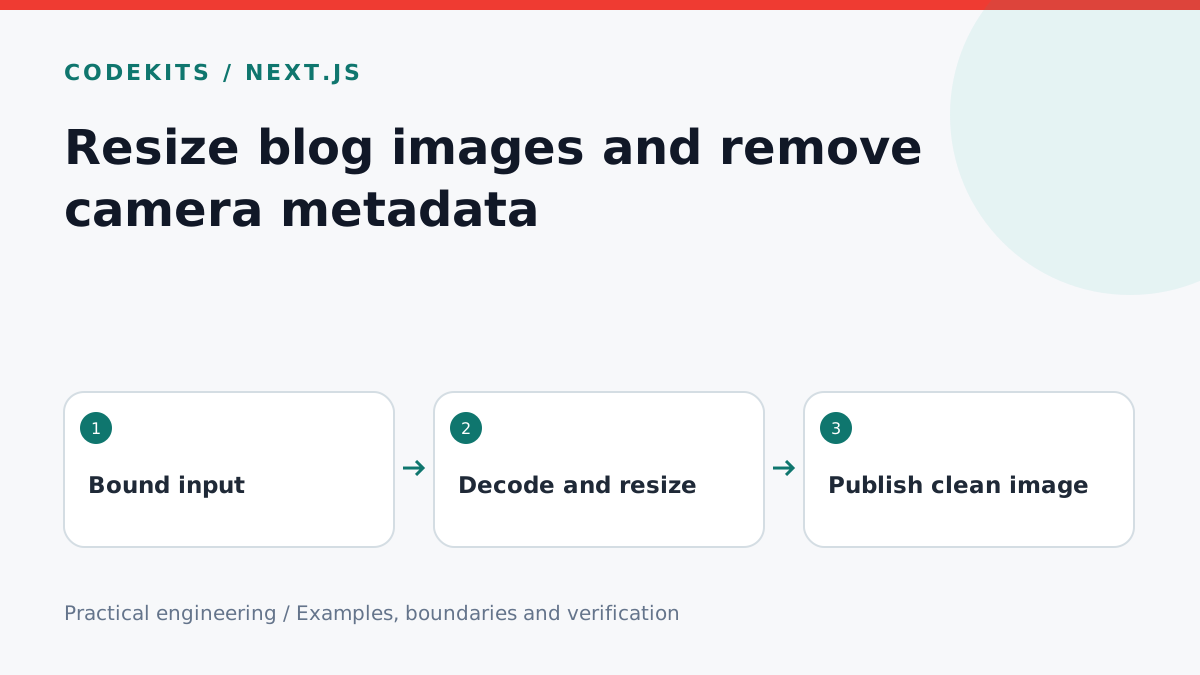
A phone photograph may be much larger than a blog needs, and its metadata can contain information that was never meant to be published. An image upload pipeline should create a deliberate publication asset rather than blindly copying the original into a public directory.
This tutorial focuses on processing a still image with Sharp in Node.js. It is the transformation stage of an authenticated upload endpoint, not a complete upload service. The caller must authorize the editor and enforce request-size limits before constructing the input buffer.
Define your constraints
Use a maintained Sharp release compatible with your Node runtime. In this example, accept JPEG, PNG and static WebP, limit compressed input to 10 MiB and decoded pixels to 40 million, and keep the longest output edge within 1600 pixels. Tune these values for the images your readers actually need.
upload/
├── process-image.mjs
├── image.test.mjs
└── storage/             # Generated assets, outside executable code
Byte limits and pixel limits solve different problems. A small compressed image can expand to a very large bitmap. Authentication also does not make expensive image parsing free: apply rate limits and sensible concurrency limits.
Decode, orient and resize
import sharp from 'sharp';

export async function prepareImage(input) {
  if (!Buffer.isBuffer(input) || input.length > 10 * 1024 * 1024) {
    throw new Error('Image must be 10 MiB or smaller');
  }
  const options = { limitInputPixels: 40_000_000 };
  const metadata = await sharp(input, options).metadata();
  if (!['jpeg', 'png', 'webp'].includes(metadata.format)) {
    throw new Error('Use JPEG, PNG or static WebP');
  }
  if ((metadata.pages || 1) > 1) throw new Error('Use a still image');
  return sharp(input, options)
    .rotate()
    .resize(1600, 1600, { fit: 'inside', withoutEnlargement: true })
    .webp({ quality: 82 })
    .toBuffer();
}
The decode result decides the format; the filename extension does not. rotate() applies the stored orientation. The resize preserves proportions and avoids enlarging a small image. Sharp strips input metadata by default unless you request preservation, so do not add keepMetadata() to this publication path.
This deliberately rejects animations instead of silently flattening them. Add a separately tested animated-image pipeline if preserving animation is a requirement.
Save the publication asset
Generate the storage filename yourself, for example using a random UUID followed by .webp. Write to a temporary file and rename it atomically after processing succeeds. Do not use an untrusted original filename as a path. Store the original name only as escaped descriptive data if it is useful to the editor.
Keep image title, alternative text and caption as separate editorial fields. Stripping camera metadata does not provide useful alt text, and an image title is not always an accurate description of its contents. Serve the correct content type and ensure an uploaded file cannot execute as application code.
Verify what changed
Create synthetic input with a known orientation and an EXIF field. Process it, inspect the output through sharp(output).metadata(), and check dimensions, format and absence of EXIF. Compare orientation visually as well as checking width and height.
Test a zero-byte file, text renamed to .jpg, an oversized input, a transparent PNG and an animated WebP. Assert errors are handled as a normal validation response rather than a generic application crash. The transformation does not remove names, addresses or other sensitive information visible inside the pixels; review the actual image before publication.
If colours change unexpectedly, investigate your colour-space requirements and output profile rather than turning on all metadata preservation. If memory rises under load, reduce concurrent conversions and measure peak decoding memory.
For a full editorial workflow, connect this stage to a publishing dashboard and draft-aware blog pages.