
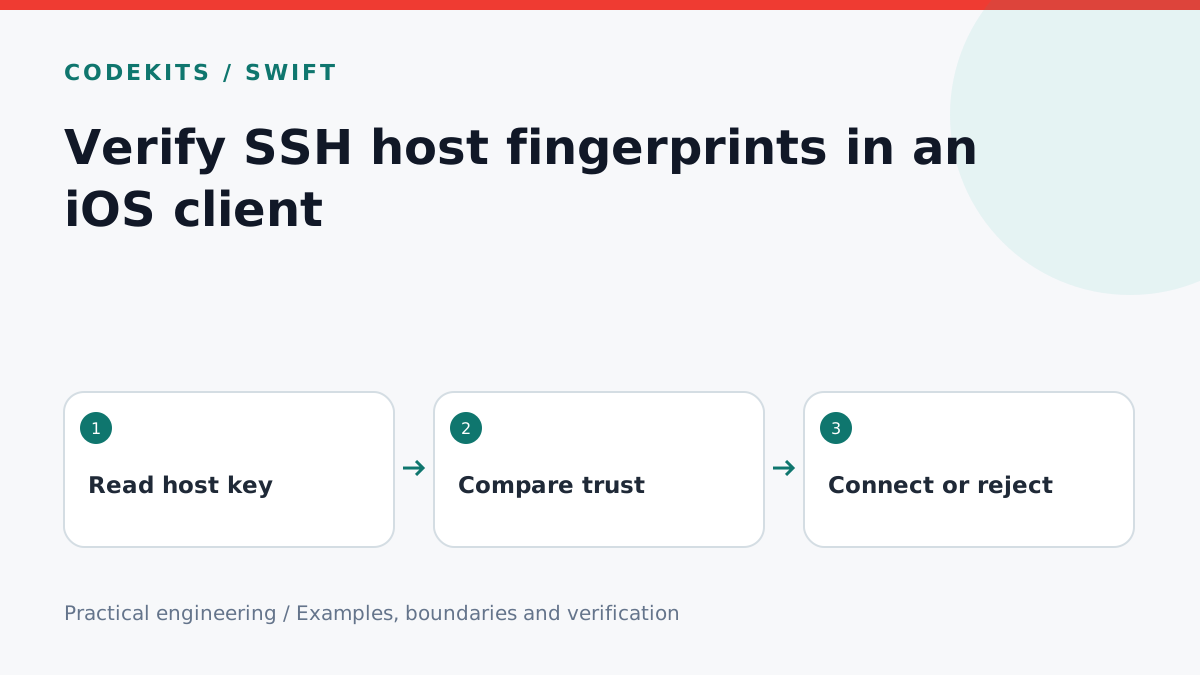
An encrypted SSH connection is not enough if the client accepts any server key. Host verification answers a different question from password authentication: is this the server the user intended to reach? This tutorial isolates a small trust policy that an iOS SSH client can test independently of its network library.
Use Swift, CryptoKit and a maintained SSH implementation such as Citadel/SwiftNIO SSH. The policy code is standalone; adapting a negotiated public key into its SSH wire-format blob belongs to the pinned library version. No real host was contacted, no private key is included, and no claim is made that this excerpt is a complete SSH transport.
Fingerprint the correct bytes
An OpenSSH-style SHA-256 fingerprint hashes the SSH public-key blob, not a PEM file, a display description or the text of a base64 string. The blob includes the algorithm-specific SSH encoding. Use the library's documented serialization or decode the base64 field of a validated OpenSSH public-key representation. Do not guess by hashing String(describing: key).
import Foundation
import CryptoKit

func sshFingerprint(wireKey: Data) -> String {
    let digest = Data(SHA256.hash(data: wireKey))
        .base64EncodedString().replacingOccurrences(of: "=", with: "")
    return "SHA256:" + digest
}

enum HostDecision: Equatable {
    case needsConfirmation
    case trusted
    case changed
}

func evaluateHost(presented: Data, saved: Data?) -> HostDecision {
    guard let saved else { return .needsConfirmation }
    return presented == saved ? .trusted : .changed
}
The comparison uses full key bytes; the fingerprint is for human review. Store the verified key under a canonical endpoint identity including hostname and port. Do not key solely by a friendly connection name or silently merge different ports. The SSH transport's public-key formats are defined in RFC 4253.
First use is a decision, not proof
For an unknown host, display hostname, port, key type and full fingerprint, with explicit Cancel and Trust actions. Ask the user to verify the fingerprint through an independent trusted channel. The first connection could already be intercepted; accepting it without independent verification is trust on first use, not cryptographic proof of ownership.
Persist the key only after confirmation. If the SSH library's validation callback cannot safely wait for UI, fail that connection, collect confirmation, then reconnect with the approved key. Do not block a networking event loop while waiting for a sheet. On reconnection, compare again: the key must still match the one the user approved.
For a known host, require exact agreement. For a changed key, stop with a distinct warning. A legitimate rebuild can change a key, but so can interception. Replacement should require verification and a deliberate management action, not a convenient “continue anyway” default.
Place policy inside the handshake
Host validation must complete before credentials are sent or a terminal is opened. Citadel exposes a host-key validator in its connection settings; its own repository documentation warns against the permissive acceptAnything() shortcut. Do not copy that shortcut into a production client.
Pin your Citadel and SwiftNIO SSH versions, implement the validator against that version's actual public-key API, and make unknown or changed keys fail closed. Treat failure to load saved trust data as an error, not as permission to accept a new key. This article intentionally does not invent a version-independent Citadel callback signature.
Test policy and handshake separately
For policy tests, use two different synthetic byte arrays. No saved key should request confirmation; equal saved bytes should be trusted; a one-byte change should be changed. Test hostnames and ports as separate trust-store keys. Verify cancelling confirmation writes nothing.
For integration, use a disposable SSH test server and independently inspect its public host key fingerprint. Connect once, verify and save it, then reconnect without another first-use prompt. Replace only that test server's host key and verify the client stops before user authentication. This server/device test was not run here and is required before release.
Troubleshooting and limits
If fingerprints differ from OpenSSH, compare serialization first: hashing the textual base64 field is a common mistake. If every connection is unknown, check canonical endpoint keys and persistence. If a changed key still connects, the trust decision is probably outside the actual handshake gate.
Host verification does not secure a compromised server or prevent users from approving the wrong fingerprint. Combine it with safe credential storage and clear connection UI. For a native SSH client integration, explore CodeKits Swift iOS development.