
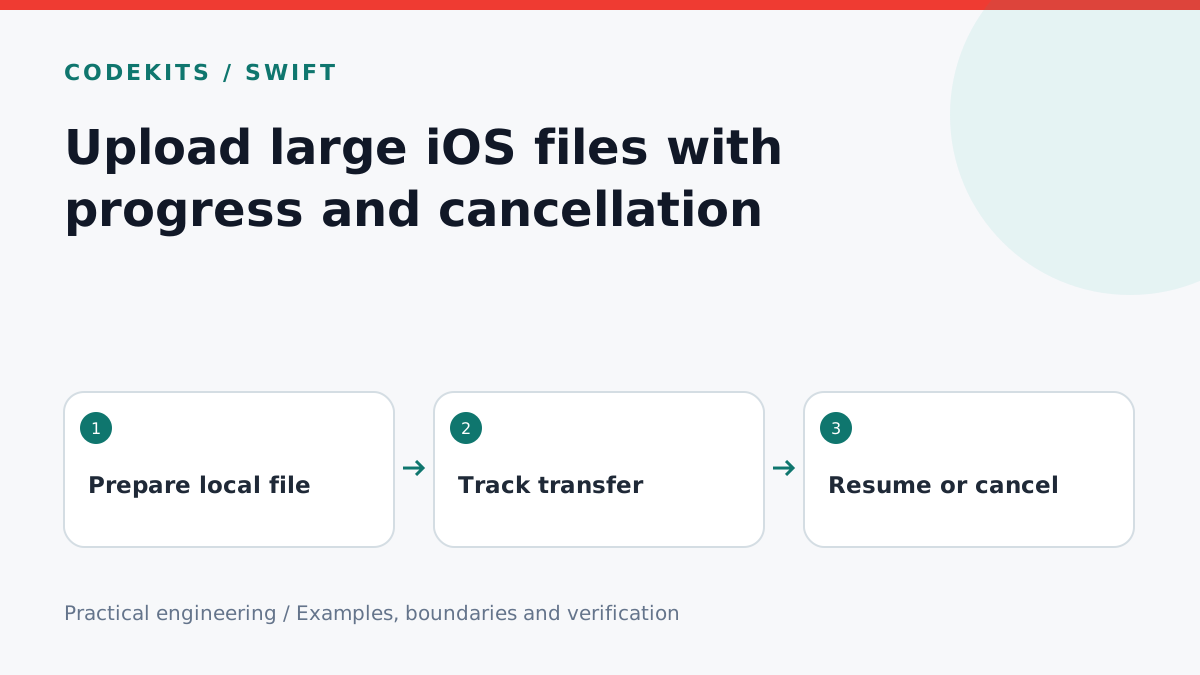
For a large attachment, upload from a file instead of loading the whole body into Data. Keep progress separate from completion: sending every byte does not prove that the server has accepted or committed the upload. This tutorial builds the observer boundary and compares foreground and background sessions.
The snippets target iOS 16 or later and an HTTPS endpoint accepting a raw file body. They are integration excerpts, not a complete resumable-upload protocol. Swift 6.3.1 and Xcode 26.4.1 are available for compilation checks, but no physical-device background-transfer run was performed for this article. The device test matrix below is a release requirement, not a claimed result.
Stage the file and define the server contract
Copy a selected file into private, app-owned storage and retain it until the transfer reaches a terminal state. Record an application upload ID, staged path and intended content type. Never rely on a temporary picker URL remaining accessible after the picker closes.
The server should authenticate the request, enforce a byte limit while reading, and bind the upload ID to the user. Define whether retrying the same ID replaces an incomplete upload or returns an existing completed result. Without that contract, reconnecting can create duplicate files even when the client behaves correctly.
Observe progress and transport completion
import Foundation

final class UploadObserver: NSObject, URLSessionTaskDelegate, Sendable {
    let progress: @Sendable (Double?) -> Void
    let completed: @Sendable (Int?, String?) -> Void

    init(progress: @escaping @Sendable (Double?) -> Void,
         completed: @escaping @Sendable (Int?, String?) -> Void) {
        self.progress = progress
        self.completed = completed
    }

    func urlSession(_ session: URLSession, task: URLSessionTask,
                    didSendBodyData bytesSent: Int64,
                    totalBytesSent: Int64, totalBytesExpectedToSend: Int64) {
        let fraction = totalBytesExpectedToSend > 0
            ? min(1, Double(totalBytesSent) / Double(totalBytesExpectedToSend)) : nil
        progress(fraction)
    }

    func urlSession(_ session: URLSession, task: URLSessionTask,
                    didCompleteWithError error: Error?) {
        let status = (task.response as? HTTPURLResponse)?.statusCode
        if let error = error as? URLError, error.code == .cancelled {
            completed(status, "cancelled")
        } else {
            completed(status, error == nil ? nil : "transport-failed")
        }
    }
}
Callbacks may arrive off the main actor. Bridge updates to the UI with Task { @MainActor in ... } and a transfer ID check so a previous upload cannot overwrite the current screen. Show indeterminate progress when the expected length is unavailable. After the bytes reach 100%, show “Finalising” until the API's completion contract is satisfied.
// Integration excerpt: observer, stagedFile and endpoint are app-owned.
let session = URLSession(configuration: .default, delegate: observer, delegateQueue: nil)
var request = URLRequest(url: endpoint)
request.httpMethod = "PUT"
request.setValue("application/octet-stream", forHTTPHeaderField: "Content-Type")
request.setValue(uploadID, forHTTPHeaderField: "Idempotency-Key")
let task = session.uploadTask(with: request, fromFile: stagedFile)
task.taskDescription = uploadID
task.resume()
// A Cancel action calls task.cancel(), then awaits terminal-state handling.
The idempotency header works only if your server implements it. Add authorisation through your session layer. A 401, 413 or 500 response is not success just because error is nil. Check the HTTP status and, where needed, query an authenticated upload-status endpoint before declaring completion.
Background sessions require lifecycle ownership
For eligible background transfers, use a stable URLSessionConfiguration.background(withIdentifier:), a retained delegate and uploads created from files. Recreate the session with the same identifier after system relaunch, reconcile getAllTasks with persisted upload IDs, and handle the application delegate's background-session completion callback. A foreground view should not own the only copy of this state.
Apple documents the important background transfer limitations: file-backed uploads are supported, scheduling belongs to the system, and background networking is not equivalent to keeping arbitrary app code alive. A user force-quit differs from system termination; do not promise uninterrupted uploads in every case.
Test on an actual device
Use a harmless generated file and a test endpoint. Test foreground success, cancellation halfway through, server rejection, network loss, Wi-Fi-to-cellular change, screen locking, app switching, system relaunch and user force-quit separately. Record OS version, device, file size, network and server outcome for each run.
After cancellation, ask the server whether partial bytes or a completed file exist; cancellation cannot retract a request already committed. Verify staging cleanup does not run while a task still needs the file. Test expired authentication during a delayed background transfer and provide a recoverable sign-in flow.
If progress freezes, check scheduling and connectivity before inventing percentage updates. If 100% is followed by failure, inspect the final HTTP response. For a native upload workflow with these lifecycle boundaries, see CodeKits Swift iOS development.