
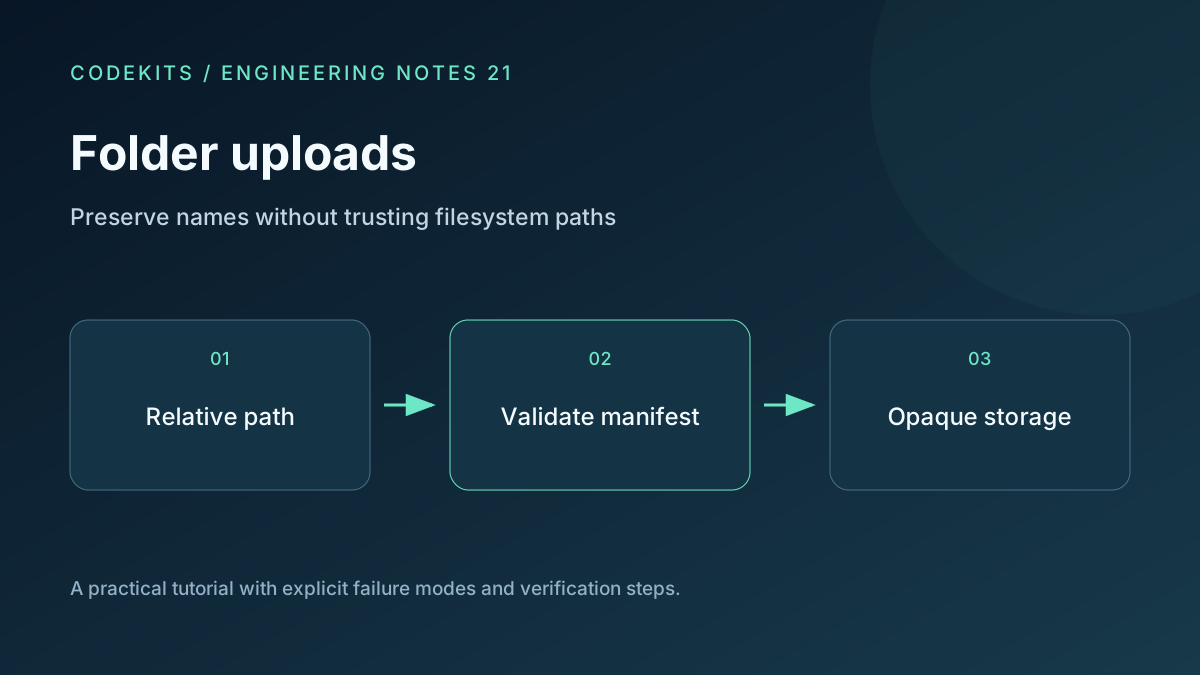
A folder upload has two parts: file bytes and a manifest describing where those files belong. Keeping those parts separate lets you reconstruct the user's hierarchy without giving browser-supplied paths control over server storage.
This tutorial provides a tested Node.js path-manifest validator and a browser integration outline. The helper was tested on Node.js 20.11.1. Browser folder selection still needs testing on your supported devices; a normal multiple-file picker is a useful fallback.
Capture relative paths
A directory input exposes files with a relative path. Read that value as metadata, alongside size and a stable client file index. Do not assume that it represents a trusted filesystem location.
<label for="folder">Choose a folder</label>
<input id="folder" type="file" webkitdirectory multiple>
<output id="selection" aria-live="polite"></output>const input = document.querySelector("#folder");
input.addEventListener("change", () => {
const files = Array.from(input.files ?? []);
const manifest = files.map((file, index) => ({
index, path: file.webkitRelativePath || file.name, bytes: file.size
}));
document.querySelector("#selection").textContent =
manifest.length + " files selected";
});MDN documents the property as a path relative to the selected directory. It is not a promise that every browser can select directories, or that empty folders will appear in a list of files. File.webkitRelativePath.
If empty directories matter, represent them as explicit directory records in a separate protocol. Do not invent zero-byte files to stand in for them.
Validate the complete manifest first
The download has one validator and a test suite:
upload-folders-and-preserve-their-directory-tree/
├── README.md
├── paths.mjs
└── test.mjs
Its intentionally conservative policy normalizes Unicode to NFC, rejects absolute paths, empty components, dot segments, backslashes, control characters, percent signs, Windows-reserved names and trailing dots or spaces. It bounds path depth, path length and file count. A portable case-insensitive comparison rejects names that would collide on some destination filesystems.
Rejecting percent signs is a product restriction, not a universal filesystem rule. It avoids accidental double-decoding in this example. If you allow them, define one transport decoding boundary and never decode stored paths again.
The manifest check also catches a file named reports alongside reports/summary.txt. Checking each path independently misses that file-directory conflict. Tell the user which names need changing before reserving storage or beginning a long transfer.
Store bytes under opaque identifiers
After validation, create a server-owned file record for each manifest entry. Store the canonical relative path for display and archive naming, and a separate random storage key for bytes. Authorize the parent upload session on every operation.
Never concatenate the relative path onto a storage root and assume normalization alone makes it safe. Symlinks, mount boundaries and concurrent filesystem changes complicate that approach. An opaque-key store makes the boundary simpler and keeps uploaded HTML or executable-looking files outside the public web root.
The same names must be validated again when producing a ZIP. An archive entry containing traversal can become dangerous when a recipient extracts it. Use the stored canonical manifest, not a new unvalidated browser submission.
Build an honest tree view
Split canonical paths into segments and build nested directory nodes, with file leaves keyed by server file IDs. Render each label as text, not HTML. Keep upload state on the file record so a retry does not create a duplicate tree leaf.
For large manifests, virtualize long lists and give an aggregate count plus a visible failure filter. A folder containing thousands of files may spend significant time negotiating metadata even when the total byte count is small.
Test names and collisions
Run node --test test.mjs. The suite checks normal hierarchy, traversal, Windows-like paths, duplicate case variants, equivalent Unicode names and file-directory conflicts. These are helper tests, not proof of secure storage or browser compatibility.
In the integrated app, test duplicate basenames in different folders, zero-byte files, a cancelled transfer, unsupported directory selection and an archive round trip. Compare extracted paths against the canonical manifest. If files disappear on Windows, inspect reserved names and case collisions before blaming the upload stream.
For the next step, see streaming a ZIP export. CodeKits can build this into a Next.js file-sharing portal.