
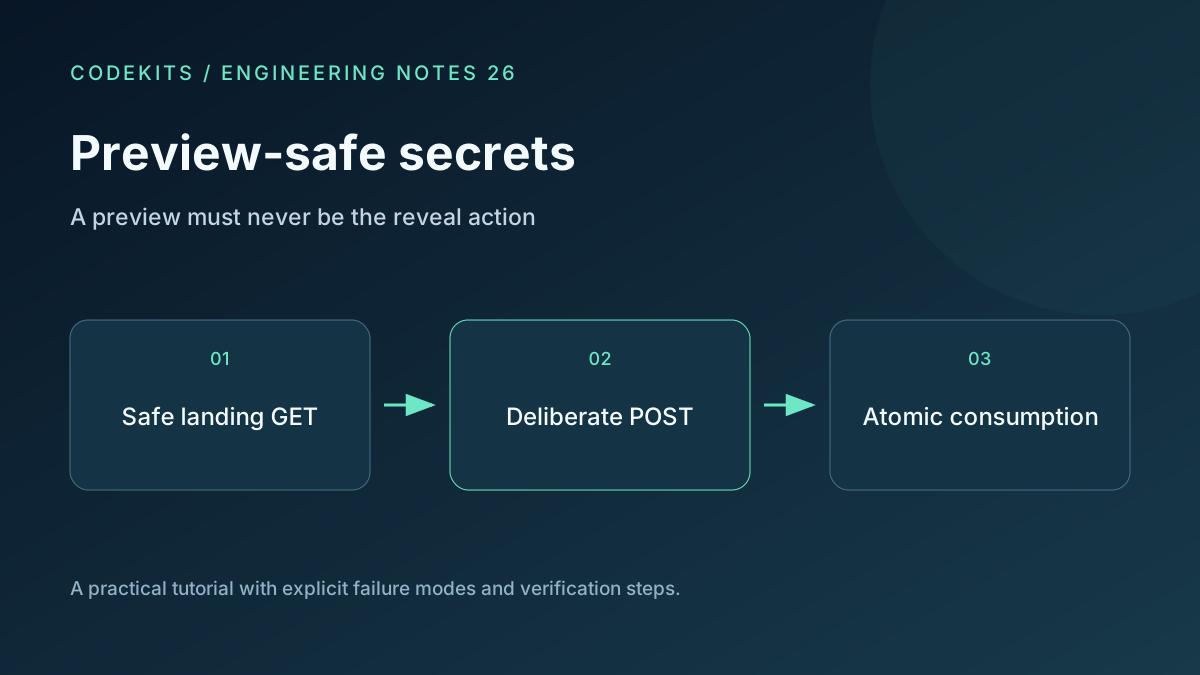
A one-time secret should not disappear because a messaging app checked its title. The fix is architectural: loading a landing page must not consume the secret. A separate, deliberate action requests the ciphertext.
This tutorial defines that HTTP and browser boundary for a Next.js-style application. The snippets are integration excerpts, not a complete secret-storage service. Use the browser encryption helper for encryption and the transaction design for consumption. No live crawler matrix or database integration was executed here.
Make safe requests genuinely safe
GET /secret/:id returns a generic page with a Reveal button. HEAD returns the same availability of the landing resource without a body. Neither handler reads and deletes a secret, updates a read counter or returns ciphertext.
Keep title and social-preview metadata generic. Do not expose the message, sender email, recipient name or even unnecessary existence information. A preview does not need to learn whether the secret is still available.
Do not fetch the secret in a React mount effect, server component render, route prefetch or metadata function. A button is ineffective if an earlier lifecycle hook already consumed the record.
Put the reveal behind a POST
Only the button's event handler should invoke the consume endpoint. Prevent accidental double submission in the current tab, while relying on the database for the real race boundary.
let revealing = false;

button.addEventListener("click", async () => {
  if (revealing) return;
  const key = location.hash.slice(1);
  if (!/^[A-Za-z0-9_-]{43}$/.test(key)) {
    status.textContent = "This link has no valid decryption key.";
    return;
  }
  revealing = true;
  button.disabled = true;
  try {
    const response = await fetch("/api/secrets/" + secretId + "/reveal", {
      method: "POST",
      headers: { "X-Reveal-Intent": "user-action" },
      cache: "no-store"
    });
    if (!response.ok) throw new Error("Secret unavailable");
    const envelope = await response.json();
    output.textContent = await openText(envelope, key);
    status.textContent = "Revealed. The recipient can still copy this text.";
  } catch {
    status.textContent =
      "Reveal could not be completed. The secret may already be consumed.";
  }
});
The ID comes from a validated route value. openText is the separate encryption helper. The code intentionally does not offer an automatic retry after an uncertain POST: a successful consumption response may have been lost.
The custom header expresses the protocol but is not proof of a human click. Scripts and non-browser clients can send it. Do not describe this as bot-proof protection.
Check origin and credentials
For a same-origin browser service, validate the Origin header against the configured origin, reject unexpected content types, apply rate limits and avoid permissive CORS. Use the established CSRF mechanism when session cookies authorize creation or reveal. SameSite cookies are useful defence in depth, not a replacement for every CSRF check. OWASP CSRF guidance.
A bearer secret ID authorizes whoever holds it. A POST does not establish recipient identity. If you need to restrict access to a particular person, add an authenticated identity check and bind the secret to that account before the consuming transaction.
A sufficiently active link scanner can run JavaScript or simulate interactions. The design stops ordinary passive preview GETs from consuming records; it cannot guarantee that all automated systems will leave links untouched.
Make caching and accessibility deliberate
Return no-store headers from both the landing page and reveal response. Do not put secret envelopes into framework caches, pre-rendered pages or service-worker caches.
Use an actual button, a readable warning and an aria-live status region. Explain before reveal that the action may consume the message even if delivery fails. Avoid inaccessible click puzzles that claim to distinguish every bot from a person.
Verify the route matrix
In a synthetic environment, issue repeated GET and HEAD requests and verify that the database remains unchanged. Load the page with JavaScript enabled but do not click; it must still remain unconsumed. Inspect network requests for automatic reveal calls.
Then click once, double-click rapidly, use two tabs and interrupt the successful response. Confirm that the database permits only the intended number of claims and that the UI does not report a lost response as “definitely unread.”
If previews still consume messages, trace middleware, metadata generation and client effects before modifying user-agent lists. Blocking a few crawler names hides the unsafe method semantics rather than fixing them.
For implementation help, explore Next.js web application development.