
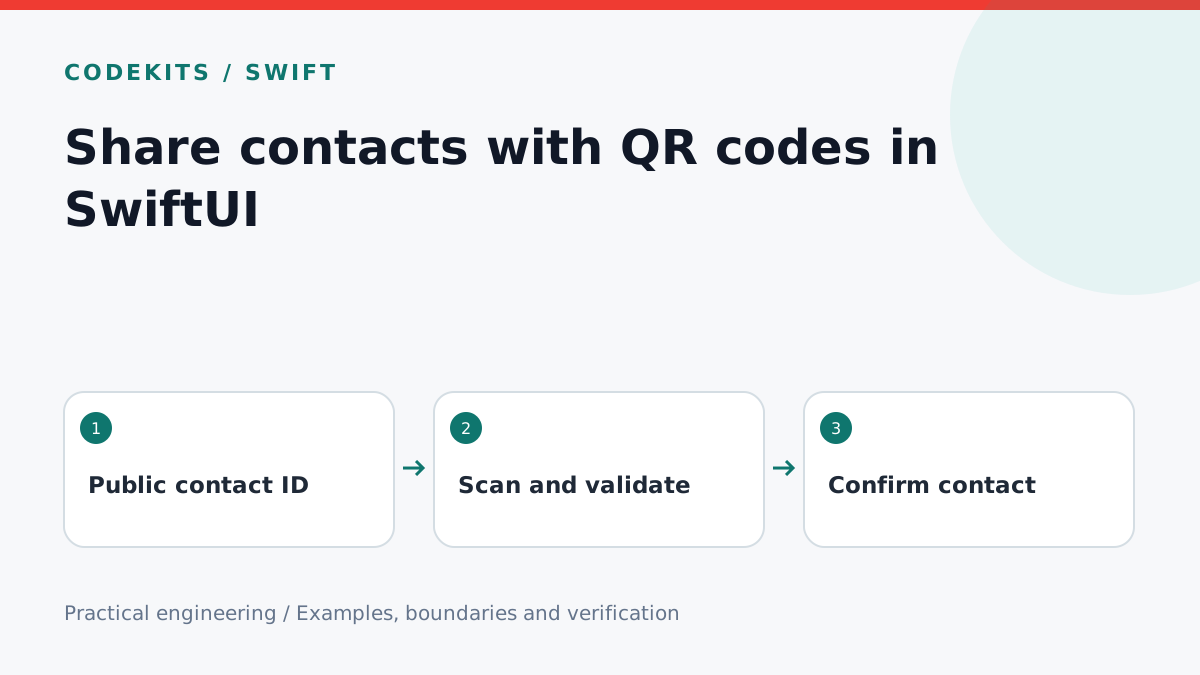
A contact QR code is untrusted input with a convenient camera interface. It should identify a contact, not automatically open an arbitrary URL, send a message or replace a trusted identity. This tutorial builds the payload and rendering layer, then defines the scanner-to-confirmation boundary.
Use iOS 16 or later, SwiftUI, Core Image and AVFoundation. The code excerpts are native integration components, not a complete camera application. Type-checking can validate API use; camera permission, scan speed, glare and VoiceOver must be tested on devices. Use fictional contacts in screenshots and tests.
Keep the payload small and versioned
An opaque contact ID and a short display name are enough for this example. Do not embed credentials, message history, private keys or a full address book. The name is a preview label, not proof of identity. Resolve and confirm identity through your application's trusted service after scanning.
import Foundation

struct ContactCard: Codable, Equatable {
    let version: Int
    let contactID: UUID
    let displayName: String

    static func decode(_ data: Data) throws -> ContactCard {
        guard data.count <= 512 else { throw CardError.invalid }
        let card = try JSONDecoder().decode(Self.self, from: data)
        guard card.version == 1,
              !card.displayName.trimmingCharacters(in: .whitespacesAndNewlines).isEmpty,
              card.displayName.utf8.count <= 80,
              card.displayName.unicodeScalars.allSatisfy({
                  !CharacterSet.controlCharacters.contains($0)
              }) else { throw CardError.invalid }
        return card
    }

    func encoded() throws -> Data {
        let data = try JSONEncoder().encode(self)
        _ = try Self.decode(data)
        return data
    }
    enum CardError: Error { case invalid }
}
Validate on both generation and ingestion so your own UI cannot create a code the scanner rejects. Byte limits matter because QR capacity depends on encoded bytes, not the number of visible characters. A version field lets a later schema fail cleanly rather than being misinterpreted by an older client.
Render without blurring the modules
import SwiftUI
import CoreImage.CIFilterBuiltins
import UIKit

func qrImage(for card: ContactCard) throws -> UIImage {
    let filter = CIFilter.qrCodeGenerator()
    filter.message = try card.encoded()
    filter.correctionLevel = "M"
    guard let output = filter.outputImage else { throw ContactCard.CardError.invalid }
    let scaled = output.transformed(by: CGAffineTransform(scaleX: 8, y: 8))
    guard let image = CIContext().createCGImage(scaled, from: scaled.extent) else {
        throw ContactCard.CardError.invalid
    }
    return UIImage(cgImage: image)
}

struct ContactQRView: View {
    let image: UIImage
    var body: some View {
        Image(uiImage: image)
            .interpolation(.none)
            .resizable()
            .scaledToFit()
            .padding(24)
            .background(.white)
            .accessibilityLabel("Contact sharing QR code")
    }
}
The white margin preserves space around the code, and nearest-neighbour rendering avoids blurred boundaries. Use a stable, high-contrast presentation rather than tinting modules with an animated gradient. Core Image provides the QR generator. Add a separate readable contact name and an accessible sharing alternative.
Connect a scanner safely
Configure an AVCaptureSession with a camera input and AVCaptureMetadataOutput. Request video access only when scanning is requested and include a meaningful NSCameraUsageDescription. Check available metadata types before selecting .qr, and start or stop the capture session away from the main UI work queue. Apple's metadata output documentation defines the scanner delegate boundary.
For each QR metadata result, obtain its string value, bound its UTF-8 byte count, and pass it through ContactCard.decode. Ignore unsupported formats with a clear message. Pause scanning after one valid candidate so repeated camera frames do not produce multiple sheets. Present a confirmation screen with Add and Cancel; only Add may call the authenticated contact API.
Never treat a QR name as a verified identity. If identity assurance matters, display a fingerprint or server-verified profile and explain what was verified. A copied QR code can be displayed by someone other than its owner.
Test and troubleshoot
Round-trip a synthetic card and compare values. Test invalid JSON, unsupported versions, oversized names, control characters and oversized payloads. Scan the same code repeatedly: expect one confirmation, not multiple inserts. Cancel and verify no API request occurred.
On devices, test permission denial, poor lighting, a small printed code, rotation and a code shown on another screen. If scanning fails only after resizing, check interpolation and the surrounding margin. If cancelled contacts still appear, look for mutation in the scanner callback rather than the confirmation action.
For a contact-sharing flow integrated with a native application, explore CodeKits Swift iOS development.