
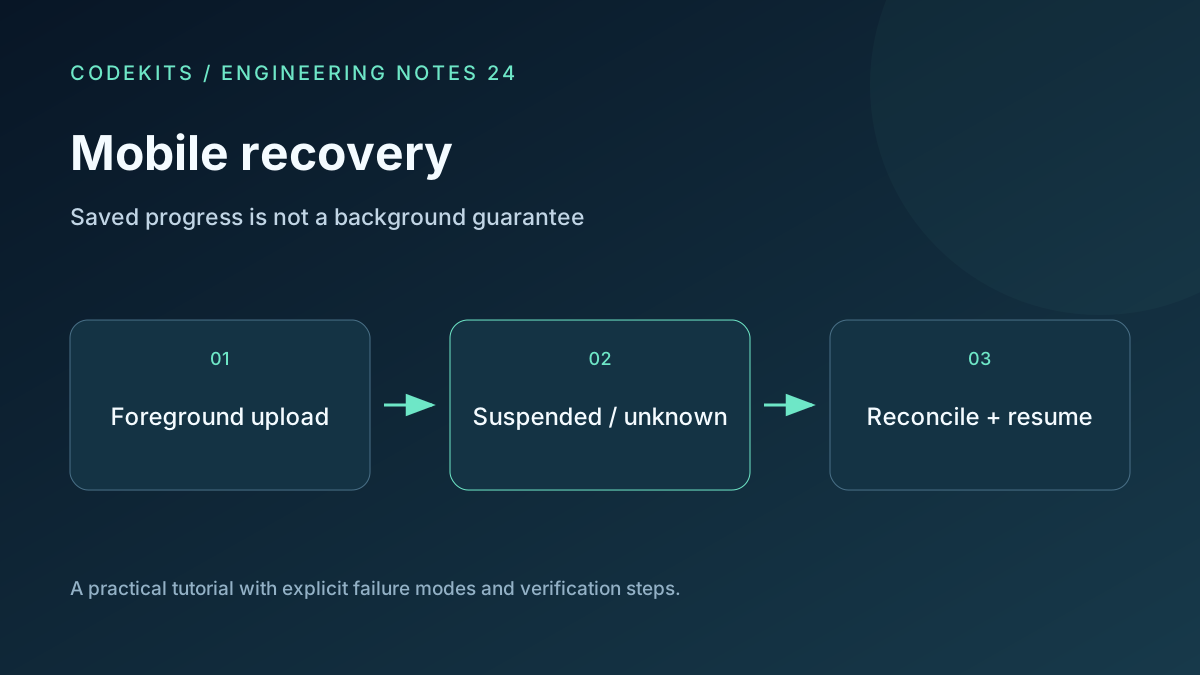
A browser upload can stop when someone locks an iPhone, switches apps or runs short of memory. A website cannot promise an uninterrupted background transfer. What it can do is retain a resumable session and explain clearly how to continue when the page returns.
This tutorial adds a recovery policy to an existing authenticated chunk API. It is a browser integration guide, not a native iOS background-transfer implementation. The supporting chunk planner is tested separately; no physical iPhone device matrix was run for this article. Verify behaviour on the actual iOS and Safari versions you support.
Use durable progress as the baseline
The server should store committed chunk indices, upload state, expected file metadata and expiry. A browser percentage is only a display. After returning from suspension, fetch the server manifest and rebuild the list of missing chunks.
Persist the upload ID and non-secret resume metadata when a session is created and after acknowledgements. Do not wait for an unload event. Page teardown is an unreliable moment to perform network work or save a large state snapshot.
Store only what you need: upload ID, display name, expected size and content-identity information. Avoid persisting authorization tokens or private file contents casually. Browser storage has quota and lifecycle limits, and access can fail. For example, sessionStorage is tab-scoped and is not a durable cross-session file store. sessionStorage.
Treat visibility as a hint
A visibility change can help update the interface and stop scheduling new chunks, but it is not an operating-system background execution grant. The browser may suspend before your next timer or callback runs. MDN describes visibility events and background throttling separately. Page Visibility API.
let needsReconcile = false;

document.addEventListener("visibilitychange", () => {
  if (document.visibilityState === "hidden") {
    needsReconcile = true;
    uploader.pauseScheduling();
    // Best-effort abort; the server may still commit this request.
    uploader.abortInFlight();
    return;
  }
  if (needsReconcile) {
    needsReconcile = false;
    showResumePrompt("Check saved progress before continuing.");
  }
});
The uploader and UI functions are application boundaries, not browser built-ins. Pause should prevent new work and make the current request uncertain. It should not declare the upload failed or delete committed chunks.
Require an explicit Resume button. On activation, ensure there is only one active resume task, retrieve the server status and verify that the upload has not expired or been cancelled. Then reconcile and restart missing chunks.
Be honest about file access
A JavaScript File object may remain available when the tab returns, or it may be lost after page reload or eviction. If it is gone, ask the user to select the original file again.
A matching name and size are not proof that the contents are identical. Use the session's content digests or another verified identity scheme before combining old chunks with a newly selected file. Hash in bounded chunks or a worker if necessary; do not read a multi-gigabyte file into one array merely to verify it.
If the server no longer has the session, explain that the upload has expired and offer to restart. Do not label a fresh upload as resumed.
Make the interface useful during uncertainty
Useful states include preparing, uploading, paused, checking saved progress, awaiting original file, expired, cancelled and complete. “Complete” should appear only after the server confirms assembly and final validation.
Show confirmed bytes separately from in-flight bytes. A short temporary drop while reconciling can be understandable if the interface explains that only saved chunks count. Keep cancellation separate from pause: cancellation is a server-side terminal action, whereas pause retains resumable progress until expiry.
Run a physical-device acceptance matrix
Use a harmless large fixture. Test app switching, screen lock, Wi-Fi loss, network changes, returning after several minutes, force-closing Safari, tab reload and low-storage conditions. Repeat with a short and a near-expiry session. Record the device, OS version and whether original file access survived.
After each case, compare the final server hash with the original file and confirm that retries did not duplicate chunks or quota charges. Throttling desktop DevTools is useful, but it does not reproduce iOS process suspension.
If recovery stalls, check for a second active uploader, an expired authentication session or a chunk committed before its response was lost. Start with the resumable protocol, and contact CodeKits for a mobile-friendly Next.js portal.