
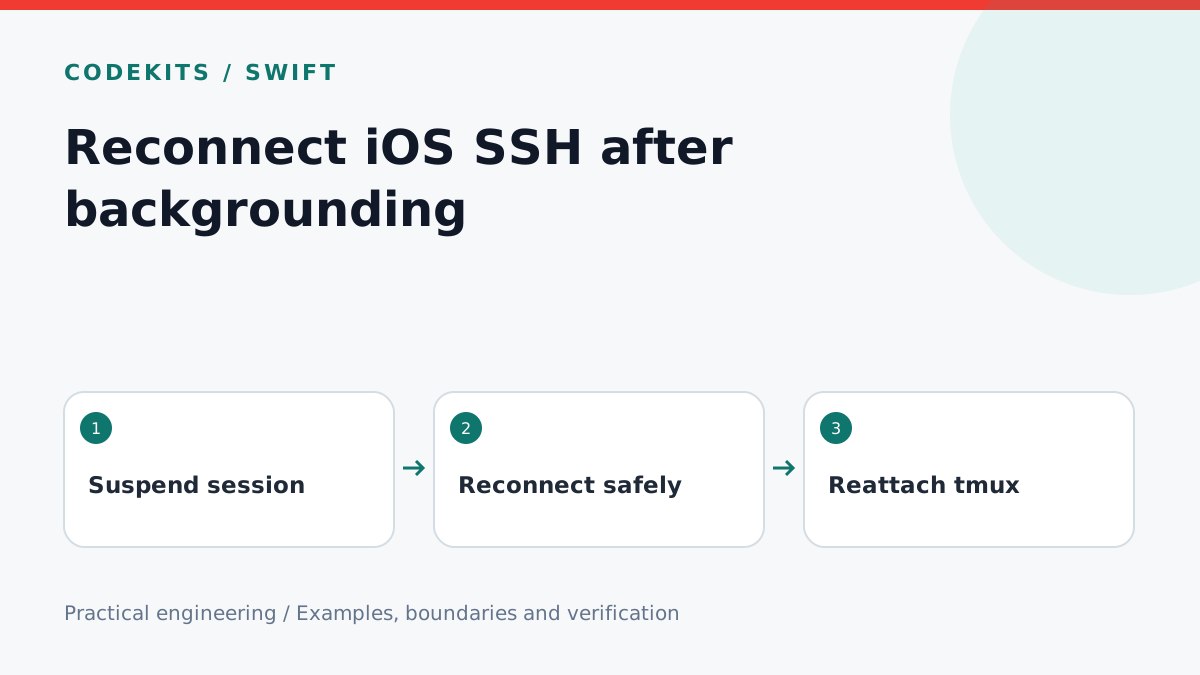
An iOS app returning from the background may still have a socket object without a usable SSH connection. Do not label it connected merely because it existed before suspension. Model foreground recovery explicitly, discard stale connection attempts and distinguish reconnecting the network from restoring the user's remote shell session.
This tutorial gives a small connection-generation state machine and an integration checklist. It assumes an existing SSH client with verified host keys and a server you are authorised to use. The pure Swift state logic can run locally; real suspension, network changes and server reconnection require device tests. Those device tests were not performed for this article.
Treat backgrounding as a lifecycle boundary
Ordinary iOS applications cannot keep arbitrary SSH sockets running indefinitely by adding a timer. Background-task APIs provide limited time to finish eligible work, not a permanent network entitlement. Apple's background execution guidance explains the distinction.
On backgrounding, stop claiming that the connection is healthy, stop accepting new interactive input if delivery cannot be confirmed, and preserve only the non-secret session metadata needed for recovery. If closing the transport is your policy, close it deliberately. If retaining it, verify liveness on return before restoring the connected state.
Never blindly replay buffered terminal input. A command may have reached the server even when the acknowledgement or output was lost. Replaying it can duplicate a side effect. Show a reconnecting state and let the user decide how to continue.
Reject results from obsolete attempts
A slow connection attempt can finish after the user disconnects or changes hosts. A generation counter gives each attempt an identity. Only the current generation may update connection state.
enum LinkState: Equatable {
    case disconnected, connecting, connected, suspended
}

struct ReconnectState {
    private(set) var state: LinkState = .disconnected
    private(set) var generation = 0

    mutating func begin() -> Int {
        generation += 1
        state = .connecting
        return generation
    }

    mutating func established(_ token: Int) -> Bool {
        guard token == generation, state == .connecting else { return false }
        state = .connected
        return true
    }

    mutating func suspend() {
        generation += 1
        state = .suspended
    }

    mutating func disconnect() {
        generation += 1
        state = .disconnected
    }
}
Own this state on one actor, typically the main actor for a UI model. When an asynchronous connect completes, call established(token); if it returns false, close the newly created transport rather than leaking it. Cancellation is useful too, but a generation check protects against libraries or operations that complete despite cancellation.
This helper does not reconnect by itself. The application observes scenePhase, applies its background policy and starts a bounded connection attempt when active. Authentication failure or a changed host key should stop automatic retries and require attention. Temporary network failures can use exponential backoff with jitter and a visible Cancel action.
A remote session is a separate resource
Without a multiplexer, disconnecting SSH may terminate the remote shell and its foreground programs, depending on server and shell behaviour. A server-side tmux session can remain after the client disconnects and be reattached later. It does not keep the phone's TCP connection alive.
tmux new-session -A -s ios-demoUse a fixed, app-controlled session name in this demonstration. Do not interpolate arbitrary connection labels into shell commands. In a real product, use an explicit user preference for remote session restoration rather than automatically executing remote commands on every connection. The tmux getting-started guide explains detach and reattach behaviour.
tmux is not durable storage for the server itself: a server reboot or terminated tmux process can still lose the session. Saved terminal scrollback on the phone is also not proof that the displayed process is still running remotely. Label restored history separately until current output arrives.
Test races and device recovery
For unit tests, begin attempt A, suspend, begin B, then complete A. A must be rejected and B may succeed. Begin an attempt, disconnect, then complete it: the UI must remain disconnected. Repeat with host switching and credential changes.
On a device and disposable server, test short app switches, long suspension, locked screen, Wi-Fi loss, cellular transitions, server restart and changed host keys. Compare a plain shell with a tmux-backed shell. Verify that no commands are replayed, no credentials appear in logs and stale transports are closed.
If the UI says connected but input does nothing, inspect liveness checks. If old hosts reappear after switching, inspect generation ownership. For a complete native connection lifecycle, see CodeKits Swift iOS development.