
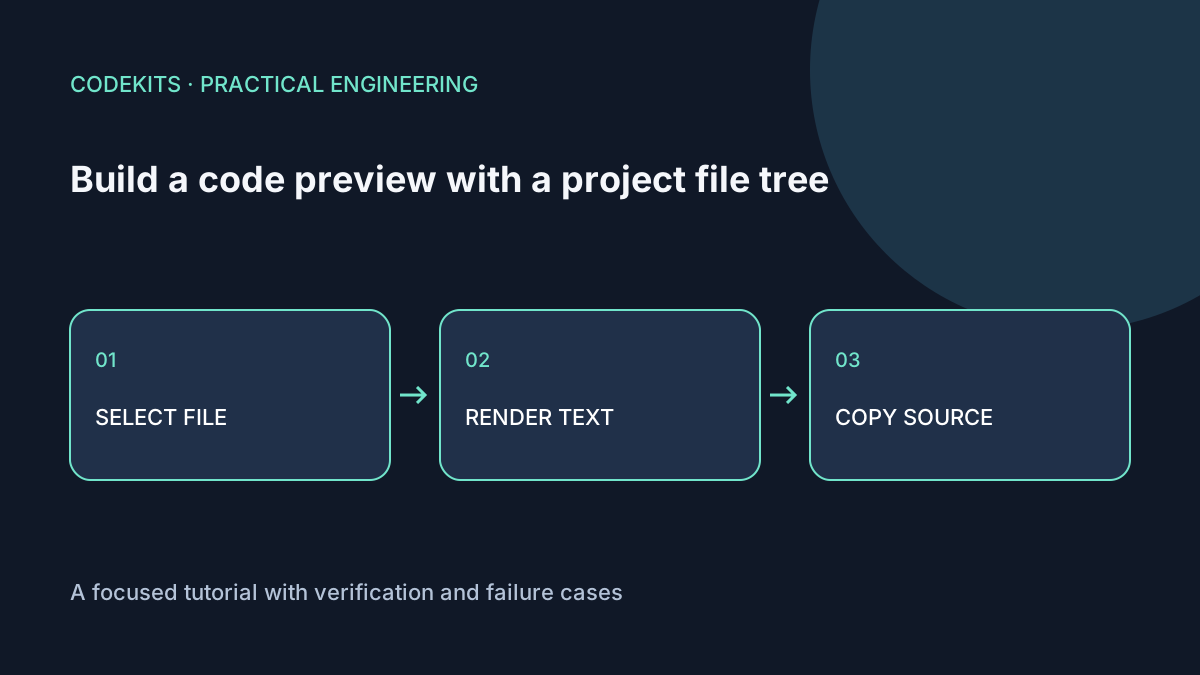
A useful code preview needs three things to agree: the selected filename, the displayed source and the copied text. Keeping those values in one file registry makes that relationship straightforward. This tutorial builds a small read-only explorer, not an editor or a runtime for arbitrary code.
The standalone download contains synthetic source files stored as JavaScript strings. It needs only a modern browser and a localhost server. There are no API keys, private paths or backend requests.
Model files before building the interface
Use a stable ID for each file and keep its language separate from its path. Do not infer authorization from a filename: the browser can inspect everything bundled into the page.
export const files = [
  {
    id: "page", path: "src/page.js", language: "javascript",
    source: 'export const title = "Example project";\n'
  },
  {
    id: "styles", path: "src/styles.css", language: "css",
    source: "body { font-family: system-ui; }\n"
  }
];
export function getFile(id) {
  return files.find(file => file.id === id) ?? files[0];
}
The download uses a nested list with ordinary buttons. This looks like a file tree but deliberately does not claim role="tree". A true ARIA tree brings a substantial keyboard contract: arrow-key navigation, expansion and focus management. Follow the WAI-ARIA tree-view pattern if that richer widget is needed.
Render code as text first
<section aria-labelledby="selected-file">
  <h2 id="selected-file">src/page.js</h2>
  <button id="copy" type="button">Copy source</button>
  <p id="copy-status" role="status"></p>
  <pre tabindex="0" aria-label="Selected file source"><code></code></pre>
</section>let selected = files[0];
function selectFile(id) {
selected = getFile(id);
document.querySelector("#selected-file").textContent = selected.path;
document.querySelector("code").textContent = selected.source;
document.querySelector("#copy-status").textContent = "";
for (const button of document.querySelectorAll("[data-file]")) {
button.setAttribute("aria-pressed",
String(button.dataset.file === selected.id));
}
}textContent displays angle brackets as source rather than executing them as HTML. Do not replace it with unsanitized innerHTML when adding syntax colours. A highlighter should emit escaped tokens, or trusted DOM nodes constructed from plain token text. The downloadable fixture deliberately uses plain text, without a syntax highlighter or language parser.
Keep long lines inside the code panel with overflow: auto, min-width: 0 on its grid child, and a clear focus outline. Avoid shrinking the whole page to fit a long line.
Copy the original, not highlighted markup
document.querySelector("#copy").addEventListener("click", async () => {
  const file = selected;
  const status = document.querySelector("#copy-status");
  try {
    await navigator.clipboard.writeText(file.source);
    status.textContent = "Copied " + file.path;
  } catch {
    status.textContent = "Copy unavailable. Select the code and copy it manually.";
  }
});
Capturing the file before awaiting avoids reporting that a different file was copied if selection changes. The Clipboard writeText documentation describes secure-context and permission restrictions. Serve the example on localhost or HTTPS and keep manual selection available.
Do not announce success before the promise resolves, and avoid setting a timer that clears a later status message belonging to a different action.
Test selection, escaping and narrow layouts
Select every file with mouse and keyboard. Confirm the heading, pressed button and code match, then paste copied text into a plain text editor. Include a source string containing an HTML-looking tag: it must appear literally, not create an element.
At 320 CSS pixels, the file list should stack above the preview. A long line must scroll inside the code box without widening the entire document. Test denied clipboard access and switching files immediately after clicking Copy.
The registry and text-rendering structural checks run with Node. Browser clipboard permissions and keyboard behaviour require a manual check in the final environment.
For a larger developer portal, add search, lazy loading and explicit file-size limits before attempting to preview entire repositories. React application development can help connect a safe explorer to the surrounding product workflow.