
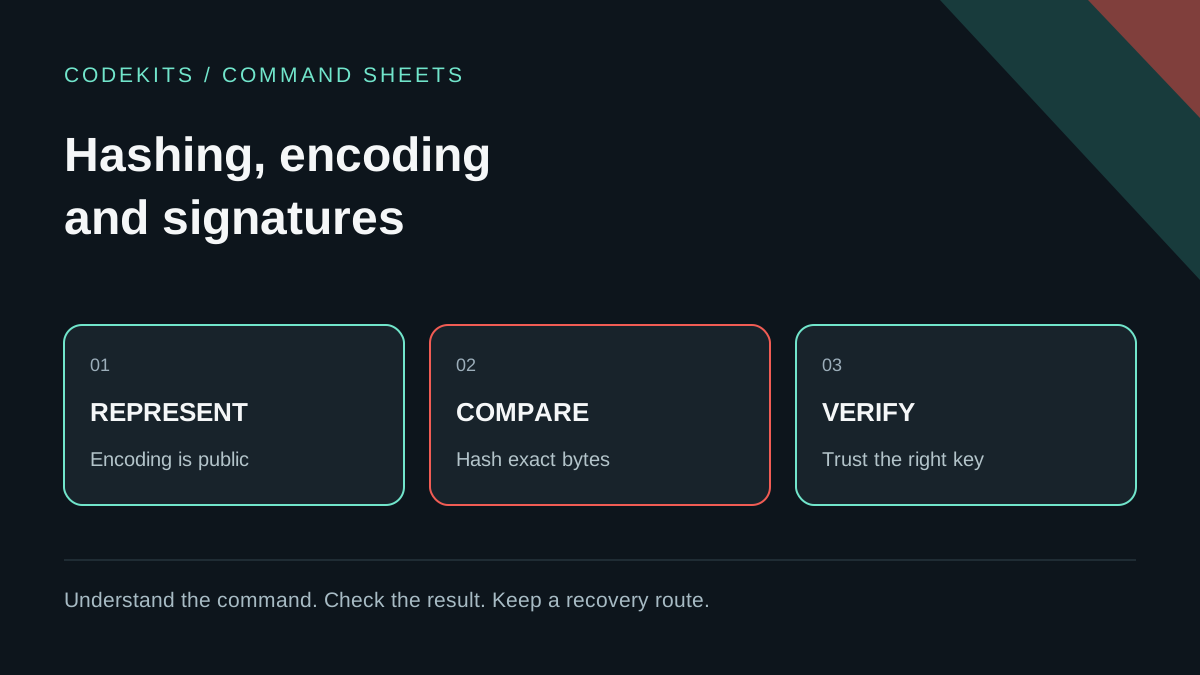
A value that looks unreadable is not necessarily protected. Base64, a SHA-256 digest and an encrypted message can all look like random text while solving very different problems. Choosing by appearance is how secrets end up merely encoded.
This guide turns the cryptography distinctions in my study notes into a small, repeatable programming exercise. It corrects an important shorthand: hashing is not encryption. The examples use public test text and disposable in-memory keys, never customer information.
Decide which question you need to answer
| Requirement | Appropriate concept | Important limitation |
|---|---|---|
| Represent bytes in JSON or text | Encoding, such as Base64 | Anyone can decode it |
| Compare exact file contents | Cryptographic digest | A digest alone does not identify the publisher |
| Keep recoverable data confidential | Encryption with sound key management | Anyone holding the decryption capability may recover it |
| Verify a publisher's signed bytes | Digital signature | You must trust the correct public key |
| Verify a login password | Dedicated password hashing | A fast file digest is not suitable |
These mechanisms can work together. A signed download may also have a digest; encrypted bytes are often Base64-encoded for transport. The outer encoding says nothing about the inner design.
Start with a reversible representation
Requires Node.js 20 or later. Run locally, not in a production application's console:
const bytes = Buffer.from("public practice text", "utf8");
const encoded = bytes.toString("base64");
const recovered = Buffer.from(encoded, "base64").toString("utf8");

console.log(encoded);
console.log(recovered);
The second line of output is the original text. There was no key and no password. This is useful when a transport needs printable characters, not when a database value must remain confidential. Encoding is also not sanitisation: decoding untrusted data does not make it safe to insert into HTML, SQL or a shell command.
Hash the exact bytes you intend to compare
import { createHash } from "node:crypto";

const digest = text =>
  createHash("sha256").update(text, "utf8").digest("hex");

console.log(digest("hello"));
console.log(digest("hello\n"));
The values differ because the newline is part of the input. This matters when comparing a downloaded archive or a generated manifest: line endings, text encoding and reformatting can change bytes without changing the apparent meaning.
SHA-256 produces a fixed-size digest, not a compressed copy you can decrypt. Collisions are mathematically possible; the security goal is that finding useful collisions or preimages is computationally infeasible under the algorithm's assumptions. Do not describe a matching digest as absolute proof that two arbitrary files must be identical.
For release verification, obtain the expected digest through a trusted channel. If an attacker can replace both the download and its displayed checksum, recomputing the checksum does not authenticate the publisher.
Verify a signature, then test failures
The downloadable example uses Node's built-in Ed25519 support:
import { generateKeyPairSync, sign, verify } from "node:crypto";

const { publicKey, privateKey } = generateKeyPairSync("ed25519");
const bytes = Buffer.from('{"release":"demo-1"}', "utf8");
const signature = sign(null, bytes, privateKey);

console.log(verify(null, bytes, publicKey, signature));
console.log(verify(
  null,
  Buffer.from('{"release":"demo-2"}', "utf8"),
  publicKey,
  signature
));
Expect true, then false. Ed25519 uses null for the algorithm argument in these Node calls; do not substitute a separate SHA-256 prehash casually. The Node crypto API documents the key-generation and sign/verify interfaces.
The signature is not encryption. Anyone with the signed bytes can read them. A valid signature means those bytes verify under that key, not that the text is truthful, the signer is trustworthy, or the public key belongs to the person named in a user interface. Production systems need trusted key distribution, rotation, revocation and replay/version rules as well as the primitive.
Do not use this digest as a password database
Passwords often have far less entropy than randomly generated keys. A fast SHA-256 operation is designed to be efficient, which is the wrong goal for resisting repeated password guesses.
Use a maintained password-hashing implementation with appropriate parameters, unique salts and an upgrade strategy. OWASP's password-storage guidance explains Argon2id and alternatives. A salt is not a secret encryption key; it prevents identical passwords from sharing identical stored hashes and frustrates precomputed attacks. Do not invent a home-made sequence of hashes.
Recoverable secrets such as API credentials have a different requirement. Use the existing security tutorials for application-specific storage patterns, and record where decryption keys live and who can access them.
Run the complete lab and understand its limits
hashing-encoding-signatures-explained/
├── README.md
└── test.mjsnode --test test.mjsThe tests cover Base64 round-trip, a known SHA-256 result, newline sensitivity, a valid signature, changed content and an unrelated public key. They use only synthetic data and in-memory keys. Passing them is evidence that the demonstrations work, not certification of a secure messaging protocol or production key-management system.
Before choosing a security claim for your app, state the threat: stolen database, malicious server, intercepted connection or compromised device. Each changes what must be protected. Return to the production learning path to place these controls alongside access restrictions, updates and recovery.