
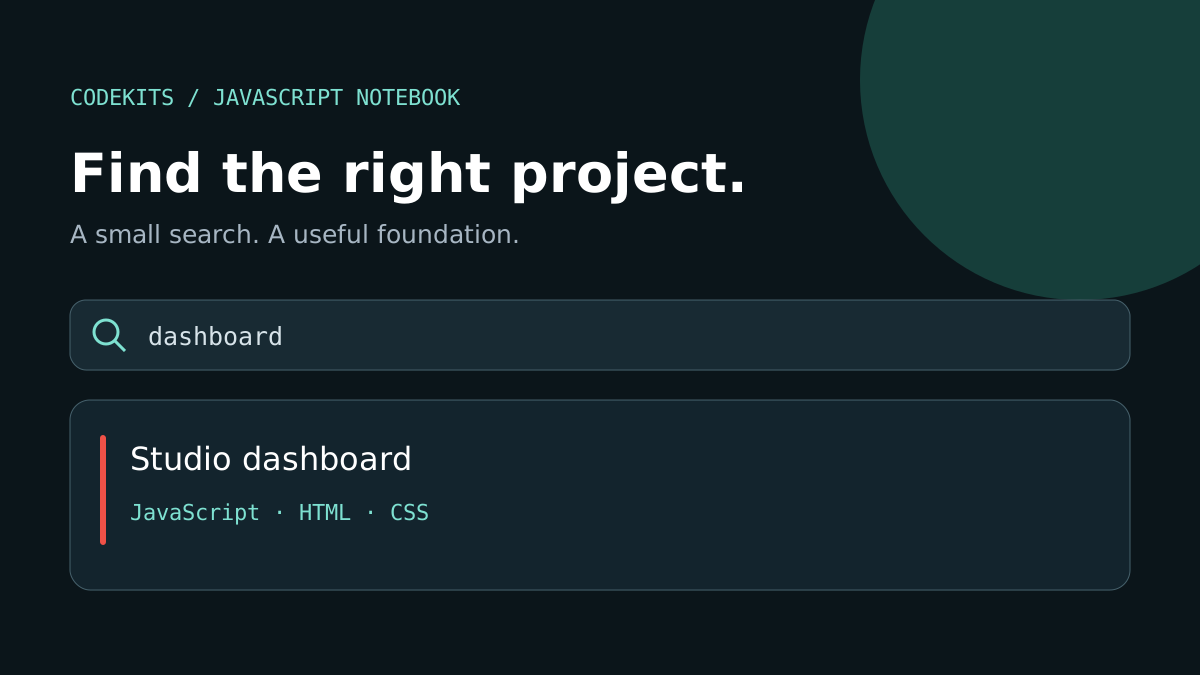
A searchable list is a useful starting point for a portfolio, documentation index or small internal tool. This tutorial keeps everything in the browser: there is no database, account or installation step.
You will create an HTML page, define a few example projects, and filter their names and technologies as someone types. Download the example above to try it locally, or follow the code below.
Project structure
Create a folder called project-search with these files. The download also includes a README with instructions.
project-search/
├── index.html       # Page, labels and styling
├── app.js           # Data, search and rendering
└── README.md        # How to run and adapt the example
Start with labelled HTML
The label explains what the search field does. The status paragraph announces the number of matching projects without moving keyboard focus. Keep the input text at least 16px on mobile to avoid focus-triggered enlargement in browsers that apply it.
<label for="search">Search projects</label>
<input id="search" type="search" placeholder="Try Swift or dashboard">
<p id="status" role="status" aria-live="polite"></p>
<ul id="projects"></ul>
<script src="app.js" defer></script>
Define the data and filter it
These are fictional example projects, not claims about completed client work. An array is sufficient for this small demo. Normalising the query once makes matching case-insensitive, while trim() ignores accidental surrounding spaces.
const projects = [
  { name: 'Studio dashboard', stack: 'JavaScript HTML CSS' },
  { name: 'Reading tracker', stack: 'Swift SwiftUI' },
  { name: 'Desktop notes', stack: 'Rust TypeScript' },
];

function findProjects(query) {
  const term = query.trim().toLowerCase();
  return projects.filter(project =>
    `${project.name} ${project.stack}`.toLowerCase().includes(term)
  );
}
An empty string matches every project, so clearing the field restores the full list. This example uses substring matching rather than fuzzy search: typing swfit will not match Swift.
Render text without injecting HTML
Create elements and set their textContent. This treats project names as text rather than HTML. It is a useful habit when you later replace hard-coded examples with data from an API.
const search = document.querySelector('#search');
const list = document.querySelector('#projects');
const status = document.querySelector('#status');

function render() {
  const matches = findProjects(search.value);
  list.replaceChildren(...matches.map(project => {
    const item = document.createElement('li');
    const title = document.createElement('h2');
    const stack = document.createElement('p');
    title.textContent = project.name;
    stack.textContent = project.stack;
    item.append(title, stack);
    return item;
  }));
  status.textContent = `${matches.length} project${matches.length === 1 ? '' : 's'} found`;
}

search.addEventListener('input', render);
render();
Try it and check the edge cases
Open the downloaded index.html in a browser. No package manager or remote script is needed.
| Try | Expected result |
|---|---|
| Leave the search empty | Three projects |
Enter swift or SWIFT |
Reading tracker |
Enter Rust |
Desktop notes |
Enter not-a-project |
Zero projects, with a visible count |
| Clear the search | All projects return |
Test using a keyboard as well as a phone. The field should remain readable, the page should fit the viewport, and long project names should wrap rather than stretch the layout.
Where to take it next
For a larger collection, add category filters, useful project links and pagination. For a database-backed search, query the server with a bounded input length and handle loading, empty and failure states. Do not send private project data to every browser just to filter it locally.
You can use the same approach inside a React component, but a framework is not required for a small static list. See the React development service if you need a more complete dashboard or application.